How to Fix & Avoid InfinityFree Account Suspensions (50,000 Daily Hits Limit Explained)

⚡ Executive Summary & Diagnostic Protocol (2026 Edition) 🎯 Level: Beginner to Intermediate ⚡ Resolution Time: 10–15 Mins ⏱️ 8 min read (1,650 words) 🔄 Verified October 2026 Sysadmin Guide 🐧 Target Environment: InfinityFree / iFastNet VistaPanel • cPanelFree Cloud Infrastructure 🛡️ Reviewed by: Senior Linux Systems Administrator 📑 Table of Contents Diagnostic Index 1The … Read more
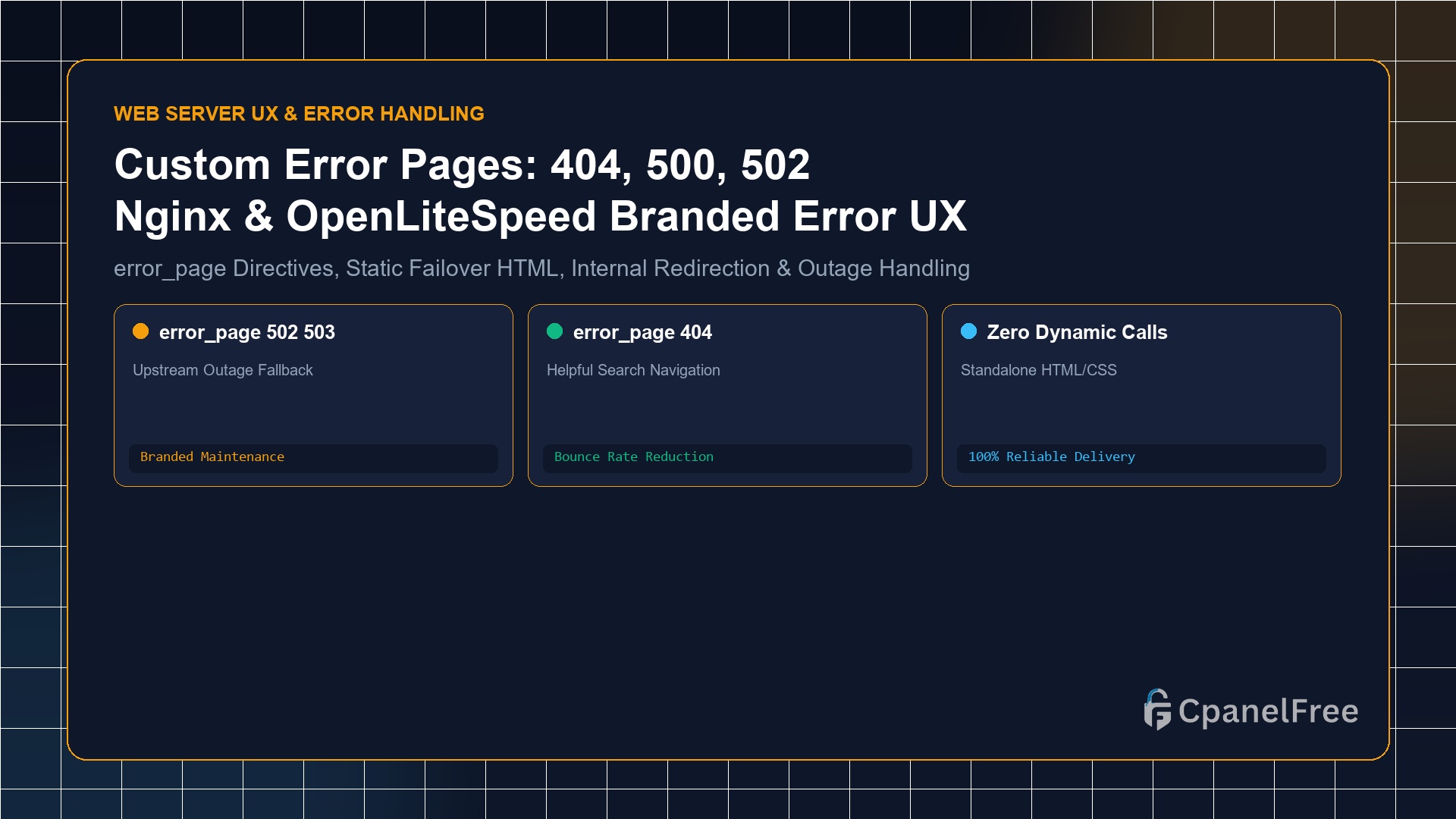
How to Serve Custom Error Pages (404, 500, 502, 503) in Nginx & OpenLiteSpeed

Quick Technical Answer: To serve branded custom error pages in Nginx: Place standalone HTML files in /var/www/html/errors/. Inside your server {} block, declare error_page 404 /errors/404.html; and error_page 500 502 503 504 /errors/50x.html;. Add a protected location block with internal; (e.g. location ^~ /errors/ { root /var/www/html; internal; }). This ensures that even if your … Read more

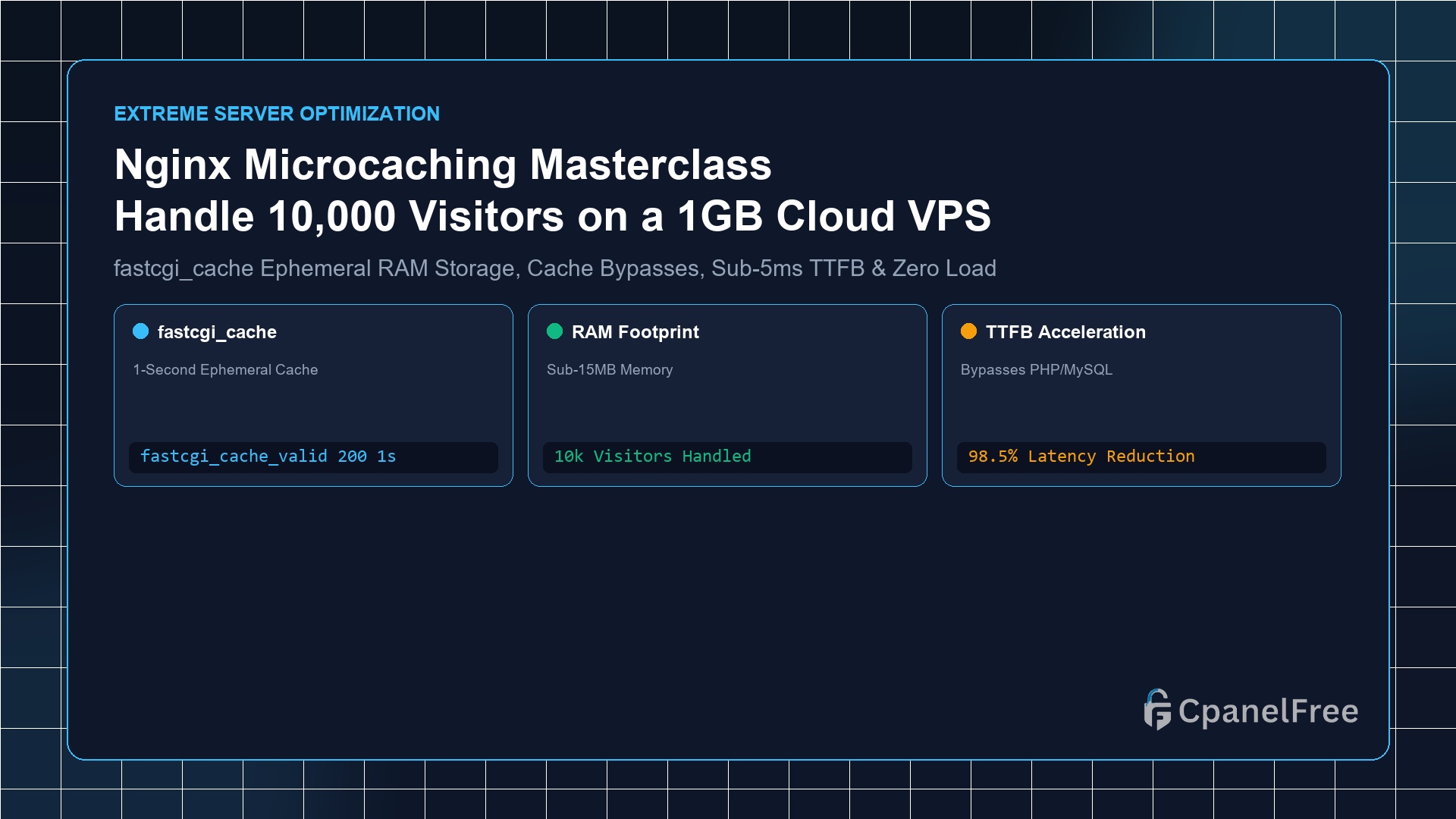
How to Configure Nginx Microcaching to Handle 10,000 Concurrent Visitors on a 1GB VPS

Quick Technical Answer: Microcaching is the technique of caching dynamic application responses (PHP/Node/Python) in Nginx for an ultra-brief window (e.g. 1 to 5 seconds). Define a cache zone in /etc/nginx/nginx.conf using fastcgi_cache_path /var/run/nginx-cache levels=1:2 keys_zone=MICROCACHE:10m inactive=10m max_size=128m;. Inside your site configuration, set fastcgi_cache_valid 200 1s;, and bypass the cache for logged-in users and shopping carts … Read more

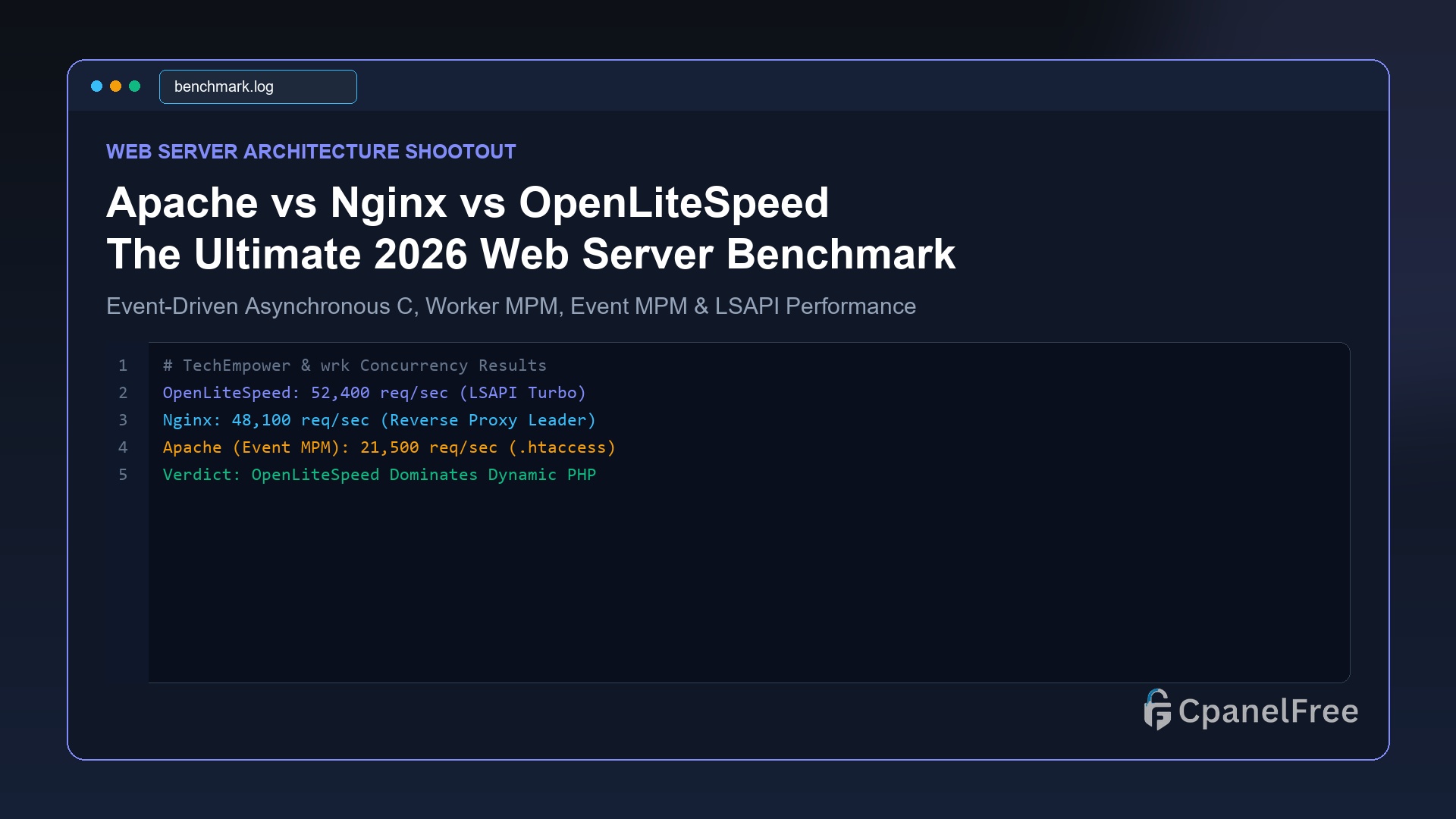
Apache vs Nginx vs OpenLiteSpeed: The Ultimate 2026 Web Server Showdown

Quick Technical Answer: For dynamic PHP workloads (WordPress, WooCommerce, Magento), OpenLiteSpeed is the undisputed champion, delivering up to 3x higher throughput than Nginx thanks to native LSCache server-level caching and the high-speed LSAPI protocol while maintaining .htaccess rewrite compatibility. For reverse proxying microservices, Docker clusters, and static asset delivery, Nginx remains the industry gold standard. … Read more

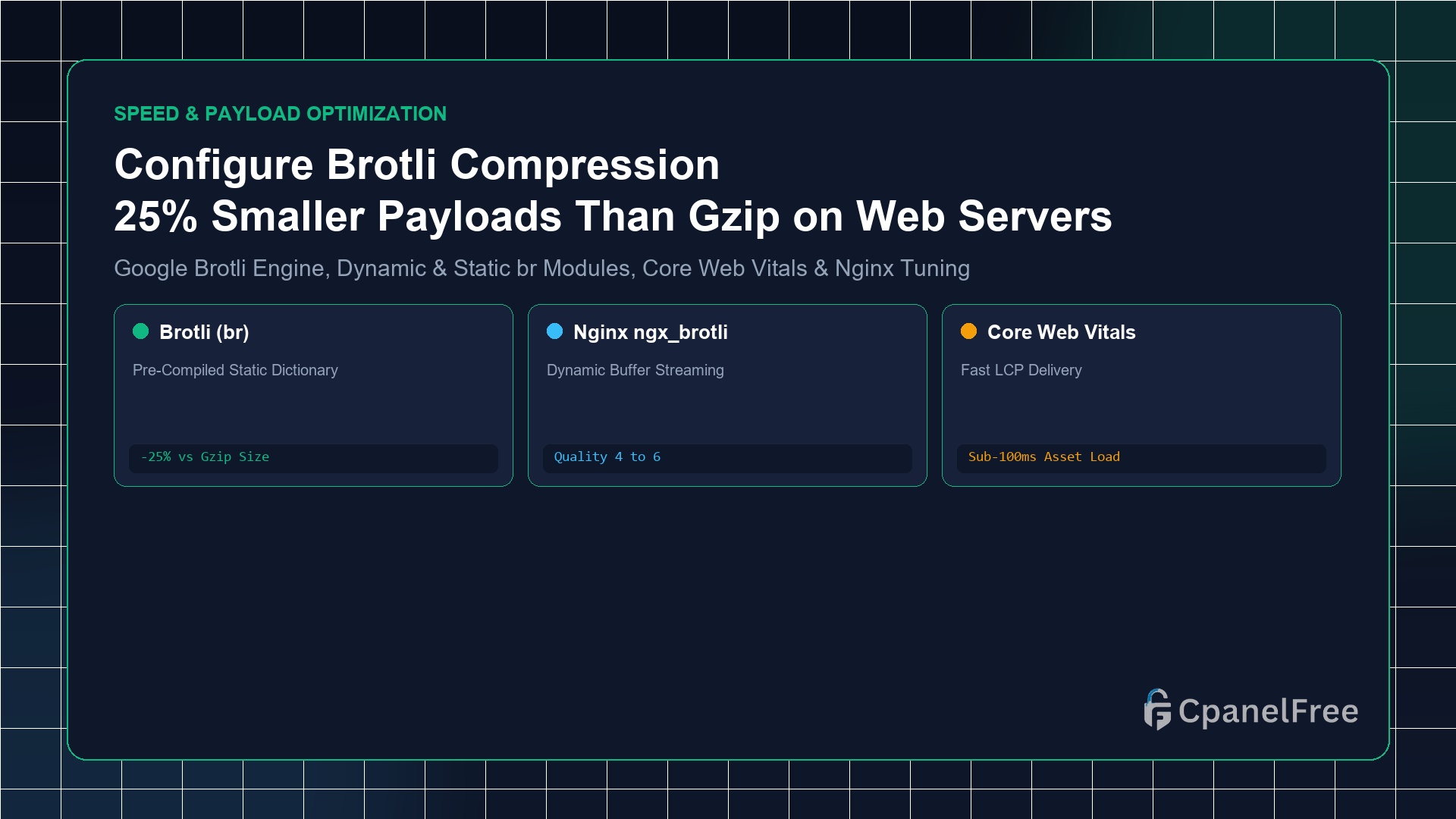
How to Configure Brotli Compression in Nginx & Apache (Better than Gzip)

Quick Technical Answer: To activate Brotli compression on Ubuntu Nginx: Install the official Google Brotli module with sudo apt install -y libnginx-mod-brotli. Inside your http {} block in /etc/nginx/nginx.conf, add brotli on;, brotli_comp_level 6;, brotli_static on;, and declare text MIME types using brotli_types text/plain text/css application/javascript application/json image/svg+xml;. Test live activation with curl -I -H … Read more

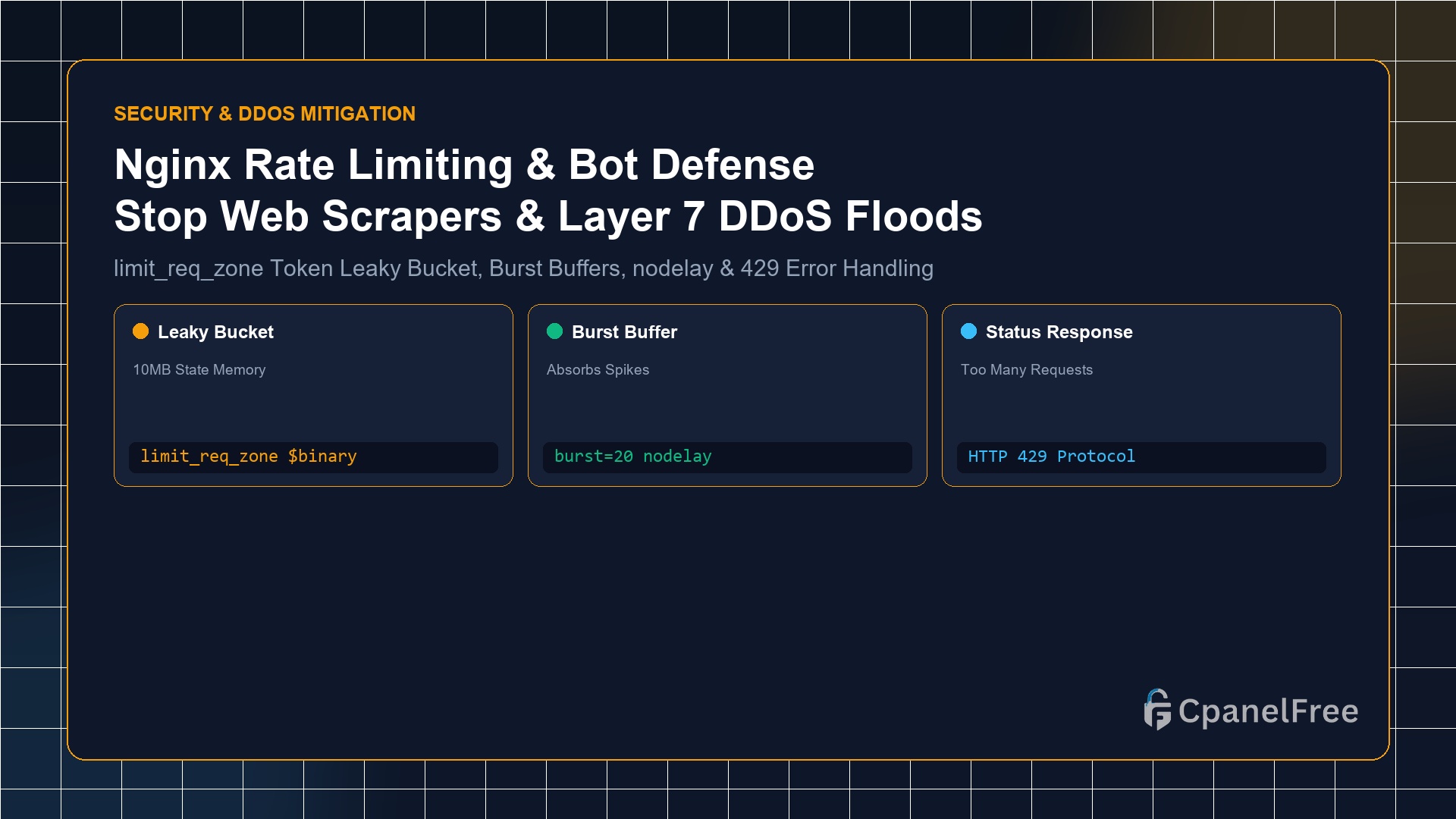
How to Set Up Nginx Rate Limiting to Stop Scrapers, Bots and Application Layer DDoS

Quick Technical Answer: To enforce rate limiting in Nginx: In the http {} block of /etc/nginx/nginx.conf, define a shared memory zone: limit_req_zone $binary_remote_addr zone=api_limit:10m rate=10r/s;. Then apply it to sensitive endpoints (such as wp-login.php or /api/) inside your server {} block: limit_req zone=api_limit burst=20 nodelay; and configure limit_req_status 429;. This buffers legitimate user spikes while … Read more

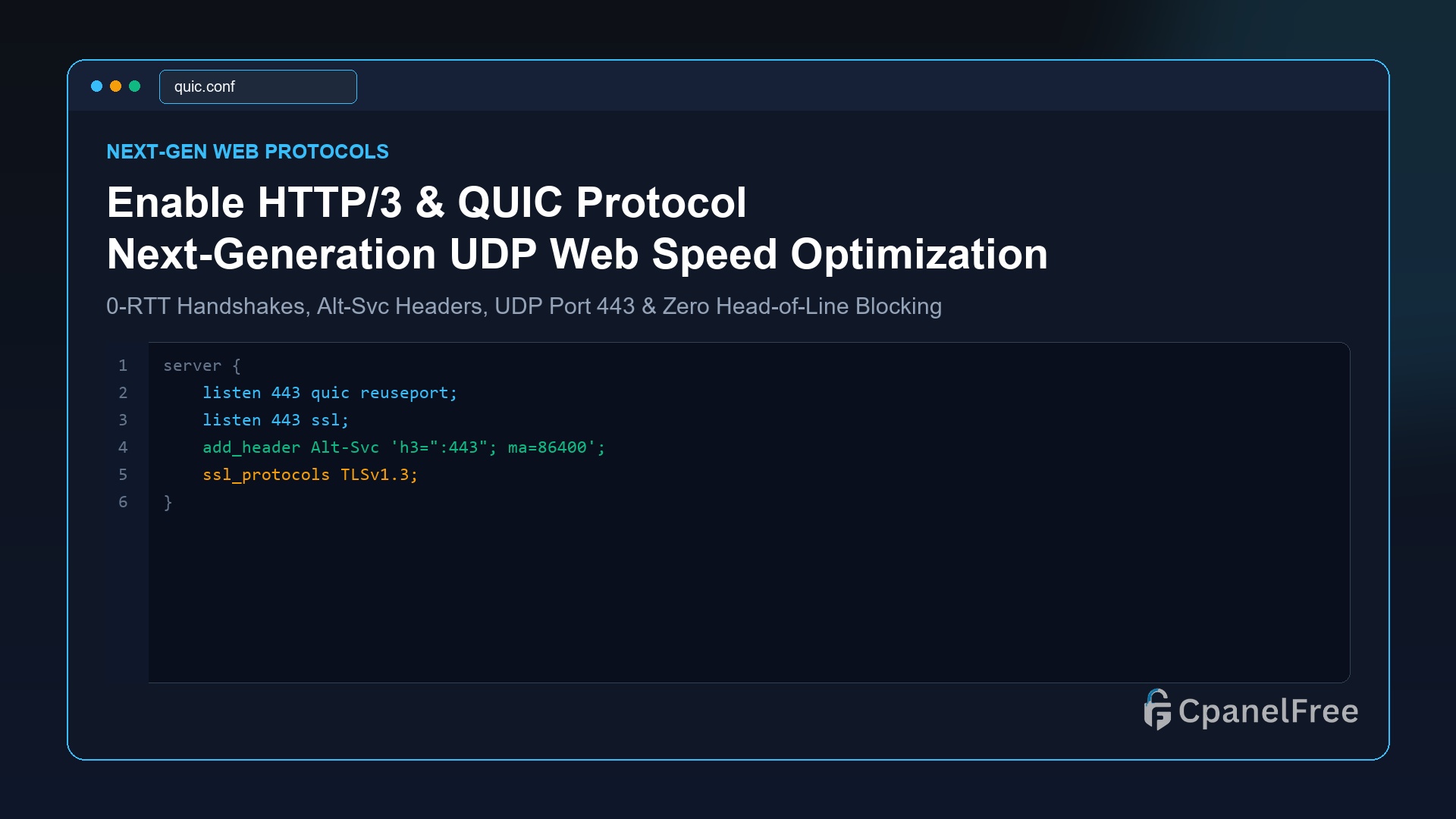
How to Enable HTTP/3 (QUIC) on Nginx and OpenLiteSpeed for Blazing Mobile Speeds

Quick Technical Answer: To activate HTTP/3 (QUIC) on Nginx (v1.25+): Add listen 443 quic reuseport; alongside standard SSL, enable ssl_protocols TLSv1.3;, and broadcast QUIC capability to browsers using add_header Alt-Svc ‘h3=”:443″; ma=86400’;. Open UDP port 443 in your firewall (sudo ufw allow 443/udp). On OpenLiteSpeed, HTTP/3 is compiled natively and can be enabled with one … Read more

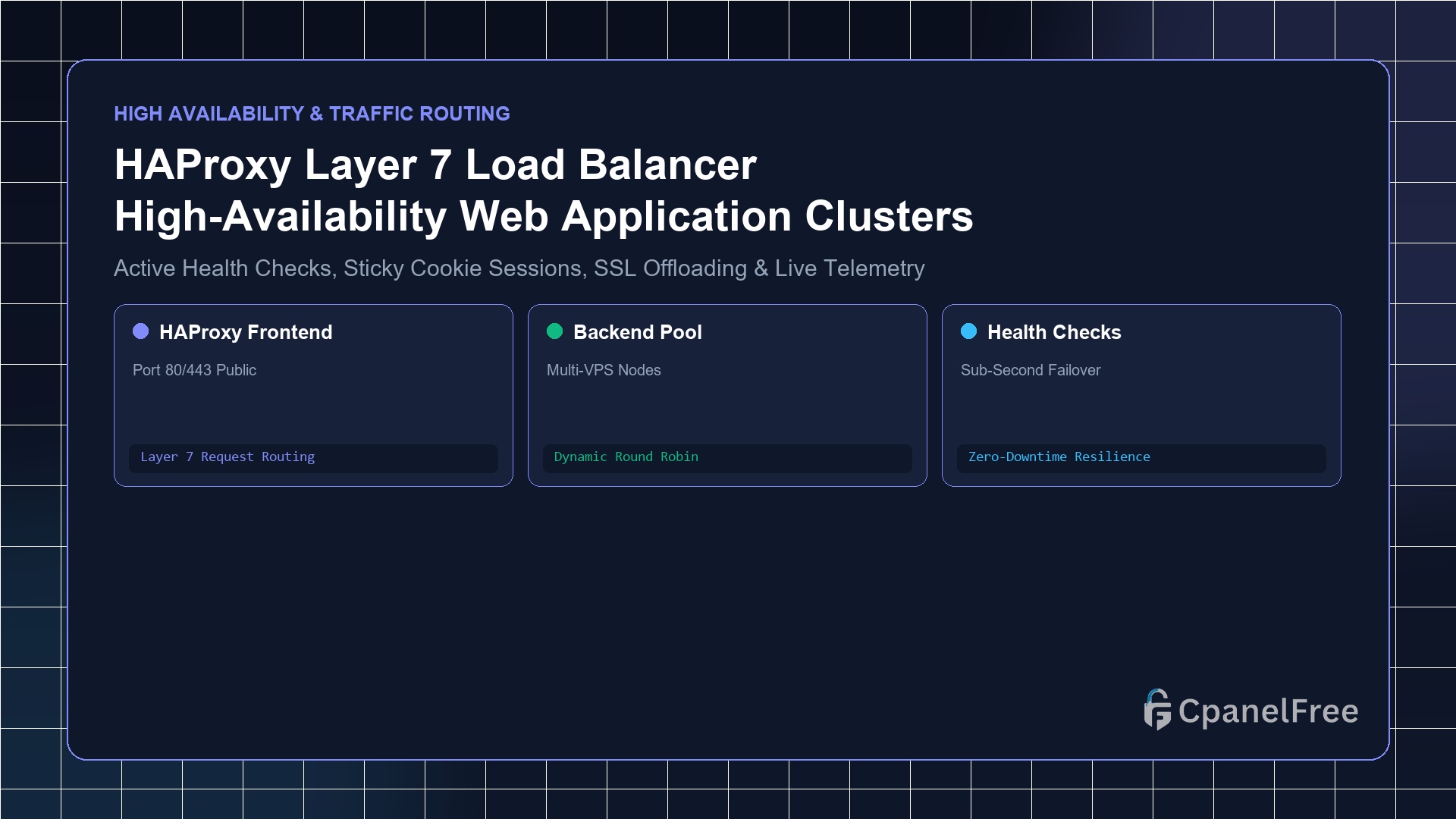
How to Set Up HAProxy as a Layer 7 Load Balancer for High-Availability Web Apps

Quick Technical Answer: To deploy HAProxy as an HTTP/HTTPS Layer 7 load balancer on Ubuntu: Install with sudo apt install -y haproxy. Edit /etc/haproxy/haproxy.cfg to define a frontend http_front listening on port 80/443 and a backend web_servers containing your application node IP addresses with balance roundrobin and check enabled for continuous health monitoring. Enable the … Read more

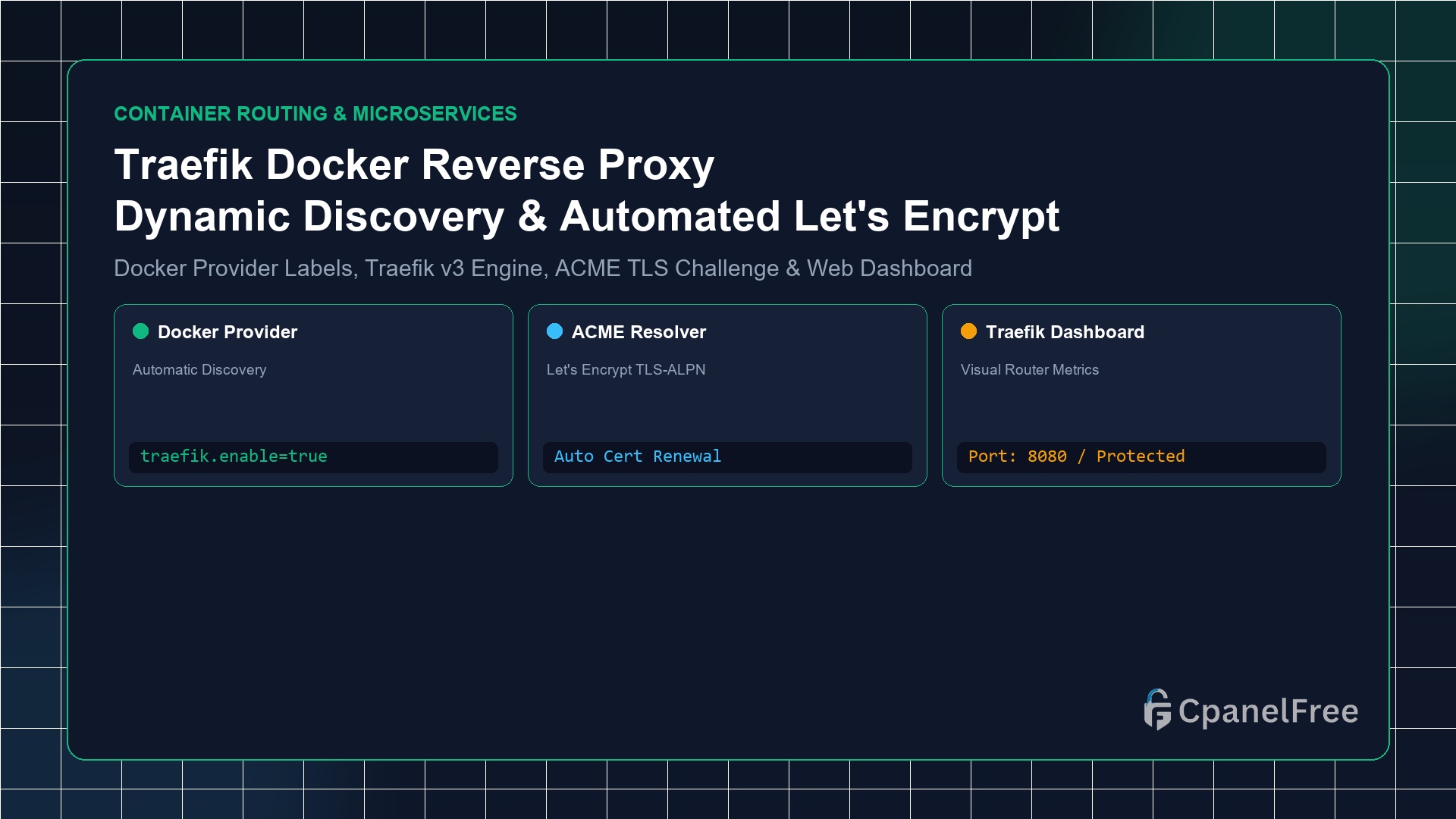
How to Configure Traefik as a Dynamic Reverse Proxy for Docker Containers

Quick Technical Answer: To configure Traefik v3 as a dynamic Docker reverse proxy: Deploy Traefik via Docker Compose, mounting /var/run/docker.sock and listening on ports 80 and 443. Enable the Docker provider (–providers.docker=true) and ACME resolver. For any application container (e.g. Nextcloud, WordPress, or Node.js), simply attach Docker labels: traefik.enable=true, traefik.http.routers.myapp.rule=Host(`myapp.yourdomain.com`), and traefik.http.routers.myapp.tls.certresolver=myresolver. Traefik auto-discovers the … Read more

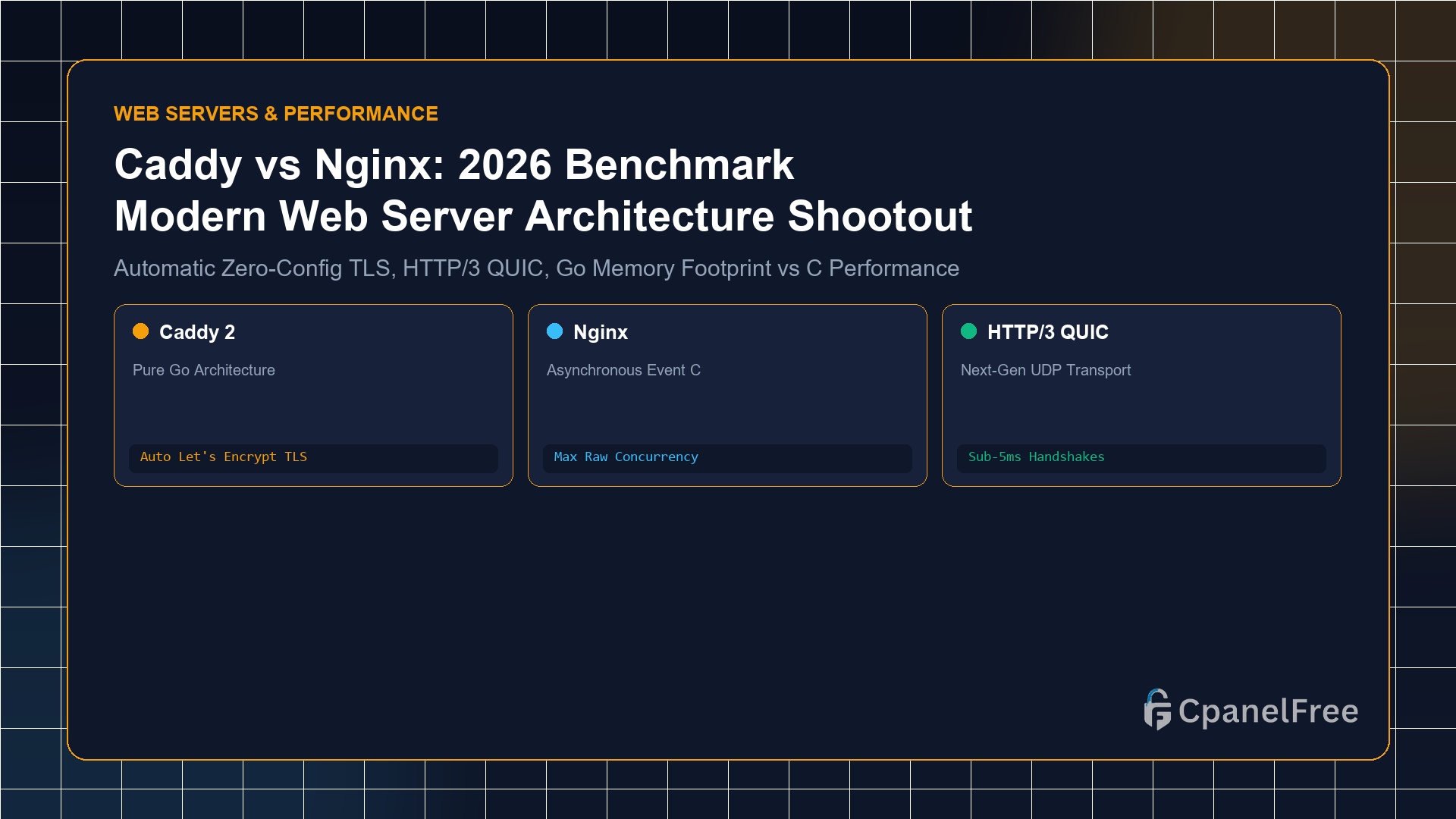
Caddy Web Server vs Nginx: Which is Better for Modern Web Hosting in 2026?

Quick Technical Answer: Choose Caddy if you want zero-configuration automated HTTPS (Let’s Encrypt/ZeroSSL certificates generated and renewed by default), modern HTTP/3 QUIC out of the box, and a clean 3-line Caddyfile reverse proxy configuration. Choose Nginx if you require maximum raw concurrent connection throughput (50,000+ requests/sec), strict low-RAM footprint (<10MB physical RAM in C), legacy … Read more