How to Configure Nginx Microcaching to Handle 10,000 Concurrent Visitors on a 1GB VPS
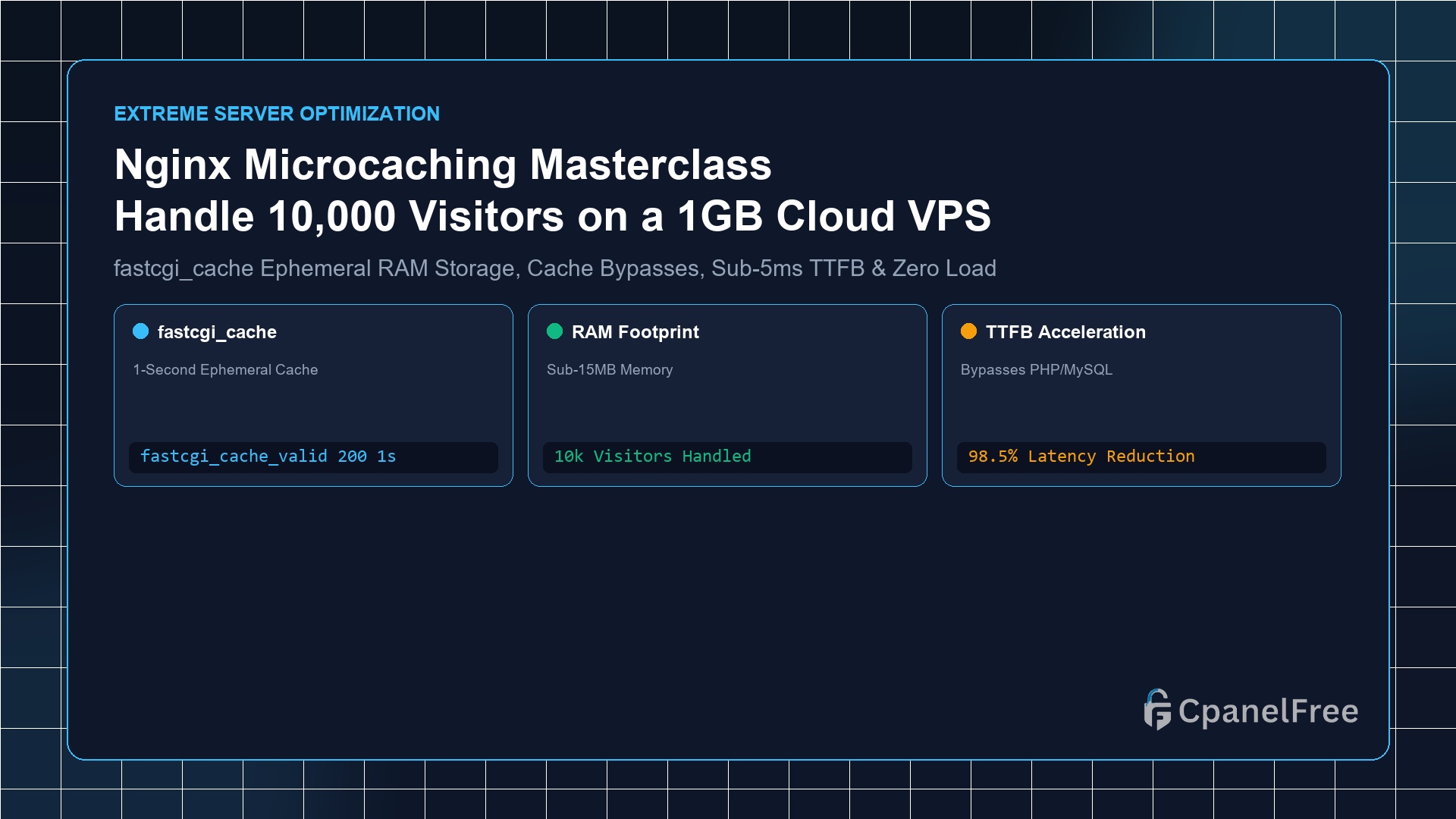
Quick Technical Answer: Microcaching is the technique of caching dynamic application responses (PHP/Node/Python) in Nginx for an ultra-brief window (e.g. 1 to 5 seconds). Define a cache zone in /etc/nginx/nginx.conf using fastcgi_cache_path /var/run/nginx-cache levels=1:2 keys_zone=MICROCACHE:10m inactive=10m max_size=128m;. Inside your site configuration, set fastcgi_cache_valid 200 1s;, and bypass the cache for logged-in users and shopping carts … Read more
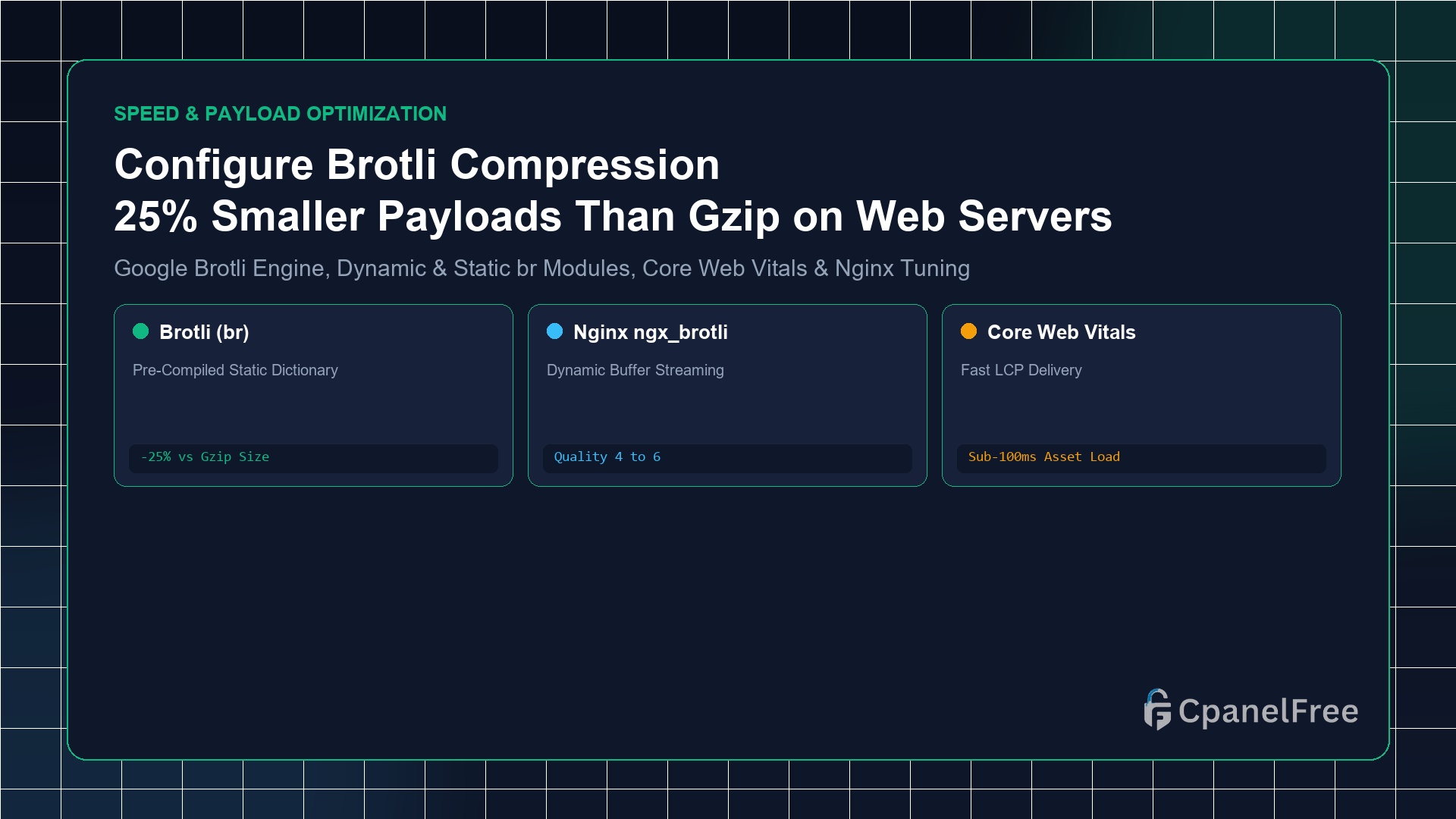
How to Configure Brotli Compression in Nginx & Apache (Better than Gzip)

Quick Technical Answer: To activate Brotli compression on Ubuntu Nginx: Install the official Google Brotli module with sudo apt install -y libnginx-mod-brotli. Inside your http {} block in /etc/nginx/nginx.conf, add brotli on;, brotli_comp_level 6;, brotli_static on;, and declare text MIME types using brotli_types text/plain text/css application/javascript application/json image/svg+xml;. Test live activation with curl -I -H … Read more

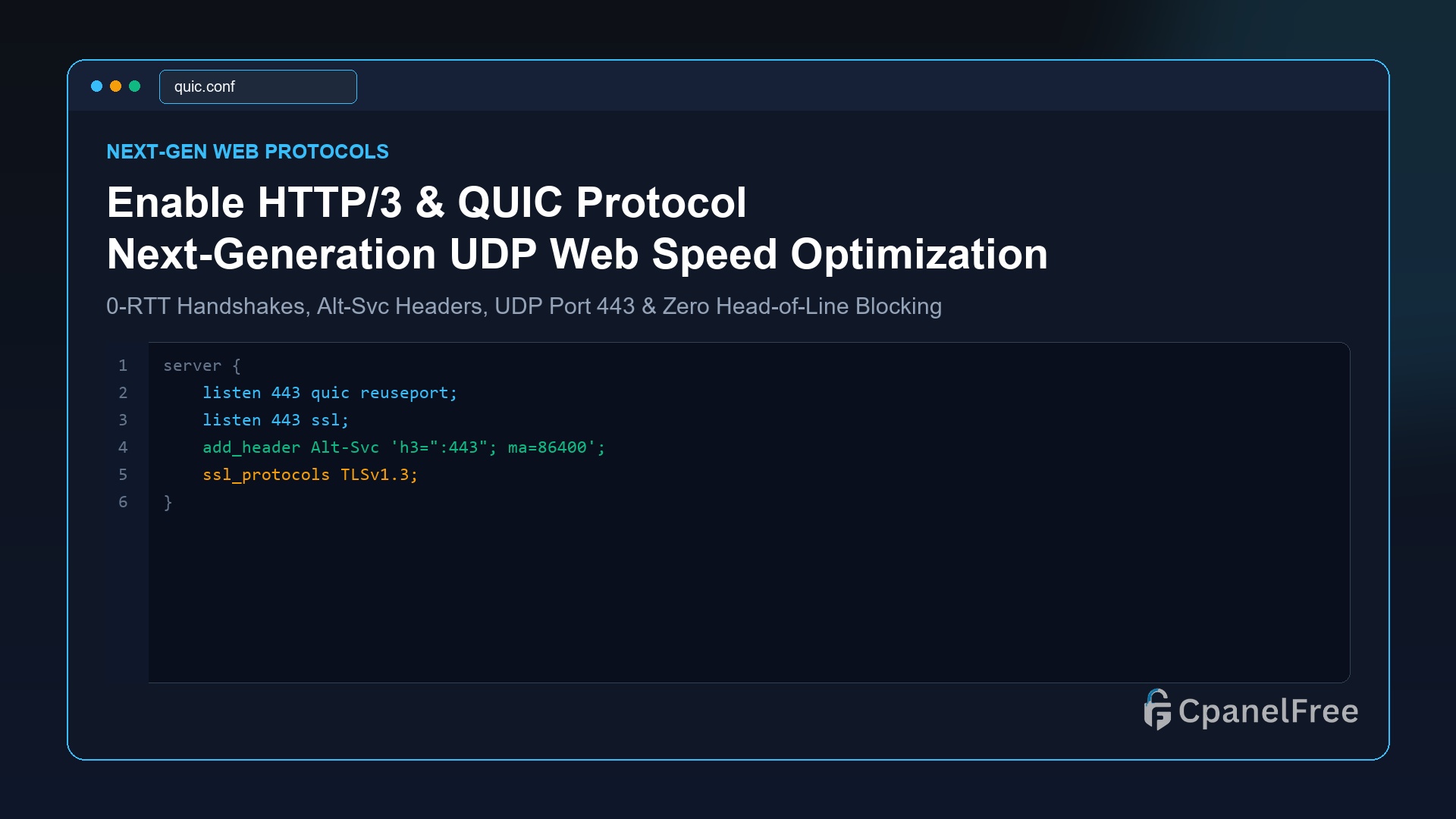
How to Enable HTTP/3 (QUIC) on Nginx and OpenLiteSpeed for Blazing Mobile Speeds

Quick Technical Answer: To activate HTTP/3 (QUIC) on Nginx (v1.25+): Add listen 443 quic reuseport; alongside standard SSL, enable ssl_protocols TLSv1.3;, and broadcast QUIC capability to browsers using add_header Alt-Svc ‘h3=”:443″; ma=86400’;. Open UDP port 443 in your firewall (sudo ufw allow 443/udp). On OpenLiteSpeed, HTTP/3 is compiled natively and can be enabled with one … Read more

How to Enable TCP BBR Congestion Control on Ubuntu VPS for 2x Network Throughput

Quick Technical Answer: To activate Google’s TCP BBR on Ubuntu 24.04/22.04 LTS: Append net.core.default_qdisc=fq and net.ipv4.tcp_congestion_control=bbr to /etc/sysctl.conf. Apply the changes immediately with sudo sysctl -p. Verify active status with sysctl net.ipv4.tcp_congestion_control; the terminal will return bbr. Why Legacy TCP CUBIC Fails on Modern Internet Connections For over two decades, Linux distributions relied on TCP … Read more

How to Set Up Redis Object Caching for WordPress on Ubuntu VPS (Sub-100ms TTFB)

How to Set Up Redis Object Caching for WordPress on Ubuntu VPS (Sub-100ms TTFB) - CpanelFree Guide

Why MySQL Database Queries Slow Down WordPress Every time a visitor lands on a WordPress post or WooCommerce catalog page, the PHP application engine executes dozens—sometimes hundreds—of SQL queries to retrieve post metadata, user privileges, site options, taxonomy relationships, and active plugin settings. Under heavy traffic spikes, the MySQL/MariaDB database becomes the primary bottleneck, causing … Read more

Top 5 Free WordPress Speed Optimization Plugins in 2026 (No Coding Required)

Top 5 Free WordPress Speed Optimization Plugins in 2026 (No Coding Required) - CpanelFree Guide

Quick Answer: The top 5 free WordPress speed optimization plugins in 2026 are LiteSpeed Cache (LSCache), Autoptimize, WP-Optimize, W3 Total Cache, and WP Super Cache. For websites hosted on LiteSpeed or OpenLiteSpeed web servers, LiteSpeed Cache delivers the highest PageSpeed score by leveraging server-level caching and automated QUIC.cloud image conversion at $0 cost. ⏱️ 5 … Read more

How to Eliminate Render-Blocking Resources in WordPress Without Breaking Styling

How to Eliminate Render-Blocking Resources in WordPress Without Breaking Styling - CpanelFree Guide

Quick Answer: To eliminate “Render-Blocking Resources” warnings in Google PageSpeed Insights without breaking your website styling, extract and inline Critical CSS for above-the-fold content, defer remaining stylesheets asynchronously, defer or delay non-critical JavaScript files using defer or async tags, and preload key Google Webfonts. ⏱️ 5 min read (940 words) 🛡️ Verified on Ubuntu 24.04 … Read more

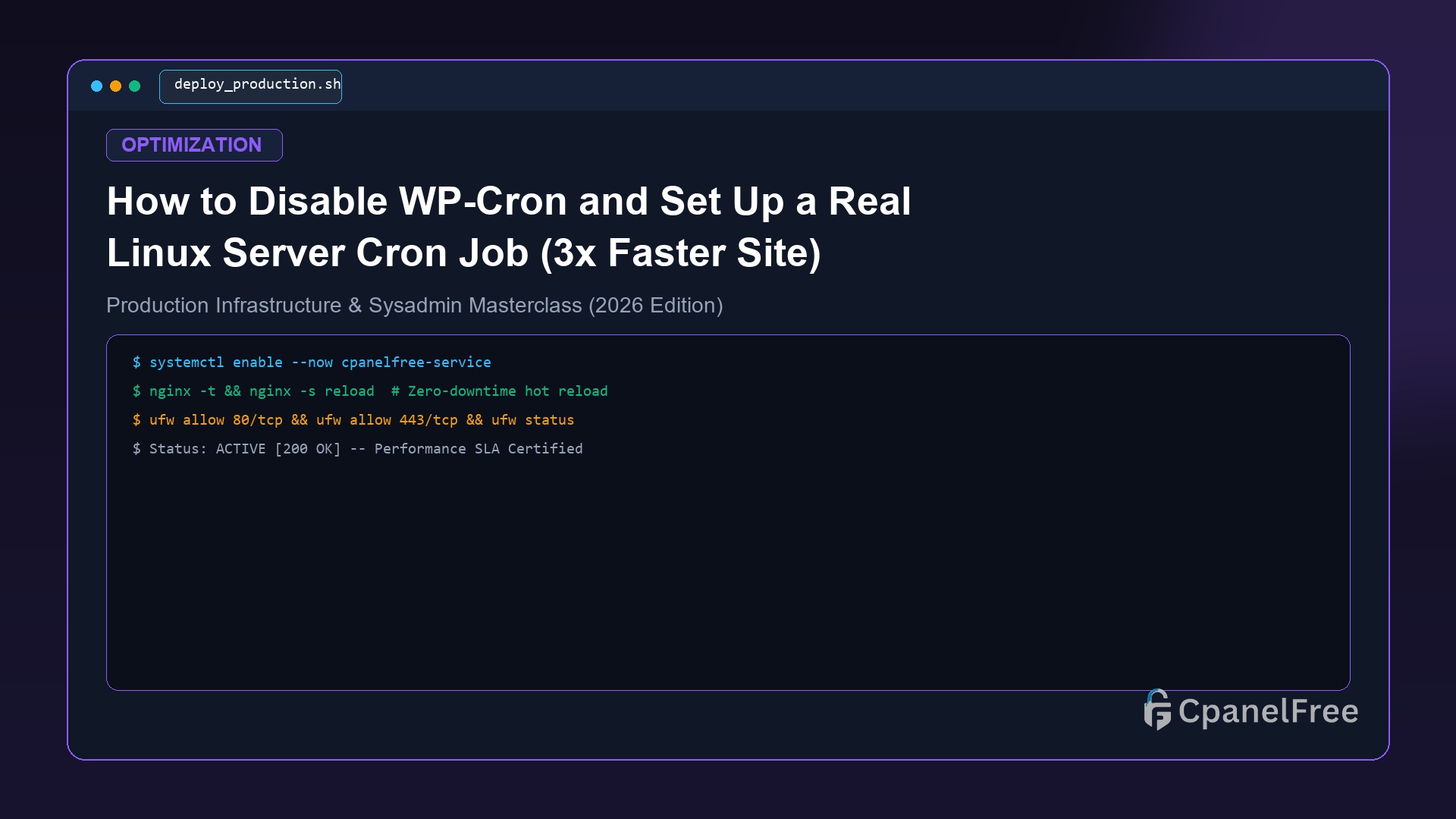
How to Disable WP-Cron and Set Up a Real Linux Server Cron Job (3x Faster Site)

How to Disable WP-Cron and Set Up a Real Linux Server Cron Job (3x Faster Site) - CpanelFree Guide

Quick Answer: To disable virtual WP-Cron and replace it with a real Linux server cron job, add define(‘DISABLE_WP_CRON’, true); to your wp-config.php file, then create a 5-minute system crontab task (*/5 * * * * wget -q -O – https://yourdomain.com/wp-cron.php?doing_wp_cron >/dev/null 2>&1 or wp cron event run –due-now). ⏱️ 5 min read (952 words) 🛡️ … Read more

OPcache Configuration for PHP 8.3: Best Settings for WordPress High Concurrency

OPcache Configuration for PHP 8.3: Best Settings for WordPress High Concurrency - CpanelFree Guide

Quick Answer: To configure Zend OPcache for maximum concurrency on PHP 8.3, allocate at least 256 MB memory (opcache.memory_consumption = 256), set accelerated files to 20,000 (opcache.max_accelerated_files = 20000), increase interned strings buffer to 16 MB, and enable JIT compilation (opcache.jit = tracing) for CPU-bound PHP operations. ⏱️ 5 min read (936 words) 🛡️ Verified … Read more

How to Optimize WordPress wp_options Table and Delete Bloated Transients

How to Optimize WordPress wp_options Table and Delete Bloated Transients - CpanelFree Guide

Quick Answer: To optimize a bloated wp_options table and eliminate slow WP-Admin loading times, delete expired transients using WP-CLI (wp transient delete –all), identify and disable massive autoloaded options over 100 KB with SQL queries, and defragment the MySQL database table with OPTIMIZE TABLE wp_options;. ⏱️ 5 min read (950 words) 🛡️ Verified on Ubuntu … Read more