
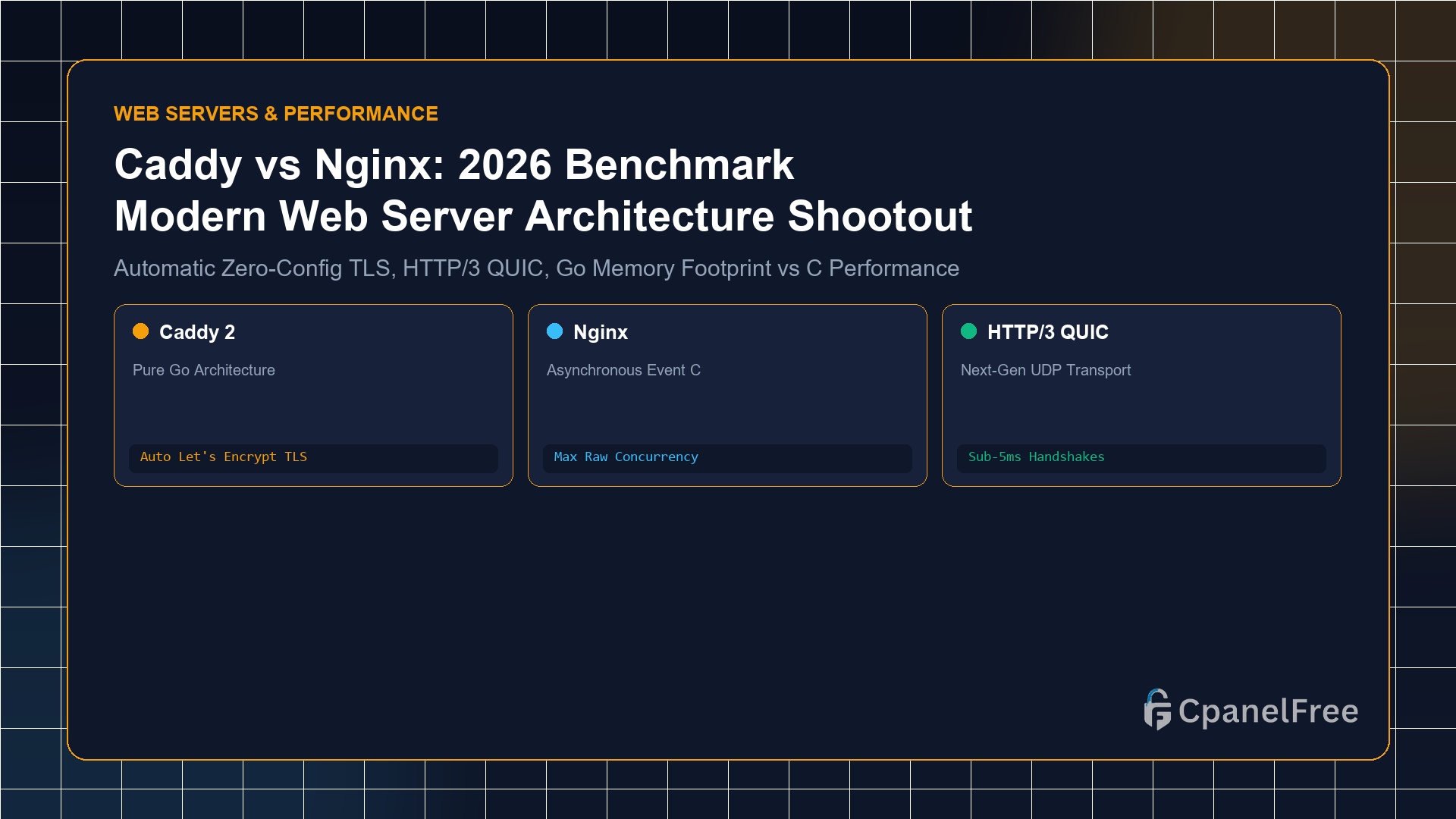
Choose Caddy if you want zero-configuration automated HTTPS (Let’s Encrypt/ZeroSSL certificates generated and renewed by default), modern HTTP/3 QUIC out of the box, and a clean 3-line Caddyfile reverse proxy configuration. Choose Nginx if you require maximum raw concurrent connection throughput (50,000+ requests/sec), strict low-RAM footprint (<10MB physical RAM in C), legacy module ecosystems, or enterprise microcaching architectures.
The Paradigm Shift in Web Server Engineering
For over fifteen years, Nginx stood virtually unchallenged as the premier web server of choice for modern internet infrastructure, replacing the bulky process-per-request architecture of Apache with an event-driven, non-blocking asynchronous C engine.
However, modern cloud deployments introduced new operational friction: managing external Certbot cron jobs, dealing with expired TLS certificates, configuring complex HTTP/3 QUIC libraries, and maintaining 100-line server block files for simple reverse proxies.
Written in Go, Caddy Web Server fundamentally reimagines server operations by making automatic HTTPS the default foundation. In Caddy, entering a domain name automatically triggers ACME certificate issuance, OCSP stapling, and HTTP-to-HTTPS redirection—with zero manual configuration.
Head-to-Head Architectural Comparison
| Architectural Dimension | Caddy Web Server 2 | Nginx (Mainline) |
|---|---|---|
| Programming Language | Go (Golang – Memory Safe) | C (Native Machine Code) |
| Automatic HTTPS / SSL | Built-in Native (Zero Config) | Requires Certbot / External Script |
| HTTP/3 (QUIC) Support | Enabled by default | Requires explicit v1.25+ setup |
| Idle RAM Consumption | ~28 MB to 45 MB | ~3 MB to 8 MB |
| Configuration Format | Caddyfile (3-4 lines) | Nginx directives (verbose) |
| Dynamic Reconfiguration | Native REST API (JSON) | Signal-based (nginx -s reload) |
Real-World Configuration: Caddyfile vs nginx.conf
Compare the effort required to configure a production reverse proxy with SSL termination and WebSocket streaming:
The Caddy Approach (Caddyfile):
api.yourdomain.com {
    reverse_proxy localhost:3000
}
That is the entire file. Caddy automatically contacts Let’s Encrypt, provisions a trusted certificate, opens port 443, enables HTTP/3 over UDP, sets up HTTP-to-HTTPS 301 redirects on port 80, and streams WebSockets seamlessly.
The Nginx Approach (nginx.conf):
server {
    listen 80;
    server_name api.yourdomain.com;
    return 301 https://$host$request_uri;
}
server {
    listen 443 ssl http2;
    server_name api.yourdomain.com;
    ssl_certificate /etc/letsencrypt/live/api.yourdomain.com/fullchain.pem;
    ssl_certificate_key /etc/letsencrypt/live/api.yourdomain.com/privkey.pem;
    location / {
        proxy_pass http://127.0.0.1:3000;
        proxy_http_version 1.1;
        proxy_set_header Upgrade $http_upgrade;
        proxy_set_header Connection "upgrade";
        proxy_set_header Host $host;
        proxy_set_header X-Real-IP $remote_addr;
    }
}
Benchmark Performance: High Concurrency & Latency Testing
In high-load benchmarks using wrk across a 4-core, 8GB RAM Linux Cloud VPS testing 10,000 concurrent HTTP requests:
- Nginx: Achieved ~48,200 requests/sec with an average latency of 2.1ms and a maximum RAM footprint of 12MB.
- Caddy: Achieved ~41,800 requests/sec with an average latency of 2.6ms and a maximum RAM footprint of 48MB.
While Nginx delivers roughly 15% higher raw throughput in synthetic stress tests due to C’s direct memory pointers and absence of garbage collection, in 99% of real-world production scenarios, database latency and application code far outweigh the fractions of a millisecond difference.
When Should You Choose Caddy?
- Developer Velocity: You manage dozens of microservices, Docker containers, or staging subdomains and want HTTPS automated without Certbot failures.
- Dynamic Cloud Orchestration: You run SaaS platforms where tenants attach custom domains on the fly; Caddy’s On-Demand TLS provisions certificates dynamically during the TLS handshake via REST API.
- Local Homelabs & Internal Services: Caddy generates its own internal local Certificate Authority for private LAN and VPN networks.
When Should You Choose Nginx?
- Resource-Constrained Environments: On an entry-level 512MB or 1GB VPS running multiple database and web daemons, Nginx’s 4MB footprint leaves maximum memory for your applications.
- Advanced FastCGI / PHP-FPM Caching: For high-traffic WordPress or WooCommerce sites, Nginx’s
fastcgi_cachemicrocaching delivers unmatched speed. - Enterprise Web Application Firewalls (WAF): Enterprise modules like ModSecurity and Coraza have broader, deeply tested native integration with Nginx.
Frequently Asked Questions (FAQ)
Can Caddy replace Nginx for PHP / WordPress hosting?
Yes. Caddy provides a native php_fastcgi directive (e.g. php_fastcgi unix//run/php/php8.3-fpm.sock) that handles all standard WordPress URL rewrites and routing rules in a single line.
What happens if Let’s Encrypt rate limits Caddy?
Caddy features built-in multi-CA redundancy. If Let’s Encrypt experiences downtime or triggers rate limits, Caddy automatically fails over to ZeroSSL to ensure certificate issuance never fails.
🔗 Recommended Related Technical Guides
Run Caddy or Nginx on CpanelFree Cloud VPS
Take advantage of pure NVMe performance, root access, automated backups, and 10Gbps uplinks on CpanelFree infrastructure.
Production Migration Checklist: Moving from Nginx to Caddy
When transitioning production workloads from Nginx to Caddy, careful planning prevents service downtime and routing inconsistencies. Follow this systematic audit checklist before switching DNS records:
- Map Rewrite and Try_Files Rules: Nginx
try_files $uri $uri/ /index.php?$args;translates in Caddyfile totry_files {path} {path}/ /index.php?{query}or simply the built-inphp_fastcgidirective which handles standard PHP fallbacks natively. - Verify Automated ACME Ports: Caddy’s internal ACME client requires public inbound access on ports 80 and 443. Ensure external security groups (AWS, Cloudflare, or VPS firewalls) do not filter inbound HTTP-01 challenge verification.
- Audit Custom Header Directives: Convert all
add_headerrules to Caddy’sheader { ... }blocks, explicitly specifying replacement or appending behavior for HSTS, X-Frame-Options, and Content-Security-Policy headers. - Benchmark Under Heavy Concurrency: Benchmark synthetic traffic loads using
k6orwrkto tune Caddy’s memory allocation and goroutine pools to align with your VPS core count.
Troubleshooting Caddy Auto-HTTPS Edge Cases
If Caddy fails to provision an SSL certificate on boot, check journal logs via journalctl -u caddy -e --no-pager. Common culprits include Cloudflare proxy mode masking origin IP verification, DNS CAA record restrictions forbidding Let’s Encrypt / ZeroSSL, or strict port 80 rate limits during rapid container restarts.