Deploying Python ASGI Applications with Uvicorn and Gunicorn Behind LiteSpeed

Deploy Python ASGI apps with Uvicorn and Gunicorn behind LiteSpeed. Optimize throughput, reduce latency, and ensure rock-solid production stability.
 /BlogZero-Cost Cloud
Modern DevOps, Docker, Node.js, Python, Go, Rust, CI/CD, and developer toolchain tutorials.
Deploy Python ASGI apps with Uvicorn and Gunicorn behind LiteSpeed. Optimize throughput, reduce latency, and ensure rock-solid production stability.
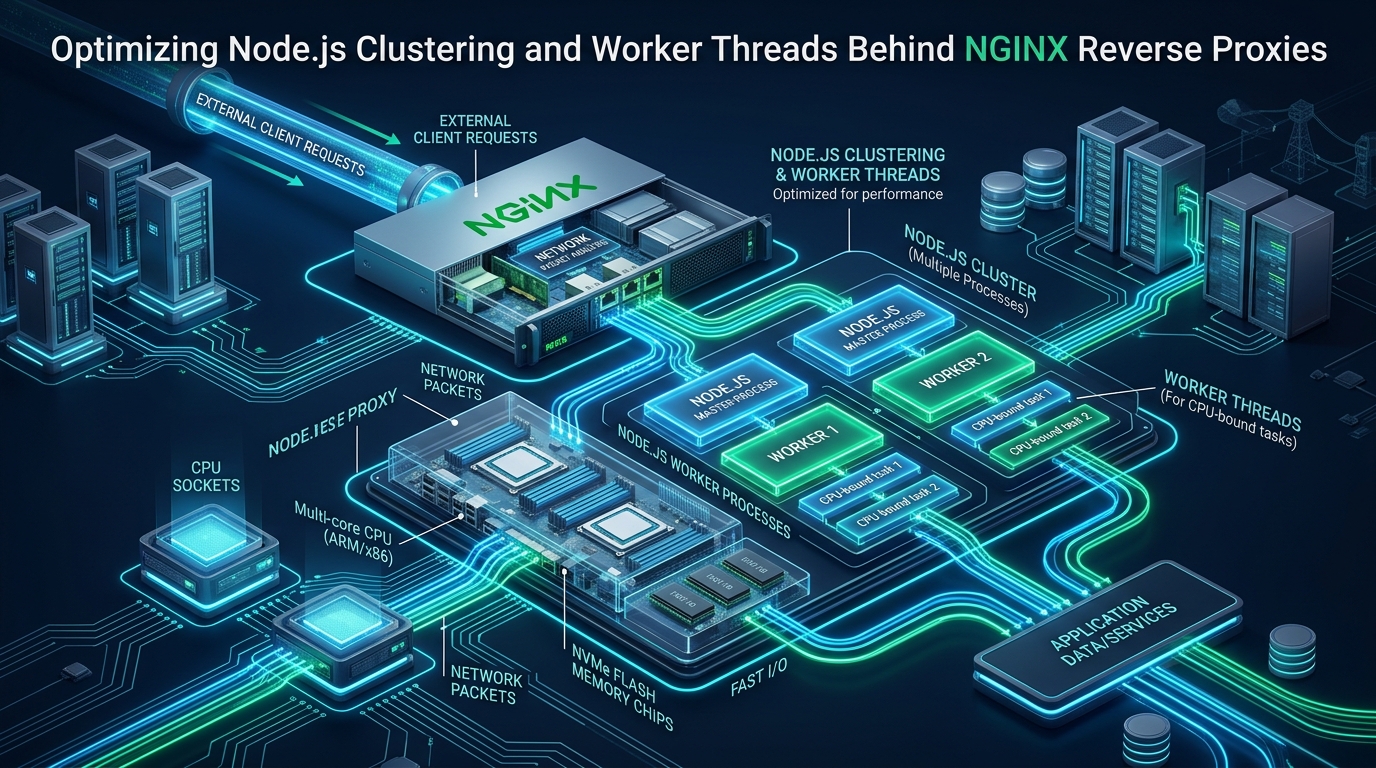
Maximize Node.js concurrency by pairing cluster processes and worker threads with an NGINX reverse proxy. Learn kernel, socket, and upstream tuning.
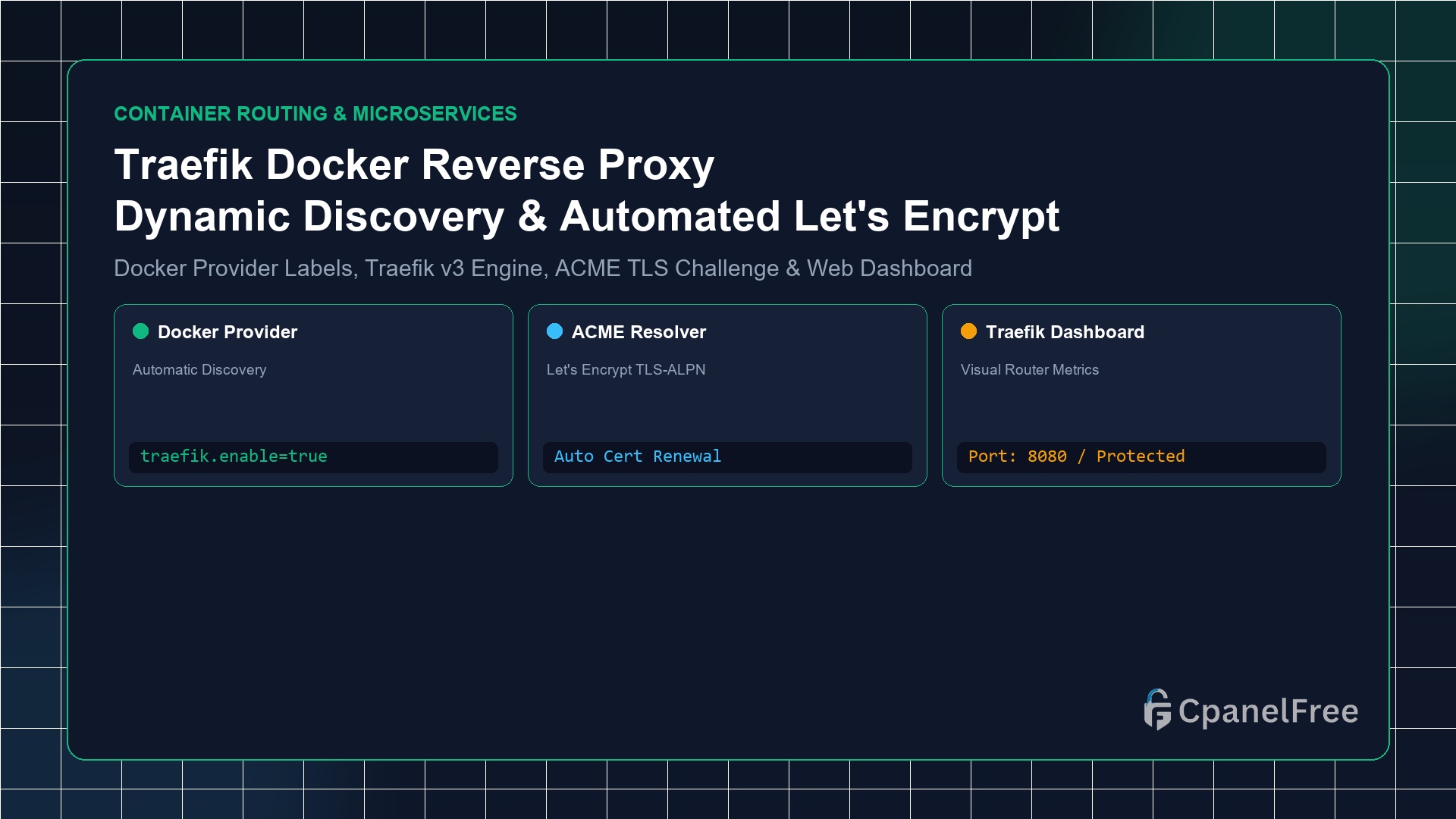
Quick Technical Answer: To configure Traefik v3 as a dynamic Docker reverse proxy: Deploy Traefik via Docker Compose, mounting /var/run/docker.sock and listening on ports 80 and 443. Enable the Docker provider (–providers.docker=true) and ACME resolver. For any application container (e.g. Nextcloud, WordPress, or Node.js), simply attach Docker labels: traefik.enable=true, traefik.http.routers.myapp.rule=Host(`myapp.yourdomain.com`), and traefik.http.routers.myapp.tls.certresolver=myresolver. Traefik auto-discovers the … Read more
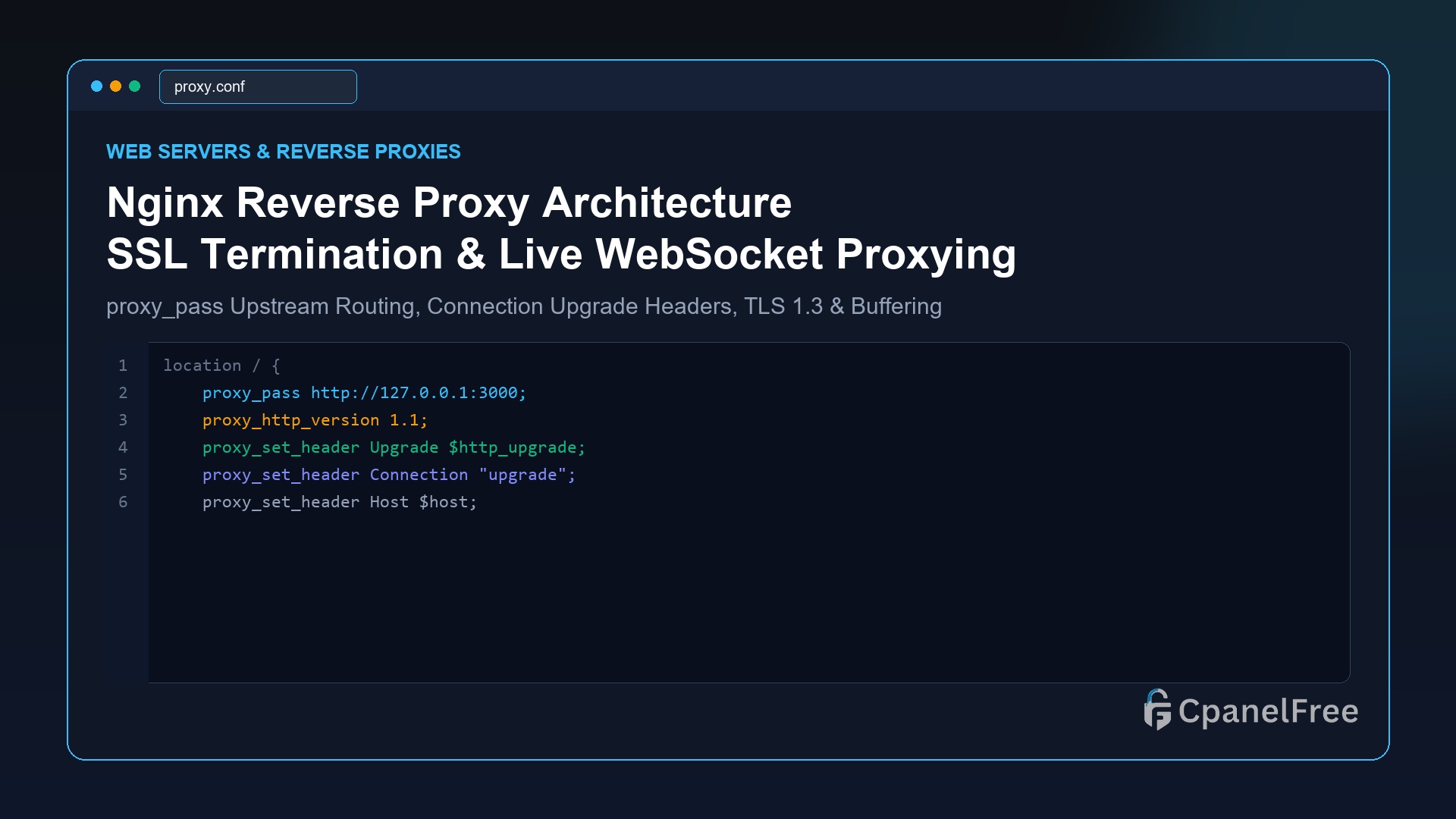
Quick Technical Answer: To route incoming traffic to backend applications (Node.js, Python FastAPI, Go, or Docker) with Nginx: Define an upstream block or use proxy_pass http://127.0.0.1:3000; inside your location / block. Always forward client IP headers using proxy_set_header X-Real-IP $remote_addr; and proxy_set_header X-Forwarded-For $proxy_add_x_forwarded_for;. For WebSockets, add proxy_http_version 1.1;, proxy_set_header Upgrade $http_upgrade;, and proxy_set_header Connection … Read more
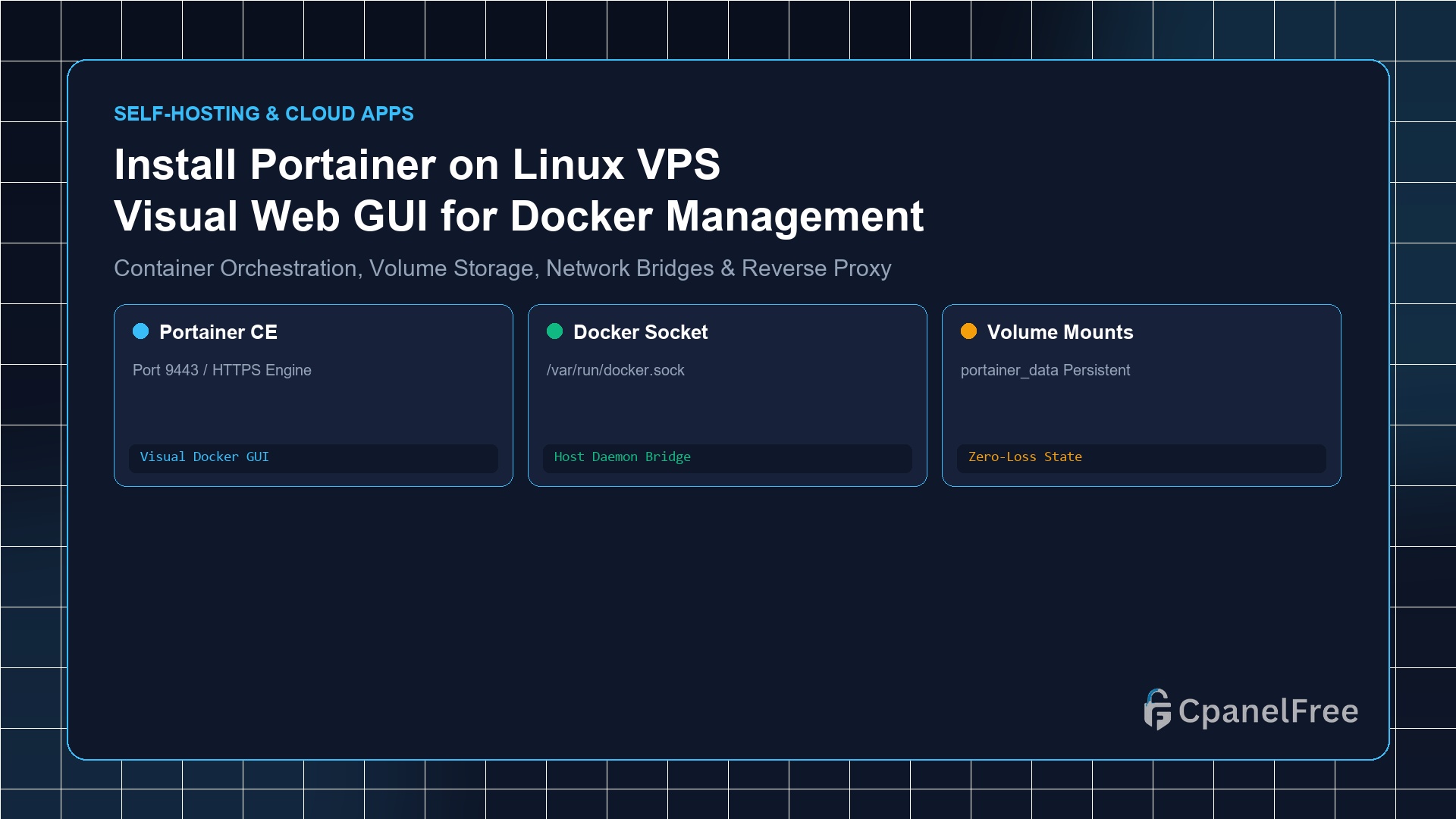
Quick Technical Answer: To deploy Portainer Community Edition (CE) on Ubuntu 24.04/22.04 LTS, first verify Docker is installed. Create a persistent volume with docker volume create portainer_data, then launch the official container with docker run -d -p 8000:8000 -p 9443:9443 –name portainer –restart=always -v /var/run/docker.sock:/var/run/docker.sock -v portainer_data:/data portainer/portainer-ce:latest. Access the management dashboard securely at https://YOUR_SERVER_IP:9443 … Read more
In modern infrastructure management and deployment, finding the right tools and strategies is crucial for success. Whether you are scaling an application, securing internal networks, or simply … Read more
In modern infrastructure management and deployment, finding the right tools and strategies is crucial for success. Whether you are scaling an application, securing internal networks, or simply … Read more
For Linux administrators and DevOps engineers, relying on third-party SaaS solutions often means relinquishing control over data privacy, incurring … Read more
In this comprehensive guide, we will walk you through the process of exactly How to Deploy Gotify Self-Hosted Push Notification Server on Linux VPS. Self-hosting your own infrastructure empowers you with absolute control over your data, enhanced privacy, and significant cost savings. Whether you’re managing a small project or scaling an enterprise environment, deploying this … Read more
In this comprehensive guide, we will walk you through the process of exactly How to Self-Host Cal.com Scheduling Platform on Ubuntu VPS with Docker. Self-hosting your own infrastructure empowers you with absolute control over your data, enhanced privacy, and significant cost savings. Whether you’re managing a small project or scaling an enterprise environment, deploying this … Read more