How to Configure Nginx as a Reverse Proxy with SSL Termination & WebSockets
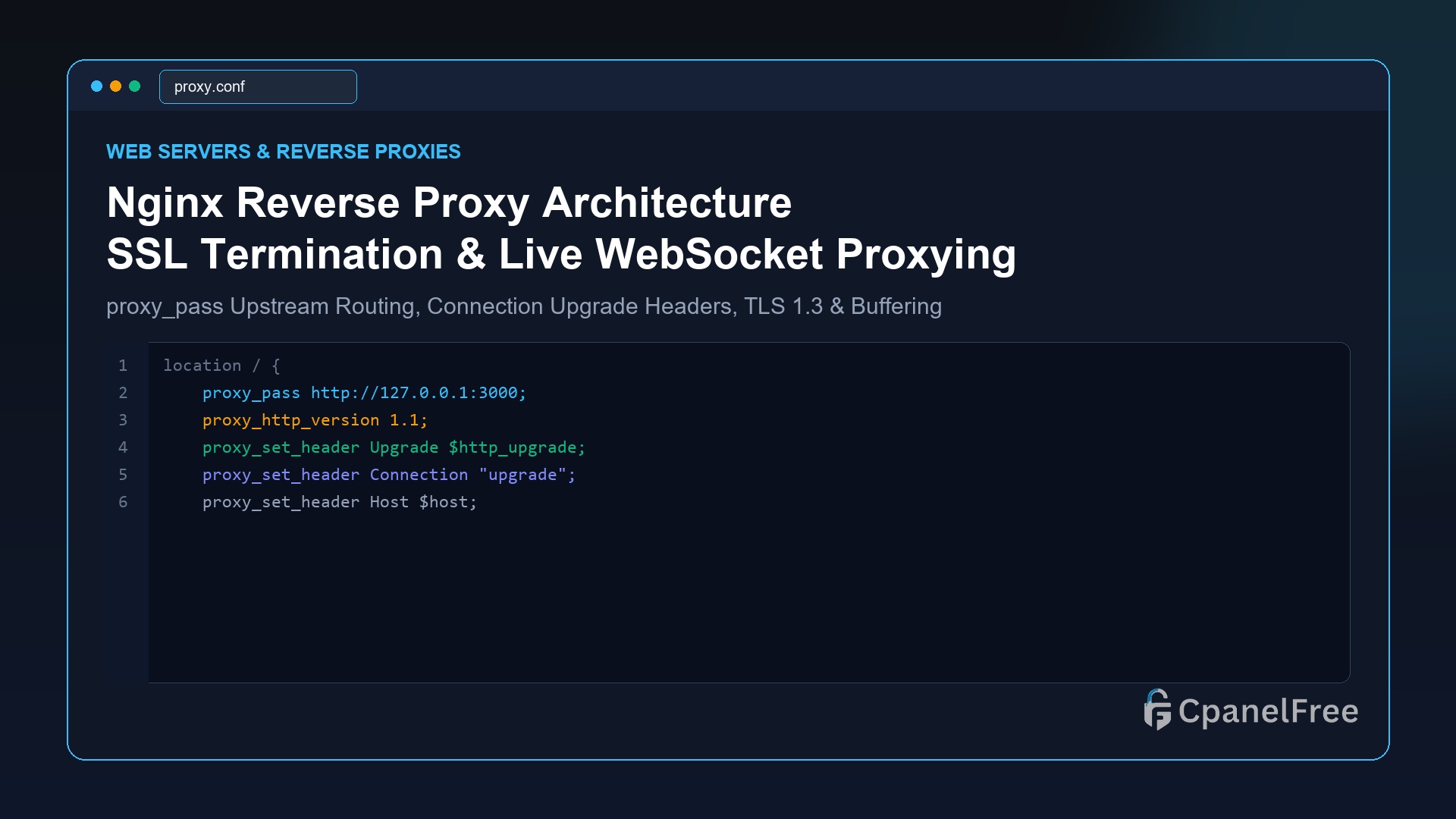
Quick Technical Answer: To route incoming traffic to backend applications (Node.js, Python FastAPI, Go, or Docker) with Nginx: Define an upstream block or use proxy_pass http://127.0.0.1:3000; inside your location / block. Always forward client IP headers using proxy_set_header X-Real-IP $remote_addr; and proxy_set_header X-Forwarded-For $proxy_add_x_forwarded_for;. For WebSockets, add proxy_http_version 1.1;, proxy_set_header Upgrade $http_upgrade;, and proxy_set_header Connection … Read more

How to Manage Linux User Groups, Sudoers Privileges & Audit Sudo History

Quick Technical Answer: To safely delegate administrative rights without sharing root passwords: Create a dedicated user with sudo adduser devops, and append them to the administrative sudo group using sudo usermod -aG sudo devops. To grant granular permission for specific commands (e.g. restarting Nginx) without password prompts, create a file at /etc/sudoers.d/devops using sudo visudo … Read more

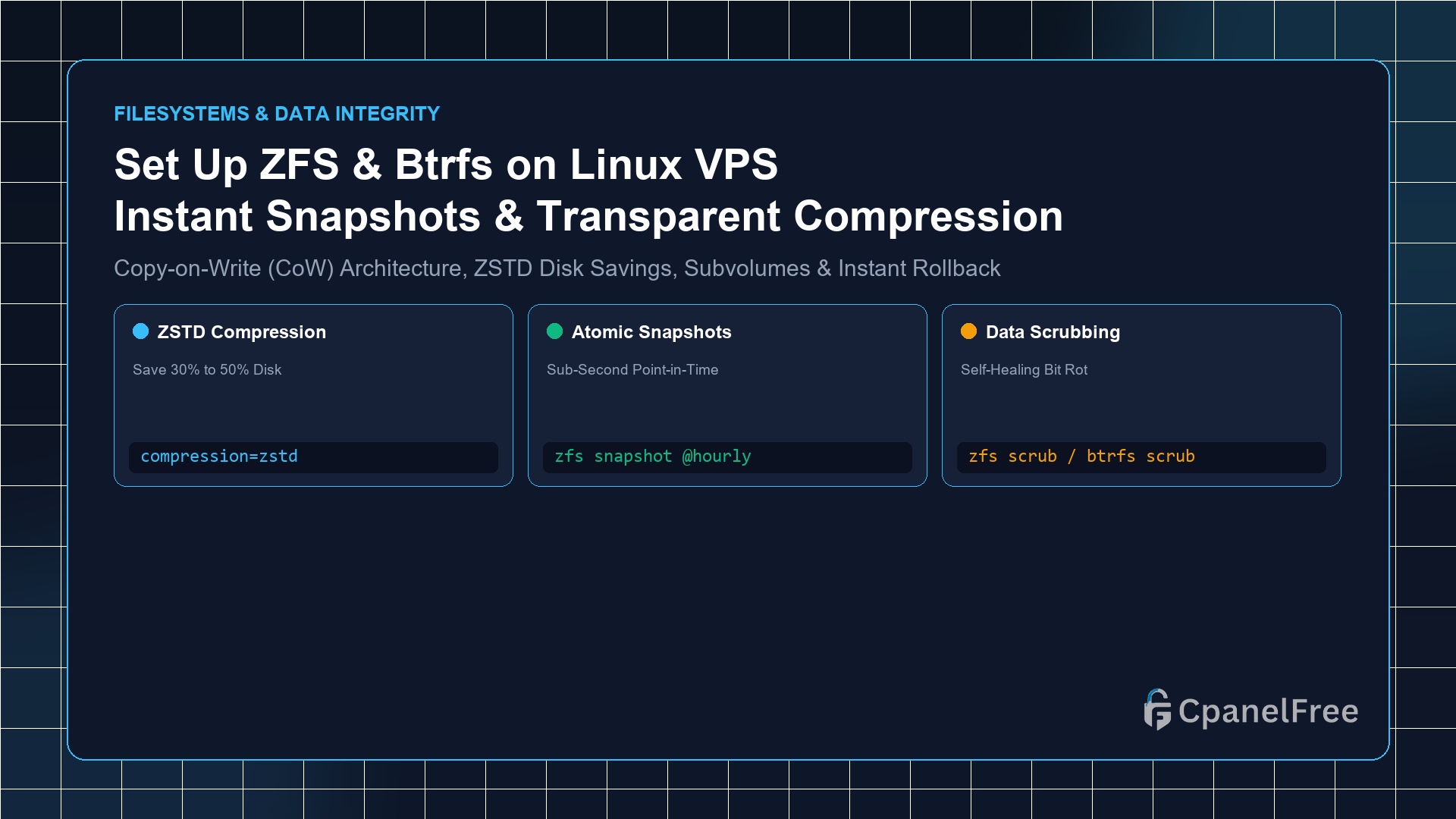
How to Set Up ZFS or Btrfs on Linux VPS for Snapshot Backups and Compression

Quick Technical Answer: To deploy ZFS on an attached block volume on Ubuntu: Install tools with sudo apt install -y zfsutils-linux, create a pool using sudo zpool create mypool /dev/sdX, and enable transparent compression with sudo zfs set compression=zstd mypool. To take an instant sub-second snapshot before doing maintenance, run sudo zfs snapshot mypool/data@pre-update. If … Read more

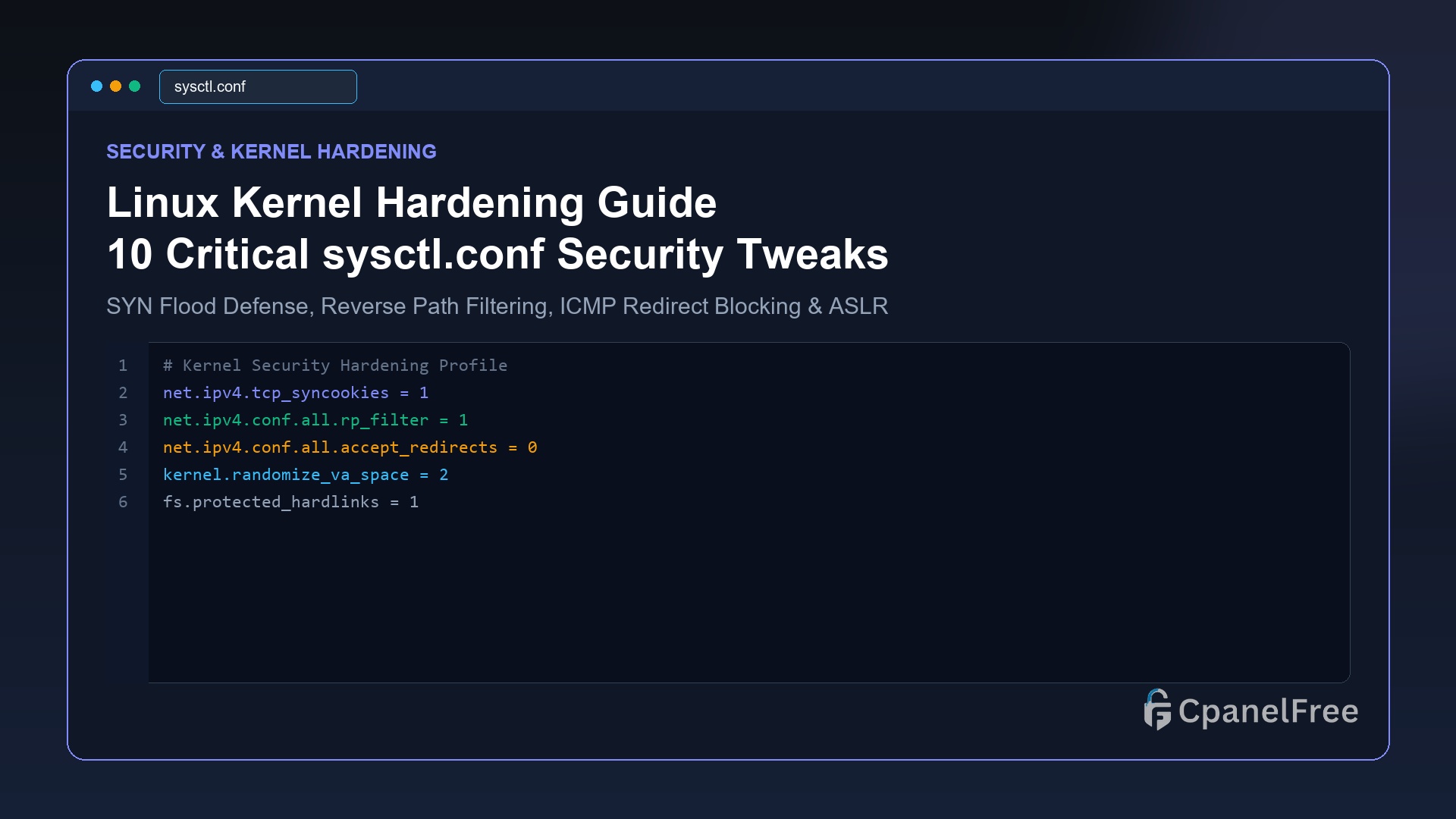
Linux Kernel Hardening: 10 Critical sysctl.conf Tweaks to Prevent SYN Floods & Spoofing

Quick Technical Answer: To harden the Linux kernel against network attacks, edit /etc/sysctl.d/99-security.conf. Enable TCP SYN cookies with net.ipv4.tcp_syncookies = 1 to survive SYN floods, enable reverse path filtering with net.ipv4.conf.all.rp_filter = 1 to block IP spoofing, disable ICMP redirects (accept_redirects = 0), and maximize ASLR memory protection with kernel.randomize_va_space = 2. Apply immediately with … Read more

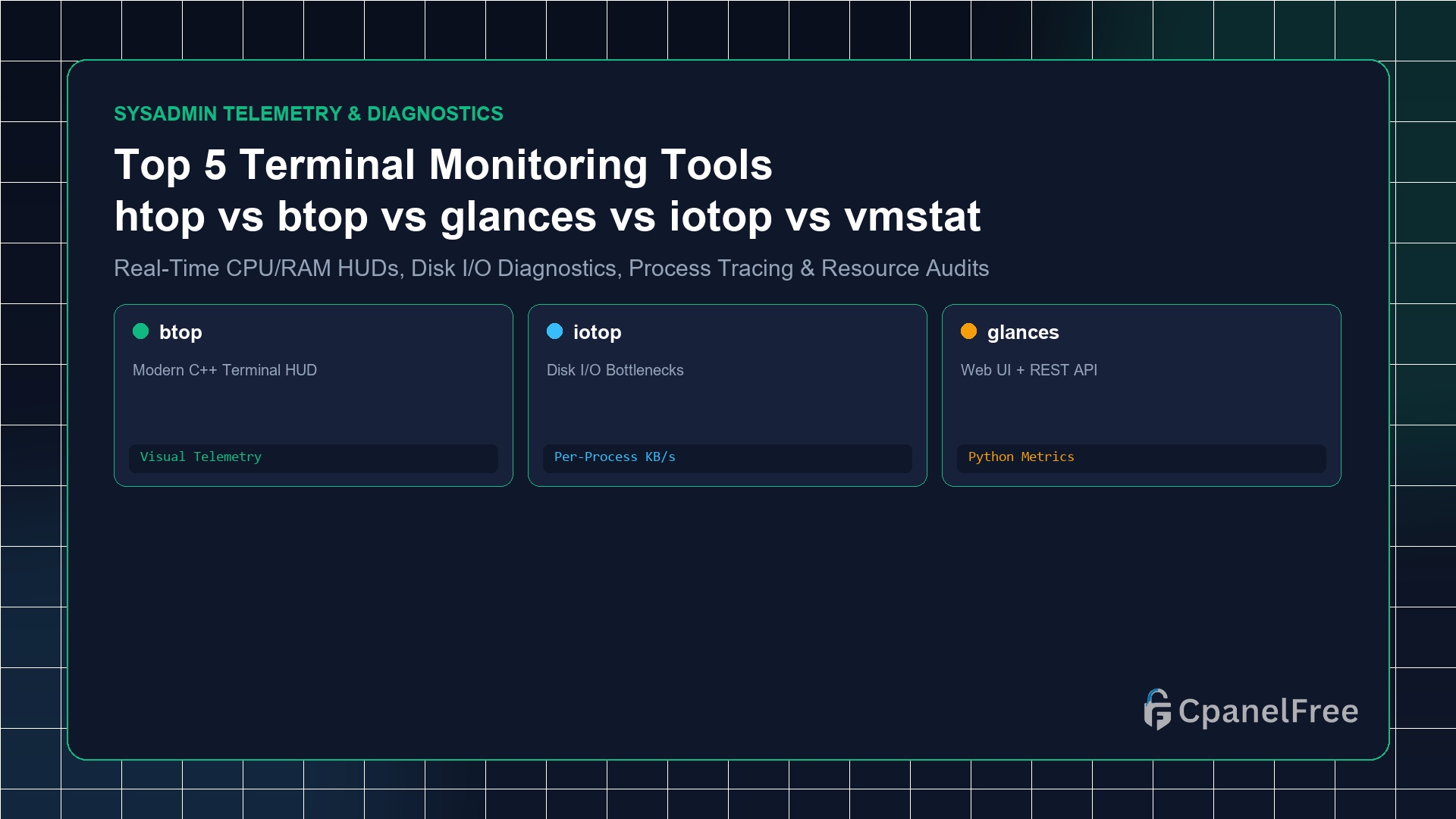
Top 5 Terminal Monitoring Tools: htop, btop, glances, iotop & vmstat Compared

Quick Technical Answer: For daily interactive process management, htop is the essential baseline. For modern visual aesthetics with GPU, disk, and network graphs, use btop (sudo apt install btop). If you need per-process disk read/write bandwidth diagnosis, use iotop. To export metrics over a web interface or REST API, install glances. For lightweight zero-overhead kernel … Read more

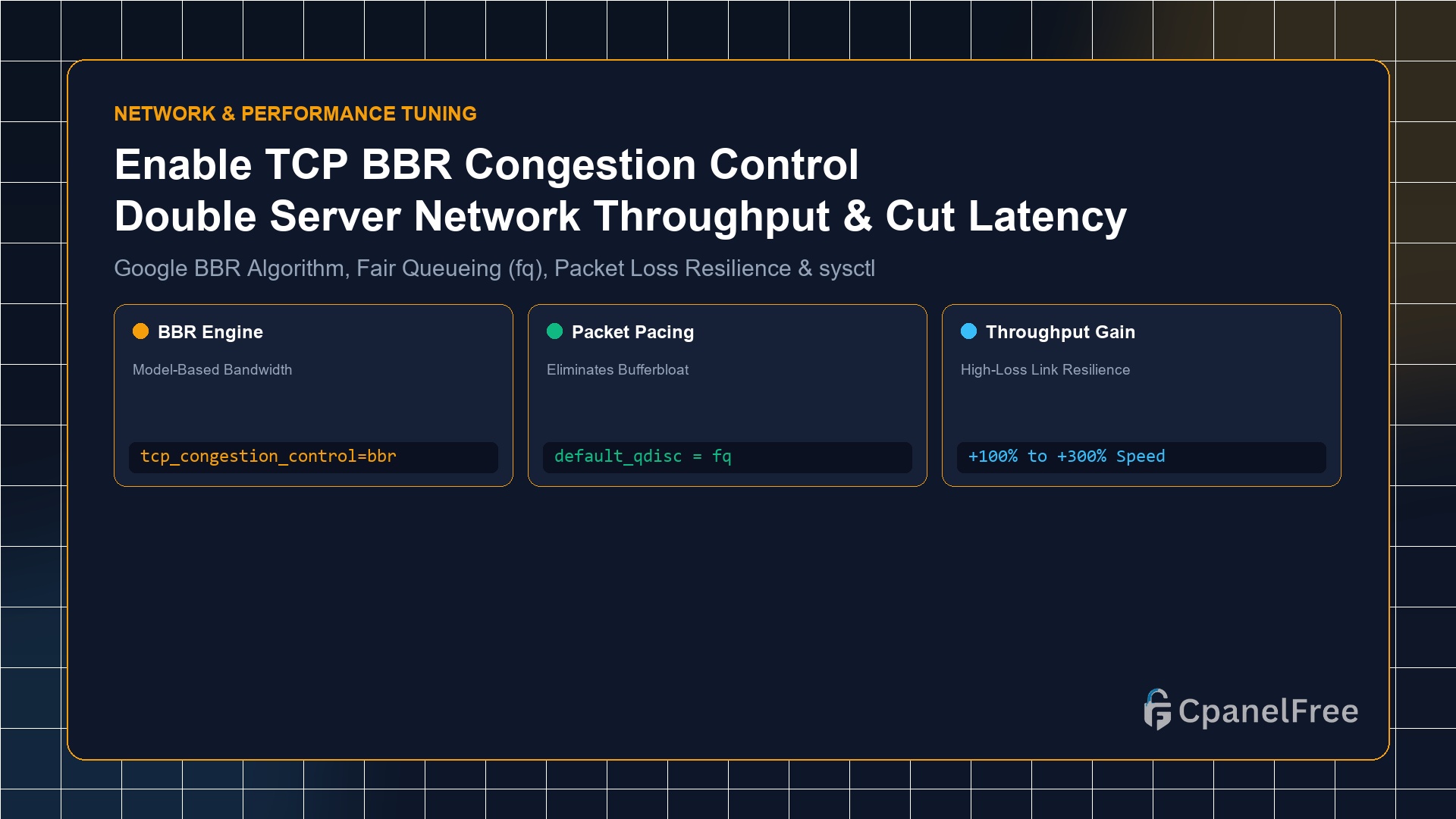
How to Enable TCP BBR Congestion Control on Ubuntu VPS for 2x Network Throughput

Quick Technical Answer: To activate Google’s TCP BBR on Ubuntu 24.04/22.04 LTS: Append net.core.default_qdisc=fq and net.ipv4.tcp_congestion_control=bbr to /etc/sysctl.conf. Apply the changes immediately with sudo sysctl -p. Verify active status with sysctl net.ipv4.tcp_congestion_control; the terminal will return bbr. Why Legacy TCP CUBIC Fails on Modern Internet Connections For over two decades, Linux distributions relied on TCP … Read more

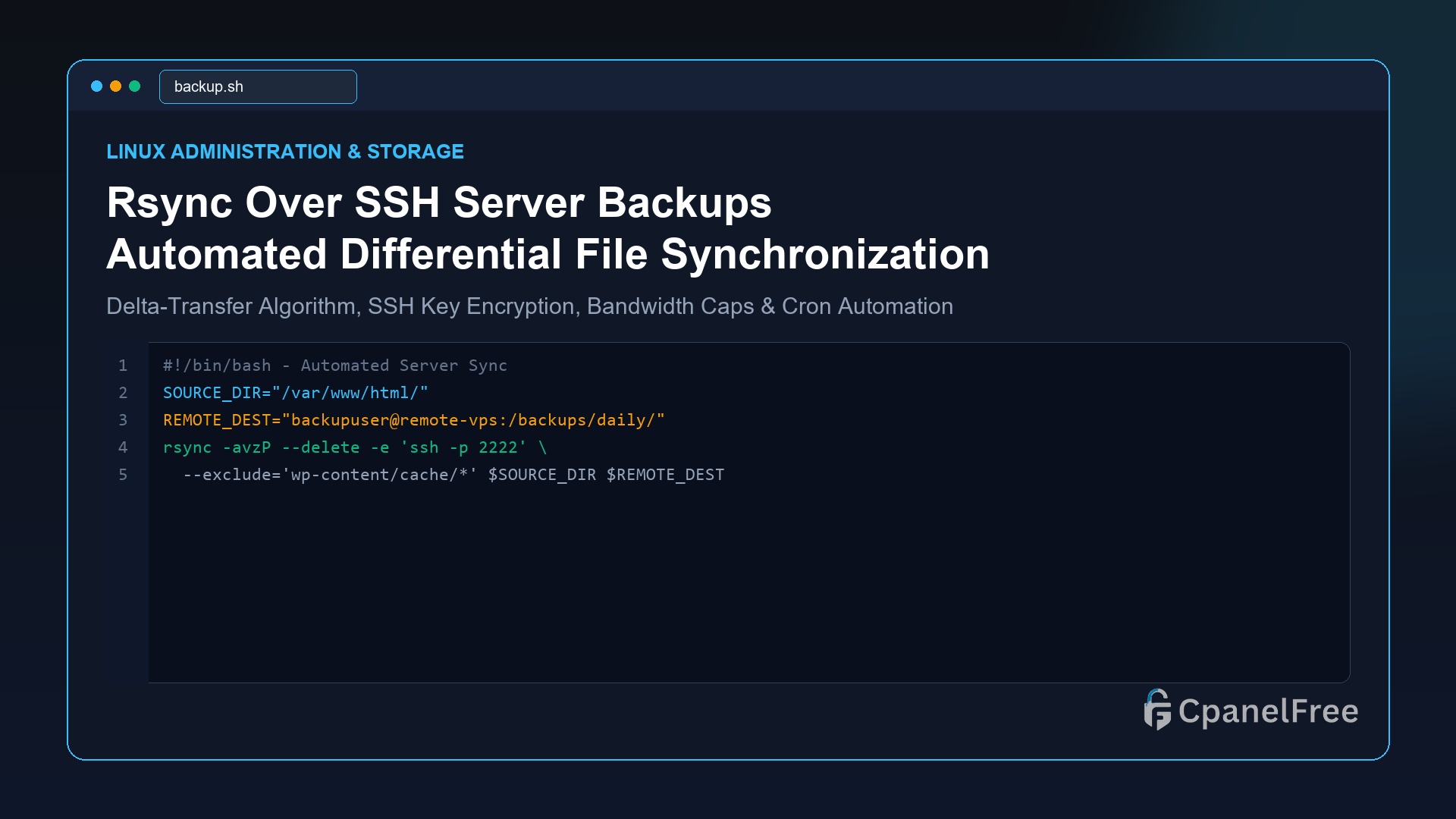
How to Use Rsync Over SSH for Automated Server-to-Server Backups and Sync

Quick Technical Answer: To synchronize files securely between two Linux VPS servers over SSH, use the standard command: rsync -avzP -e “ssh -p 22” /local/source/ user@remote_ip:/remote/destination/. The flags -a preserves permissions and timestamps, -v enables verbose output, -z enables gzip transmission compression, and -P preserves partial transfers with a live progress bar. To make it … Read more

How to Resize and Expand LVM Disk Partitions on Linux VPS Without Rebooting

Quick Technical Answer: To expand an LVM partition on a running Linux VPS without rebooting: First, rescanning the SCSI block device using echo 1 | sudo tee /sys/class/block/sdX/device/rescan. If using a partition table, expand it with sudo growpart /dev/sdX 3. Then, expand the Physical Volume with sudo pvresize /dev/sdX3. Next, extend the Logical Volume to … Read more

How to Configure Logrotate and Manage systemd Journalctl to Prevent Full Disks

Quick Technical Answer: To immediately reclaim disk space from bloated logs on Linux, vacuum the systemd journal using sudo journalctl –vacuum-size=200M. Then, cap future growth permanently by setting SystemMaxUse=250M in /etc/systemd/journald.conf and restarting with sudo systemctl restart systemd-journald. For application logs in /var/log/, create a rule in /etc/logrotate.d/myapp specifying daily, rotate 7, compress, delaycompress, and … Read more

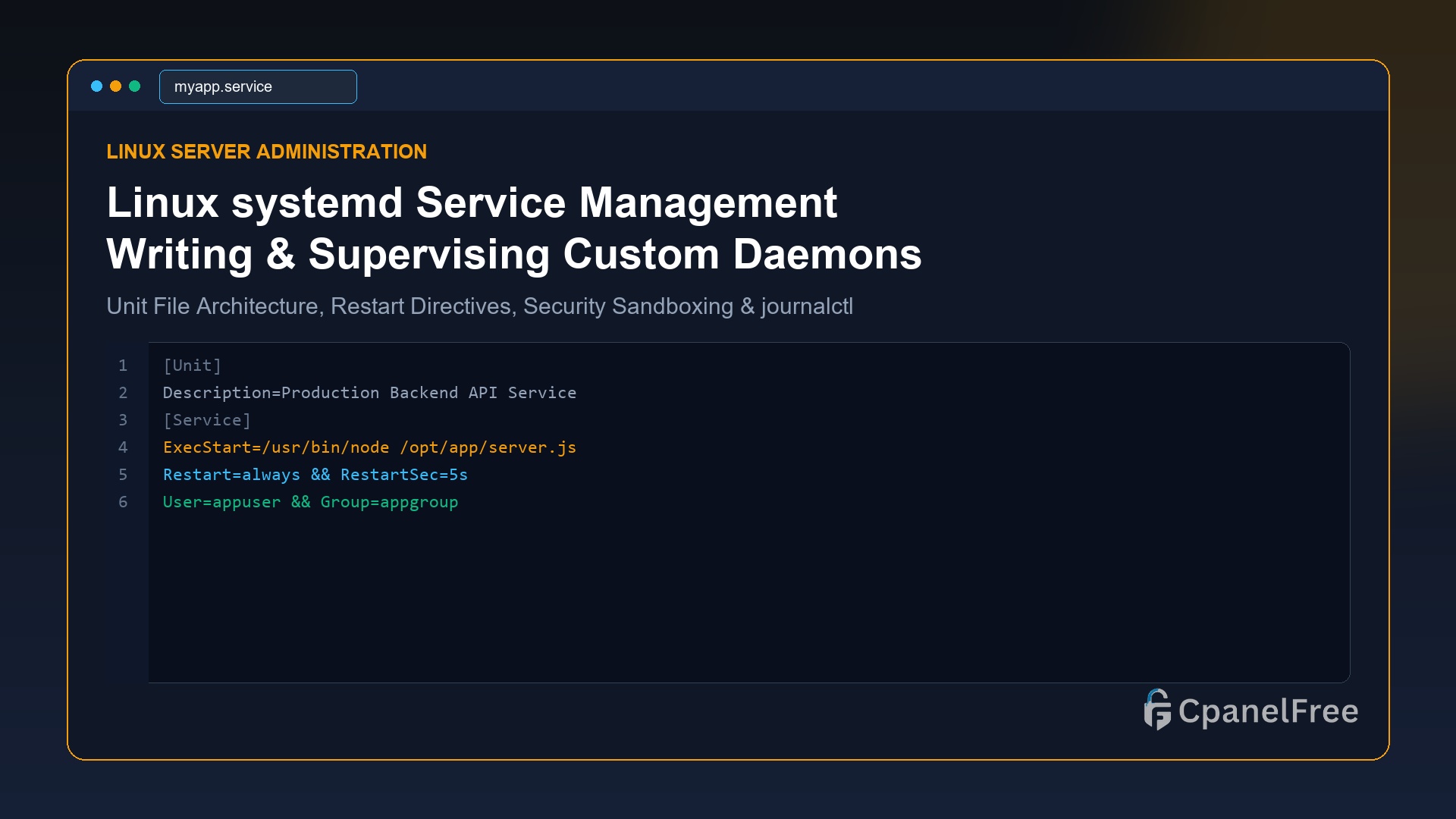
Linux systemd Service Management: How to Create and Manage Custom Background Daemons

Quick Technical Answer: To create a persistent background daemon on modern Linux (Ubuntu/Debian/RHEL), create a unit file at /etc/systemd/system/yourservice.service. Define [Unit] for metadata and dependencies, [Service] with ExecStart=/path/to/binary, Restart=always, and an isolated User=appuser, followed by [Install] with WantedBy=multi-user.target. Run sudo systemctl daemon-reload, then activate it using sudo systemctl enable –now yourservice. Why systemd Is the … Read more