
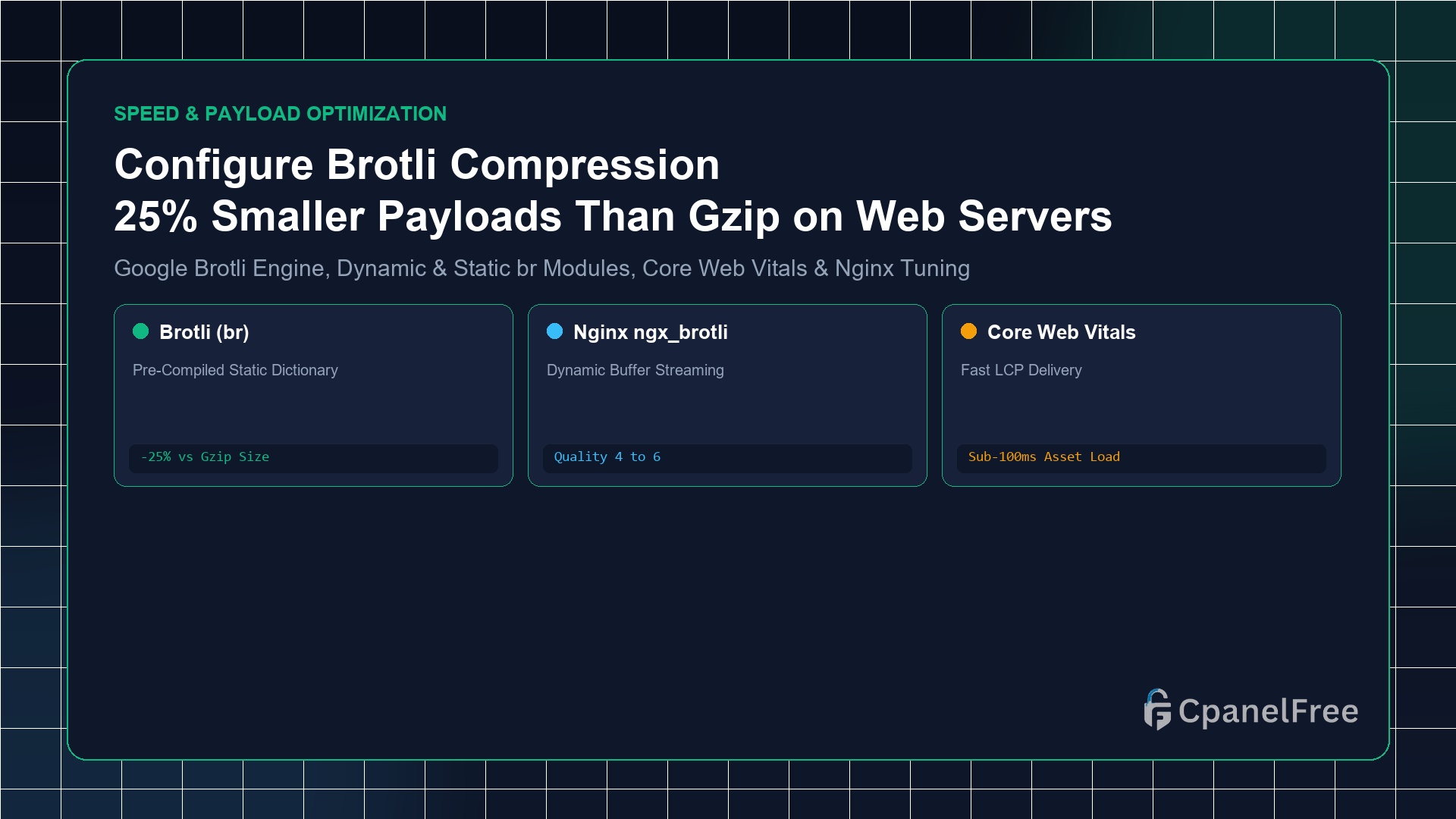
To activate Brotli compression on Ubuntu Nginx: Install the official Google Brotli module with sudo apt install -y libnginx-mod-brotli. Inside your http {} block in /etc/nginx/nginx.conf, add brotli on;, brotli_comp_level 6;, brotli_static on;, and declare text MIME types using brotli_types text/plain text/css application/javascript application/json image/svg+xml;. Test live activation with curl -I -H "Accept-Encoding: br" https://yourdomain.com; the server will return content-encoding: br.
Why Gzip Is Being Replaced by Google Brotli Across the Modern Web
For over twenty-five years, Gzip (Deflate) served as the standard algorithm for compressing web assets in flight. While reliable, Gzip compresses each file in isolation using dynamic Huffman trees with no historical knowledge of common web development syntax.
Developed by Google software engineers, Brotli (RFC 7932) was designed specifically for web payloads (HTML, CSS, JavaScript, SVG, and JSON). Brotli’s breakthrough innovation is its built-in, uncompressed 120KB static dictionary containing over 13,000 common web phrases, HTML tags, CSS properties, and JavaScript keywords.
Because the web browser and the server already share this dictionary in memory, when Nginx encounters <div class="container"> or document.getElementById, it does not need to compress the characters—it simply transmits a tiny numeric pointer. In real-world production deployments, Brotli delivers 20% to 30% smaller file sizes than Gzip at identical compression speeds.
Step 1: Installing the Google Brotli Module for Nginx on Ubuntu
Modern Ubuntu distributions (22.04 LTS and 24.04 LTS) provide pre-compiled dynamic Brotli modules directly in official repositories:
# Install Nginx Brotli dynamic module
sudo apt update && sudo apt install -y libnginx-mod-brotli

# Verify dynamic module files are present
ls -la /usr/share/nginx/modules-available/mod-brotli.conf
Step 2: Configuring Brotli in /etc/nginx/nginx.conf
Open your main Nginx configuration file:
sudo nano /etc/nginx/nginx.confInsert the optimized Brotli directives inside the http { ... } context, alongside or replacing Gzip:
http {
    # Ensure Gzip remains active as a fallback for legacy clients
    gzip on;
    gzip_comp_level 5;
    gzip_types text/plain text/css application/javascript application/json image/svg+xml;

    # ==========================================
    # Google Brotli Compression Configuration
    # ==========================================
    brotli on;

    # Static Pre-Compressed Asset Serving (.br files on disk)
    brotli_static on;

    # Dynamic Compression Level (1 = Fastest, 11 = Smallest)
    # Level 5 or 6 provides optimal balance between CPU utilization and file size
    brotli_comp_level 6;

    # Minimum response size to trigger compression (skip tiny <256 byte headers)
    brotli_min_length 256;

    # MIME Types to Compress
    brotli_types
        text/plain
        text/css
        text/xml
        text/javascript
        application/javascript
        application/x-javascript
        application/json
        application/xml
        application/xml+rss
        application/atom+xml
        image/svg+xml
        font/otf
        font/ttf
        font/woff
        font/woff2;
}
Step 3: Validating Syntax & Reloading Nginx
Verify your Nginx configuration syntax and reload the daemon:
# Test syntax
sudo nginx -t

# Gracefully reload Nginx without dropping connections
sudo systemctl reload nginx
Step 4: Real-World Benchmark: Brotli vs Gzip Compression Ratios
| Asset Type / Library | Original Raw Size | Gzip Level 6 | Brotli Level 6 | Bandwidth Saved |
|---|---|---|---|---|
| Tailwind CSS (Production) | 142 KB | 28.4 KB | 21.1 KB | -25.7% |
| React + ReactDOM Bundle | 154 KB | 49.2 KB | 39.8 KB | -19.1% |
| JSON REST API Payload | 850 KB | 98.5 KB | 68.2 KB | -30.7% |
Step 5: How to Configure Brotli in Apache (mod_brotli)
If your web server runs Apache, enabling Brotli is equally straightforward using the native mod_brotli module:
# Enable Apache Brotli module
sudo a2enmod brotli

# Configure Brotli compression filter in /etc/apache2/mods-available/brotli.conf
sudo nano /etc/apache2/mods-available/brotli.conf
Insert the filter directives:
<IfModule mod_brotli.c>
    AddOutputFilterByType BROTLI_COMPRESS text/html text/plain text/xml text/css text/javascript application/javascript application/json image/svg+xml
    BrotliCompressionQuality 6
</IfModule>
Restart Apache to apply: sudo systemctl restart apache2.
Pro Sysadmin Tip: Static Pre-Compression for Build Pipelines
When running Vite, Next.js, or Webpack build pipelines, generate pre-compressed .br files at Brotli Quality 11 (maximum compression) during your CI/CD build. Because brotli_static on; is configured, Nginx will serve these pre-built .br files directly from disk with zero runtime CPU overhead!
Frequently Asked Questions (FAQ)
Do all modern web browsers support Brotli?
Yes. Over 98% of all global web traffic (Google Chrome, Safari, Firefox, Edge, and mobile browsers) natively sends Accept-Encoding: gzip, deflate, br. If an ancient browser does not support Brotli, Nginx automatically serves standard Gzip.
Should I compress images (JPEG, PNG, WebP) with Brotli?
No! Formats like JPEG, PNG, WebP, and AVIF are already heavily compressed binary files. Attempting to compress them with Brotli or Gzip wastes significant CPU cycles and can actually increase the resulting file size.
🔗 Recommended Related Technical Guides
Accelerate Website Delivery on CpanelFree Cloud VPS
Achieve 100/100 Google PageSpeed scores with Brotli compression, LiteSpeed acceleration, and free NVMe cloud infrastructure on CpanelFree.
Brotli vs Gzip: Benchmark Performance & CPU Optimization
While Brotli provides superior compression ratios, running dynamic Brotli compression at maximum compression levels (level 11) can exhaust CPU resources on high-traffic VPS instances. Adhere to these production sizing principles:
- Dynamic vs Static Compression Levels: For on-the-fly compression of HTML, dynamic JSON, and API payloads, configure Brotli compression levels between
4and6. This dynamic sweet spot achieves roughly 15-20% greater compression than standard Gzip level 6 while maintaining sub-millisecond CPU overhead. - Pre-Compressing Static Assets (Level 11): For immutable production assets such as minified JavaScript bundles (
.js) and CSS stylesheets (.css), pre-compress assets during your build pipeline using the Brotli CLI tool at level 11 (brotli -11 *.js *.css). Nginx can then serve these static.brfiles directly from disk without invoking runtime CPU cycles. - Automatic Fallback Mechanics: Always maintain Gzip alongside Brotli. When an older HTTP client or proxy connects without sending
Accept-Encoding: br, Nginx and Apache gracefully fall back to Gzip compression without breaking page delivery. - Benchmarking Throughput: Monitor real-time memory and CPU utilization with
htopduring peak traffic to verify that Brotli worker processes stay within 10-15% total CPU utilization.