
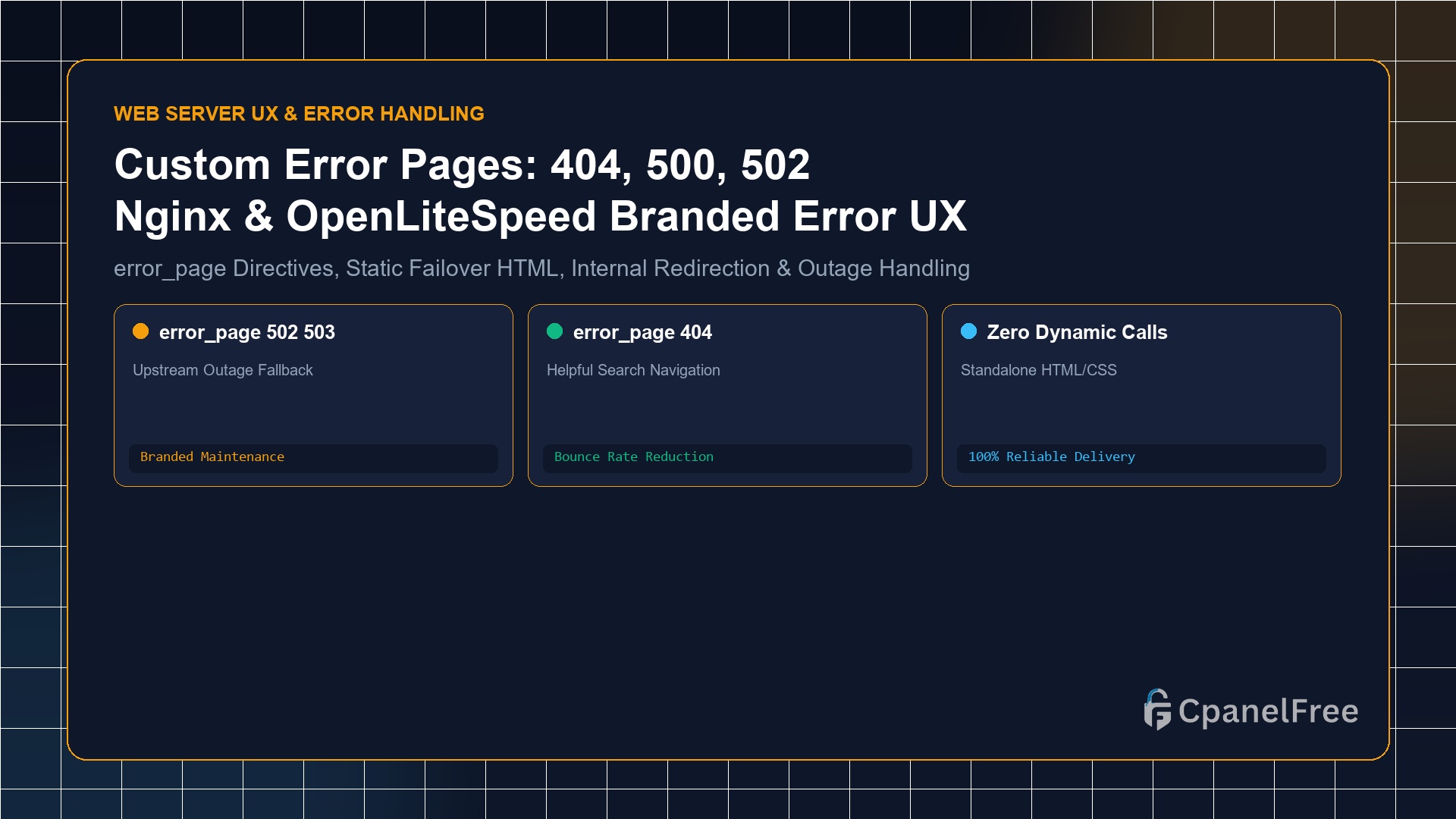
To serve branded custom error pages in Nginx: Place standalone HTML files in /var/www/html/errors/. Inside your server {} block, declare error_page 404 /errors/404.html; and error_page 500 502 503 504 /errors/50x.html;. Add a protected location block with internal; (e.g. location ^~ /errors/ { root /var/www/html; internal; }). This ensures that even if your backend database or PHP-FPM daemon crashes completely, Nginx serves a polished, branded maintenance page directly from static disk.
Why Default Web Server Error Pages Harm Your Brand and SEO
When an unexpected server exception occurs—such as a 502 Bad Gateway during an application deployment, a 503 Service Temporarily Unavailable during database maintenance, or a standard 404 Not Found—the default response from raw Nginx or OpenLiteSpeed is a stark, unstyled black-and-white error banner.
Default error pages create three critical business problems:
- Immediate Visitor Drop-off: Confused users assume the entire company is defunct, immediately hitting the browser back button and escalating bounce rates.
- Security Reconnaissance: Default error banners often disclose the underlying web server version (e.g.
nginx/1.18.0 (Ubuntu)), helping malicious bot scanners identify unpatched vulnerabilities. - Lost Conversion Opportunities: A thoughtful custom 404 or maintenance page with search navigation, status updates, and support links keeps visitors engaged within your ecosystem.
Step 1: Creating Standalone Static Error HTML Pages
Crucial architectural rule: Custom error pages for 500, 502, 503, and 504 must NEVER rely on dynamic PHP or external database connections. If MySQL or PHP-FPM is dead, a dynamic error script will crash recursively.
Create dedicated, self-contained static HTML files with inline CSS:
# Create dedicated errors directory
sudo mkdir -p /var/www/html/errors

# Create custom 404 page
sudo nano /var/www/html/errors/404.html
Insert clean, branded HTML:
<!DOCTYPE html>
<html lang="en">
<head>
    <meta charset="UTF-8">
    <title>Page Not Found | CpanelFree</title>
    <style>
        body { background-color: #0b0f19; color: #f8fafc; font-family: -apple-system, BlinkMacSystemFont, 'Segoe UI', Roboto, sans-serif; display: flex; align-items: center; justify-content: center; height: 100vh; margin: 0; }
        .card { background: #161e31; border: 1px solid #23304b; padding: 45px; border-radius: 12px; text-align: center; max-width: 500px; }
        h1 { font-size: 68px; margin: 0; color: #38bdf8; }
        h2 { font-size: 22px; margin: 10px 0 15px 0; }
        p { color: #94a3b8; font-size: 15px; line-height: 1.6; }
        a { display: inline-block; background: #0284c7; color: #fff; text-decoration: none; padding: 12px 28px; border-radius: 6px; font-weight: 600; margin-top: 15px; }
    </style>
</head>
<body>
    <div class="card">
        <h1>404</h1>
        <h2>Page Not Found</h2>
        <p>The URL you requested could not be located. It may have been moved, renamed, or deleted.</p>
        <a href="/">Return to Homepage →</a>
    </div>
</body>
</html>
Similarly, create /var/www/html/errors/50x.html for server errors, explaining that scheduled maintenance is underway and services will resume momentarily.
Step 2: Configuring Nginx error_page Directives
Open your site configuration file:
sudo nano /etc/nginx/sites-available/yourdomain.confAdd the error mapping directives inside your server { ... } block:
server {
    listen 443 ssl http2;
    server_name yourdomain.com;
    root /var/www/html;

    # Hide Nginx version tokens in HTTP headers & error pages
    server_tokens off;

    # Map HTTP status codes to custom error URIs
    error_page 404 /errors/404.html;
    error_page 500 502 503 504 /errors/50x.html;

    # Protected Location for Error Pages
    location ^~ /errors/ {
        root /var/www/html;

        # Security: Prevent public direct URL access to /errors/404.html
        internal;
    }

    # Standard Reverse Proxy or PHP FastCGI handlers
    location / {
        try_files $uri $uri/ =404;
    }
}
The Magic of the internal Directive: Adding internal; guarantees that visitors cannot manually navigate to https://yourdomain.com/errors/404.html and trigger a false HTTP 200 response. Nginx only serves these pages when an internal redirect occurs from an actual error.
Step 3: Configuring Custom Error Pages in OpenLiteSpeed
In OpenLiteSpeed or CyberPanel, configuring custom error documents can be done via the WebAdmin GUI or virtual host configuration file:
# Edit virtual host configuration in OpenLiteSpeed
errorpage 404 {
  url /errors/404.html
}
errorpage 500 {
  url /errors/50x.html
}
errorpage 503 {
  url /errors/50x.html
}
In the OpenLiteSpeed WebAdmin console: Navigate to Virtual Hosts > Your VHost > General, scroll to Customized Error Pages, and click Add to define error code mappings.
Step 4: Testing Error Page Triggers Live
Verify that your error pages deliver proper HTTP status codes while rendering your branded layout:
# Test 404 Page (Must return HTTP/2 404 status code)
curl -I https://yourdomain.com/non-existent-page-test-12345

# Test 502 Simulation: temporarily stop backend application
sudo systemctl stop myapp
curl -I https://yourdomain.com/api/
The terminal should confirm HTTP/2 404 or HTTP/2 502 alongside the full HTML body of your custom error document.
SEO Best Practice: Preserving Correct HTTP Status Codes
Never redirect 404 errors to your homepage with a 301 or 302 redirect. Google flags this as a Soft 404, which dilutes topical crawl authority. Always ensure missing URLs explicitly return a true HTTP 404 header.
Frequently Asked Questions (FAQ)
Can I style custom error pages using external CSS or CDN fonts?
It is strongly advised to keep all CSS inline and avoid external dependencies. If your server is experiencing network connectivity issues or DNS resolution problems, external CDN stylesheets will fail to load, rendering a broken unstyled page.
How do I intercept 502 errors from a reverse proxy backend in Nginx?
Add proxy_intercept_errors on; (or fastcgi_intercept_errors on; for PHP) inside your location block. This instructs Nginx to capture error codes emitted by the upstream backend and substitute your custom error_page document.
🔗 Recommended Related Technical Guides
Host Rock-Solid Web Infrastructure on CpanelFree
Deliver seamless 99.99% uptime with hardware-redundant cloud servers, pure NVMe arrays, and 100% free hosting options on CpanelFree.