Understanding UFW: Advanced Firewall Rules on Ubuntu

Master advanced UFW rules on Ubuntu. Configure multi-interface packet filtering, NAT forwarding, and kernel sysctl tuning for robust server defense.
 /BlogZero-Cost Cloud
Master advanced UFW rules on Ubuntu. Configure multi-interface packet filtering, NAT forwarding, and kernel sysctl tuning for robust server defense.

Protect Nginx and SSH from brute-force scans with Fail2ban. Deploy production jails, nftables integration, and custom regex filters.

Master Security-Enhanced Linux fundamentals with this guide. Learn how security contexts, type enforcement, and booleans harden modern Linux servers.

Harden Linux remote access with elliptic-curve Ed25519 cryptography and OATH-TOTP 2FA. Eliminate brute-force vectors and enforce zero-trust bastion security.
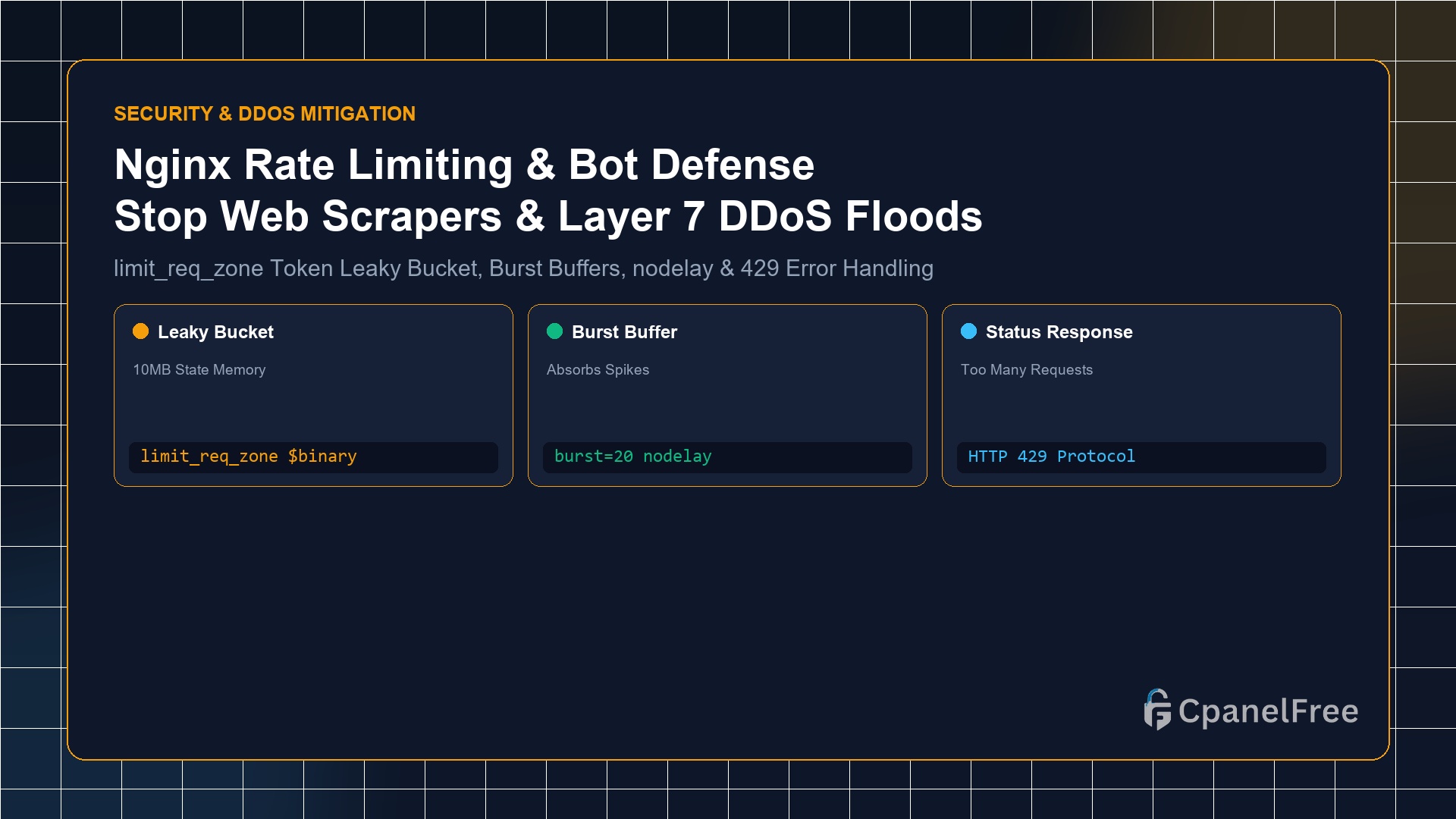
Quick Technical Answer: To enforce rate limiting in Nginx: In the http {} block of /etc/nginx/nginx.conf, define a shared memory zone: limit_req_zone $binary_remote_addr zone=api_limit:10m rate=10r/s;. Then apply it to sensitive endpoints (such as wp-login.php or /api/) inside your server {} block: limit_req zone=api_limit burst=20 nodelay; and configure limit_req_status 429;. This buffers legitimate user spikes while … Read more

Quick Technical Answer: To safely delegate administrative rights without sharing root passwords: Create a dedicated user with sudo adduser devops, and append them to the administrative sudo group using sudo usermod -aG sudo devops. To grant granular permission for specific commands (e.g. restarting Nginx) without password prompts, create a file at /etc/sudoers.d/devops using sudo visudo … Read more
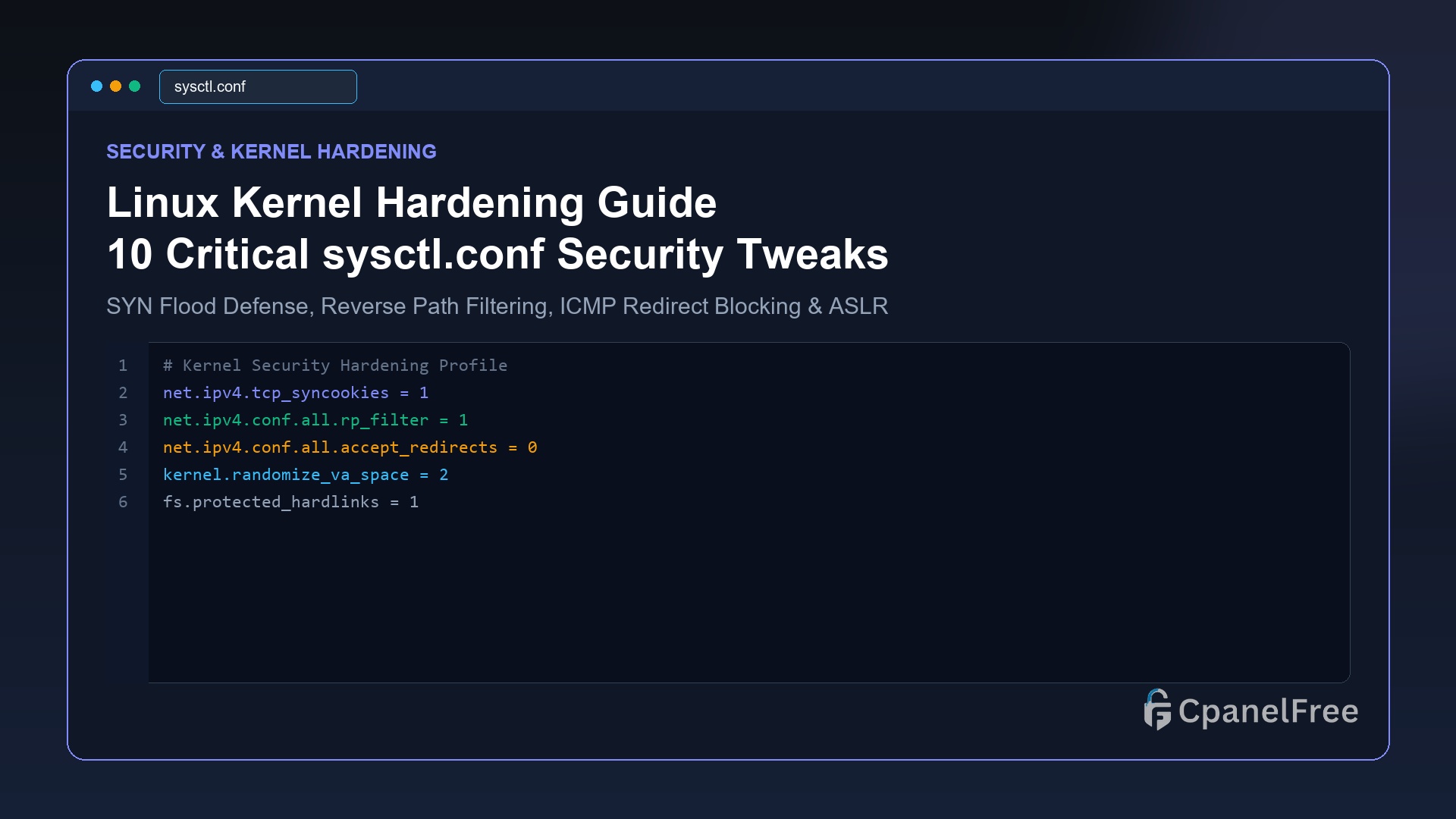
Quick Technical Answer: To harden the Linux kernel against network attacks, edit /etc/sysctl.d/99-security.conf. Enable TCP SYN cookies with net.ipv4.tcp_syncookies = 1 to survive SYN floods, enable reverse path filtering with net.ipv4.conf.all.rp_filter = 1 to block IP spoofing, disable ICMP redirects (accept_redirects = 0), and maximize ASLR memory protection with kernel.randomize_va_space = 2. Apply immediately with … Read more
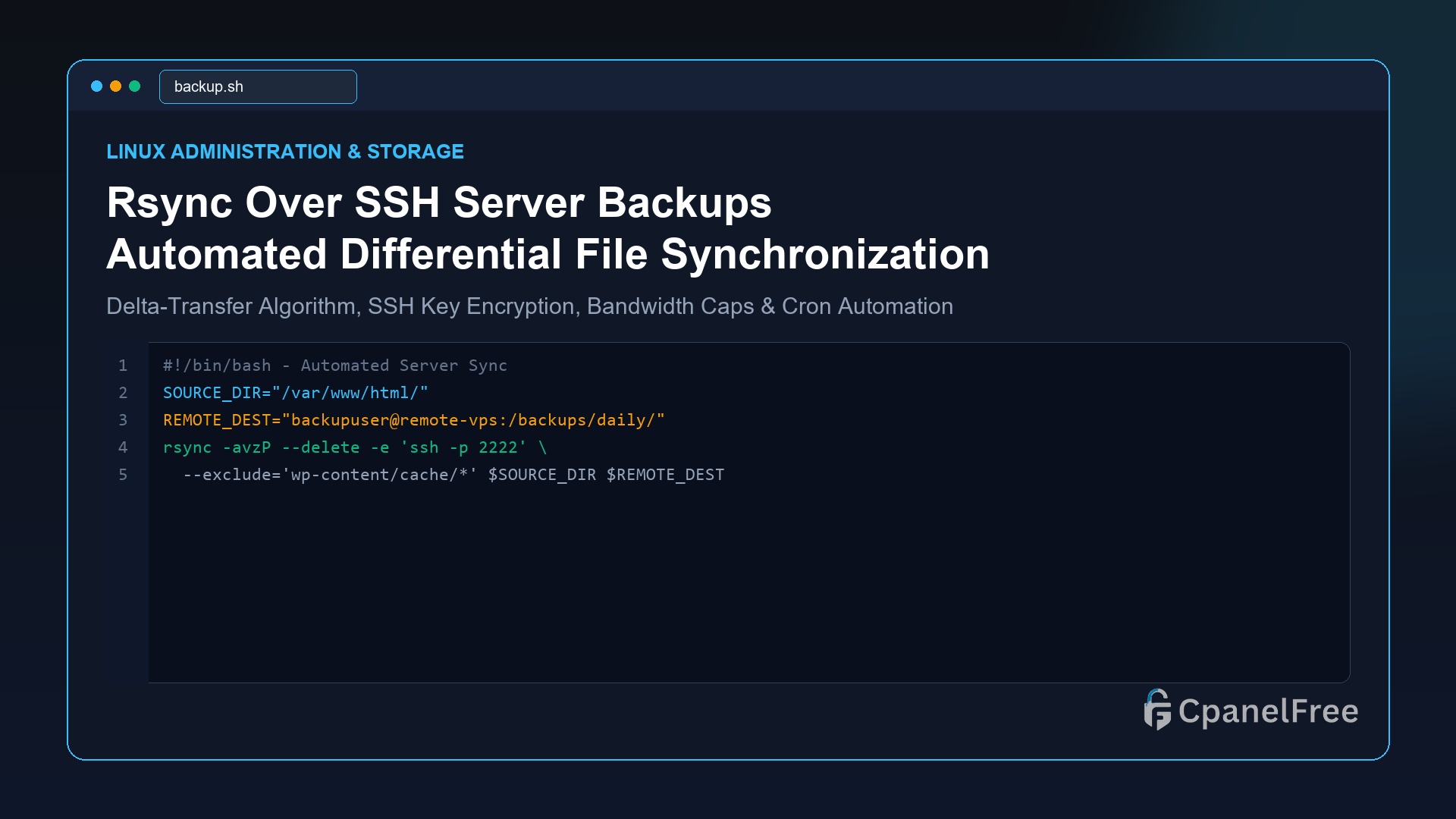
Quick Technical Answer: To synchronize files securely between two Linux VPS servers over SSH, use the standard command: rsync -avzP -e “ssh -p 22” /local/source/ user@remote_ip:/remote/destination/. The flags -a preserves permissions and timestamps, -v enables verbose output, -z enables gzip transmission compression, and -P preserves partial transfers with a live progress bar. To make it … Read more

Quick Technical Answer: To immediately reclaim disk space from bloated logs on Linux, vacuum the systemd journal using sudo journalctl –vacuum-size=200M. Then, cap future growth permanently by setting SystemMaxUse=250M in /etc/systemd/journald.conf and restarting with sudo systemctl restart systemd-journald. For application logs in /var/log/, create a rule in /etc/logrotate.d/myapp specifying daily, rotate 7, compress, delaycompress, and … Read more
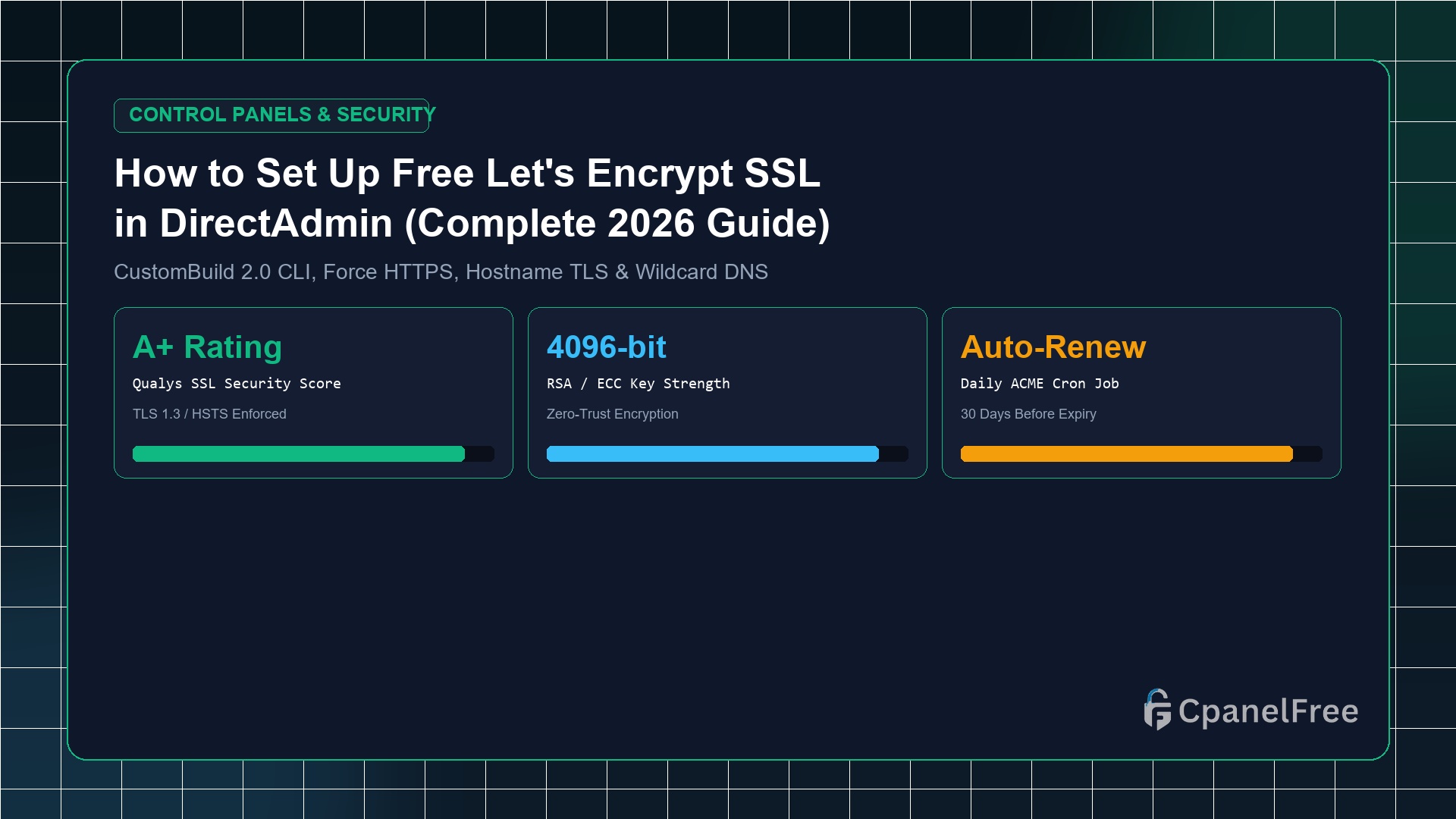
Time to Install: Under 3 minutes directly from the DirectAdmin browser interface. Certificate Authority: Free, automated Let’s Encrypt certificates with 2048/4096-bit RSA encryption. Auto-Renewal: DirectAdmin runs an internal daily cron job that renews all active certificates automatically 30 days before expiration. HTTPS Enforcement: A single toggle in … Read more