How to Set Up Coolify on Ubuntu VPS: Deploy Node, Python & PHP in 1-Click
For developers, agencies, and startup teams, modern deployment agility is non-negotiable. However, recurring SaaS subscriptions from commercial cloud providers quickly accumulate, often costing hundreds of dollars monthly for basic build pipelines, preview environments, and hosted databases. By deploying Coolify—the open-source, self-hosted alternative to Heroku, Netlify, and Vercel—on a dedicated Linux VPS, you gain an enterprise-grade … Read more

Coolify vs CapRover vs Dokku: Which Self-Hosted PaaS is Best in 2026?

Commercial Platform-as-a-Service (PaaS) providers such as Vercel, Heroku, Render, and AWS Elastic Beanstalk revolutionized developer productivity. Being able to run git push and witness an application build, provision an SSL certificate, and scale automatically is intoxicating. However, as applications grow, commercial PaaS pricing structures quickly become exorbitant—charging punishing premiums for bandwidth egress, background worker hours, … Read more

How to Run a Lightweight Kubernetes Cluster on a Budget VPS Using k3s

Standard upstream Kubernetes (k8s) is an exceptional container orchestration engine, but its immense architectural complexity, etcd clustering overhead, and heavy memory footprint make it impractical for small teams and budget virtual servers. A baseline upstream control plane frequently requires 3 nodes and consumes over 4GB of RAM before scheduling a single user container. Enter k3s: … Read more

How to Self-Host GitLab Community Edition on a Cloud VPS: Hardware & Setup

For development agencies, engineering teams, and privacy-focused organizations, maintaining total sovereignty over source code, proprietary algorithms, and CI/CD artifacts is paramount. While commercial SaaS platforms like GitHub and GitLab Cloud charge escalating per-seat monthly fees, self-hosting GitLab Community Edition (CE) on a dedicated Linux VPS delivers unmetered repositories, unlimited team members, and private CI/CD runners … Read more

How to Deploy Web Apps from GitHub Actions to Linux VPS via SSH

Continuous Integration and Continuous Deployment (CI/CD) eliminates repetitive manual deployments, human configuration errors, and unexpected downtime. While managed cloud platforms offer convenient git-push integrations, deploying directly to your own self-hosted Linux VPS provides complete hardware ownership, unlimited deployment frequency, and drastically lower infrastructure costs. In this guide, you will learn how to architect an automated, … Read more

Production Docker Compose: Best Practices, Networking & Secrets

Docker Compose has evolved from a local developer tool into a battle-tested container orchestration standard for single-node production servers. While Kubernetes commands enterprise multi-datacenter clusters, Docker Compose offers remarkable simplicity, minimal resource overhead, and instant reproducibility when deploying multi-container stacks on a high-performance Linux VPS. However, running Docker Compose in production requires fundamentally different patterns … Read more

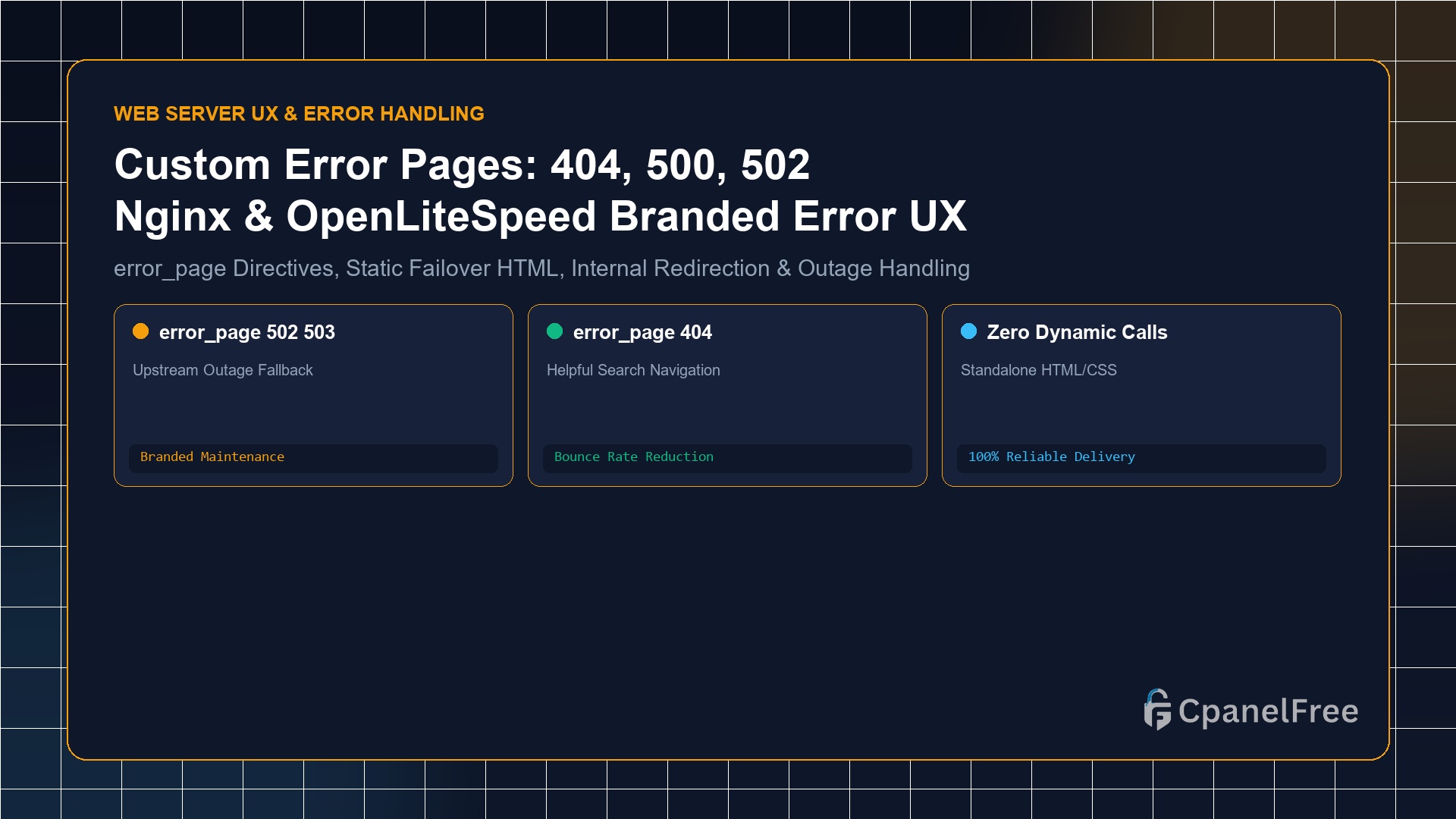
How to Serve Custom Error Pages (404, 500, 502, 503) in Nginx & OpenLiteSpeed

Quick Technical Answer: To serve branded custom error pages in Nginx: Place standalone HTML files in /var/www/html/errors/. Inside your server {} block, declare error_page 404 /errors/404.html; and error_page 500 502 503 504 /errors/50x.html;. Add a protected location block with internal; (e.g. location ^~ /errors/ { root /var/www/html; internal; }). This ensures that even if your … Read more

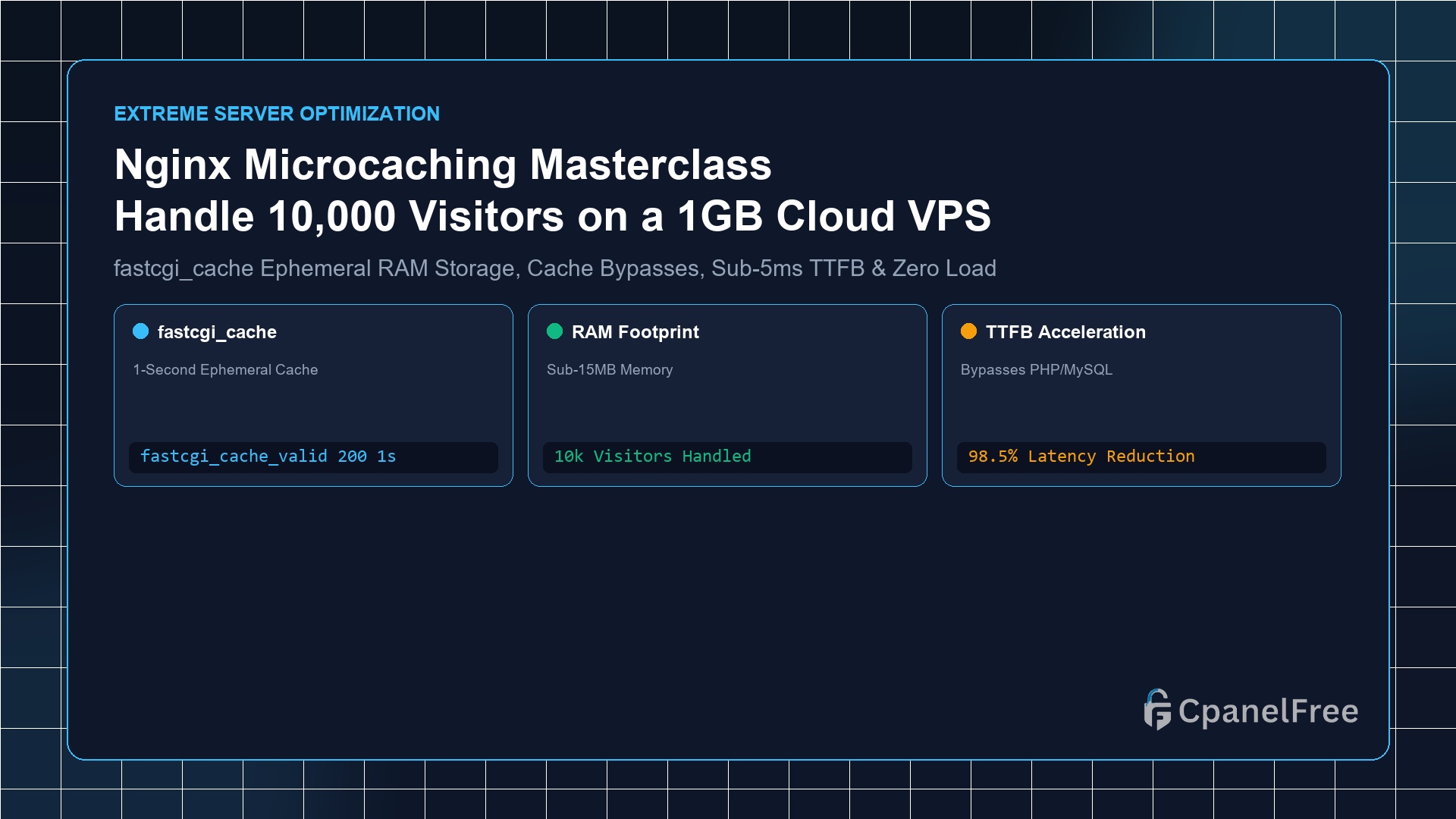
How to Configure Nginx Microcaching to Handle 10,000 Concurrent Visitors on a 1GB VPS

Quick Technical Answer: Microcaching is the technique of caching dynamic application responses (PHP/Node/Python) in Nginx for an ultra-brief window (e.g. 1 to 5 seconds). Define a cache zone in /etc/nginx/nginx.conf using fastcgi_cache_path /var/run/nginx-cache levels=1:2 keys_zone=MICROCACHE:10m inactive=10m max_size=128m;. Inside your site configuration, set fastcgi_cache_valid 200 1s;, and bypass the cache for logged-in users and shopping carts … Read more

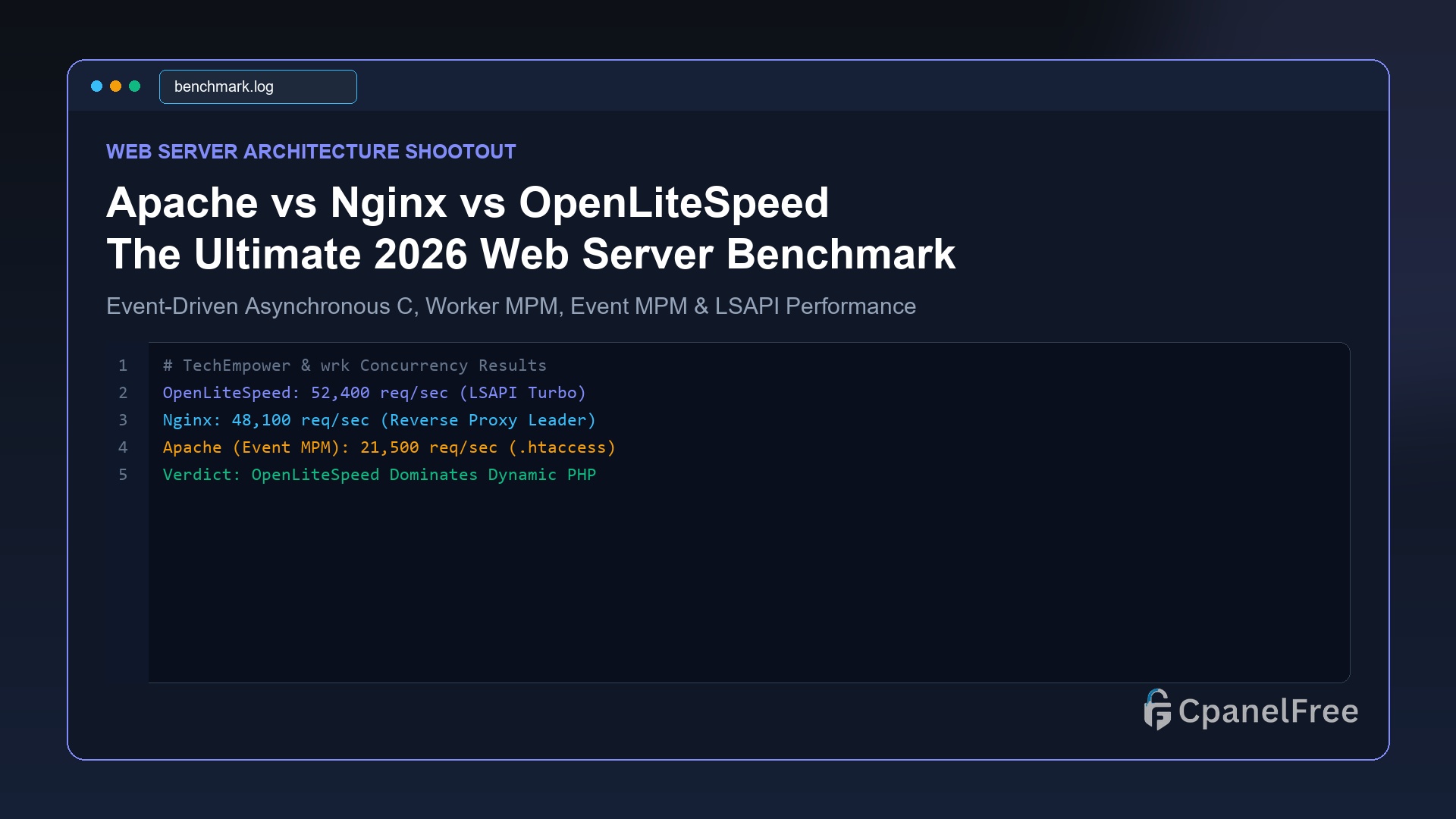
Apache vs Nginx vs OpenLiteSpeed: The Ultimate 2026 Web Server Showdown

Quick Technical Answer: For dynamic PHP workloads (WordPress, WooCommerce, Magento), OpenLiteSpeed is the undisputed champion, delivering up to 3x higher throughput than Nginx thanks to native LSCache server-level caching and the high-speed LSAPI protocol while maintaining .htaccess rewrite compatibility. For reverse proxying microservices, Docker clusters, and static asset delivery, Nginx remains the industry gold standard. … Read more

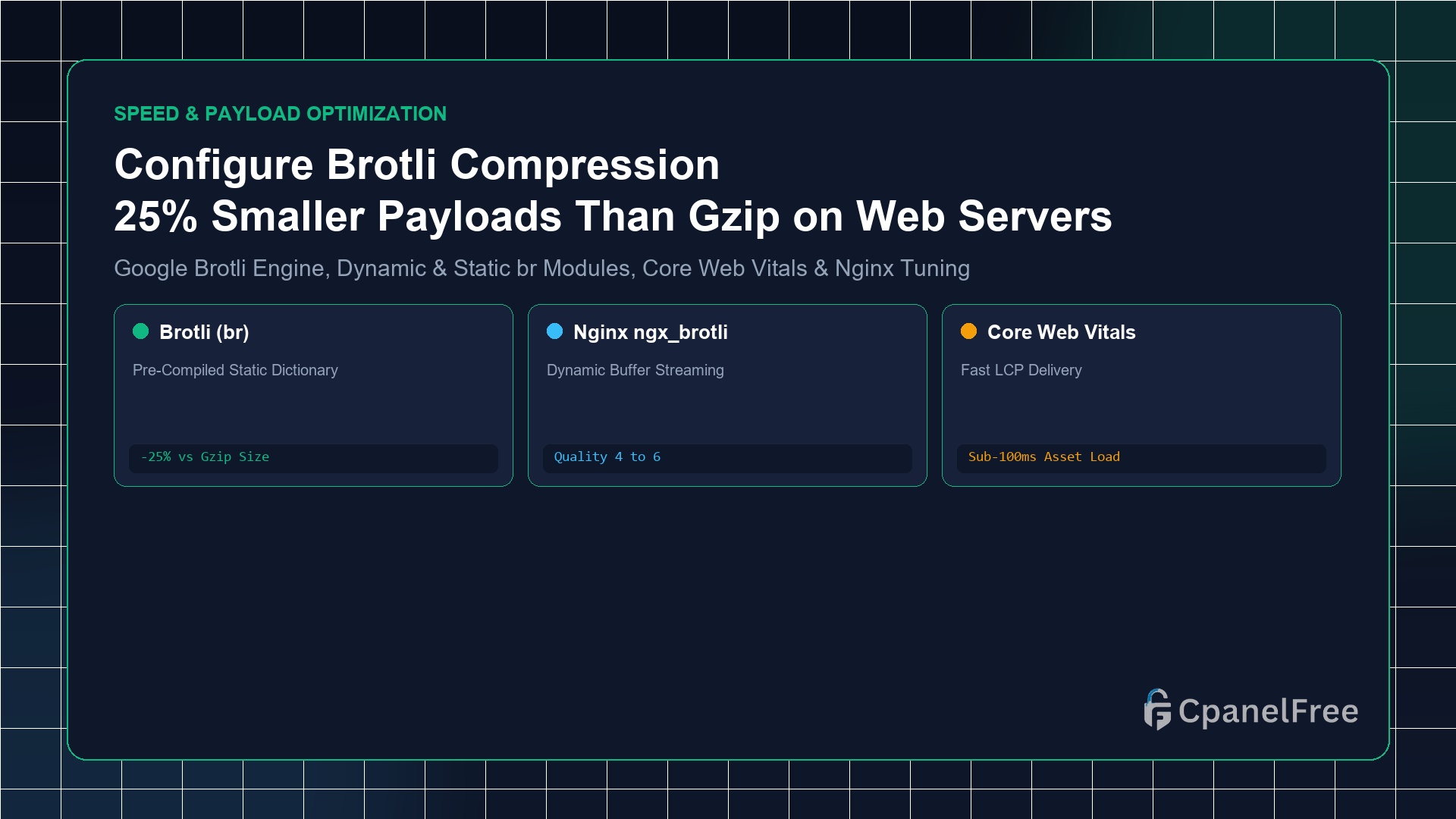
How to Configure Brotli Compression in Nginx & Apache (Better than Gzip)

Quick Technical Answer: To activate Brotli compression on Ubuntu Nginx: Install the official Google Brotli module with sudo apt install -y libnginx-mod-brotli. Inside your http {} block in /etc/nginx/nginx.conf, add brotli on;, brotli_comp_level 6;, brotli_static on;, and declare text MIME types using brotli_types text/plain text/css application/javascript application/json image/svg+xml;. Test live activation with curl -I -H … Read more