
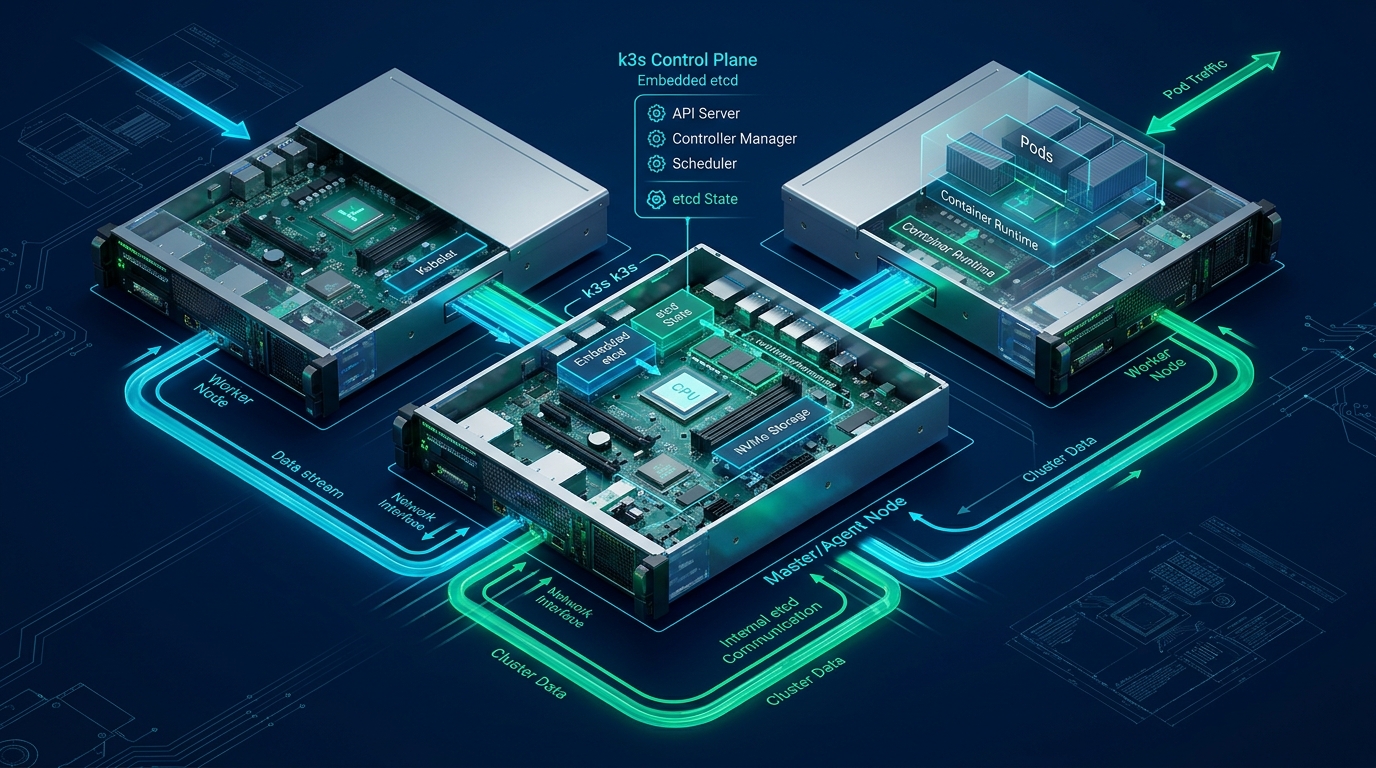
Securing enterprise Linux infrastructure against credential stuffing, compromised private keys, and lateral movement requires moving beyond single-factor SSH key authentication to a zero-trust model. By integrating Pluggable Authentication Modules (PAM) with RFC 6238 Time-based One-Time Password (TOTP) algorithms, systems engineers can enforce cryptographic multi-factor authentication (MFA) without introducing external identity provider latency. When architecting resilient hosting environments at CpanelFree, hardening PAM stacks ensures administrative shells remain strictly isolated from unauthorized external ingress.
What is Linux PAM Google Authenticator MFA?
pam_google_authenticator.so shared object. It enforces a strict multi-stage challenge requiring both an asymmetric SSH private key and an RFC 6238 time-synchronized 6-digit TOTP token before granting shell execution privileges.
Pluggable Authentication Modules (PAM) decouple local system applications from underlying authentication mechanisms. Originating from the Open Software Foundation RFC 86.0 and implemented in Linux via Linux-PAM, this dynamic architecture allows system administrators to define distinct authentication stacks across four management groups: auth (credential validation), account (account expiration and access rights), password (token updates), and session (audit logging and environment provisioning). By injecting pam_google_authenticator.so into the auth facility of the OpenSSH daemon (/etc/pam.d/sshd), authentication transitions from a single point of failure into a defense-in-depth pipeline.
Architectural Analysis: How PAM Processes Multi-Factor Challenges
To understand PAM execution flow, consider how OpenSSH handles client handshakes under hardened multi-factor conditions. In a standard SSH session, client authentication finishes once the public key cryptographic signature matches the public key stored in ~/.ssh/authorized_keys. When PAM is activated alongside AuthenticationMethods publickey,keyboard-interactive, the SSH daemon suspends session initialization after public key validation and initiates a sub-protocol challenge via the PAM library.
The PAM engine evaluates rules sequentially within the service configuration. Each rule adheres to the canonical syntax:
# Syntax: <management-interface> <control-flag> <module-path> <module-arguments>
auth requisite pam_google_authenticator.so nullok secret=/var/run/mfa/${USER}/.google_authenticator step=30
The control flag dictates how PAM responds to success or failure from a module:
- required: The module must succeed. If it fails, PAM continues executing subsequent modules in the stack, but the overall authentication will ultimately fail. This prevents timing attacks that reveal which module rejected the login.
- requisite: The module must succeed. If it fails, PAM terminates execution immediately and rejects the connection, preventing unnecessary prompts or resource utilization.
- sufficient: If this module succeeds and no prior
requiredmodule failed, PAM halts execution and grants access immediately. - optional: The result is only factored in if no other modules in the stack provide a definitive result.
common-auth inclusion directly without inspection. Standard Debian/Ubuntu installations include @include common-auth in /etc/pam.d/sshd, which cascades into pam_unix.so. If not decoupled, the user may be unexpectedly prompted for their system UNIX password in addition to their MFA token.
Comparative Matrix: Default SSH vs PAM-Hardened MFA Architecture
Evaluating the performance, security surface, and operational footprint of SSH deployment architectures illustrates the tactical advantages of an engineered PAM stack:
Production Implementation: Step-by-Step PAM & SSH Daemon Hardening
Implementing enterprise-grade MFA requires precision configuration across package management, file permissions, PAM profiles, and the OpenSSH daemon. Follow this validated deployment procedure for Debian, Ubuntu, RHEL, and Rocky Linux systems.
1. Package Installation and Cryptographic Prerequisites
Install the Google Authenticator PAM module package. On Debian and Ubuntu systems, execute:
# Update repository cache and install PAM module with Qrencode support
sudo apt-get update && sudo apt-get install -y libpam-google-authenticator libqrencode4
On RHEL 9 or Rocky Linux 9 environments (with EPEL enabled):
# Enable EPEL and install google-authenticator PAM package
sudo dnf install -y epel-release
sudo dnf install -y google-authenticator qrencode-libs
2. Centralized Secret Directory Architecture
By default, the google-authenticator CLI stores secrets in ~/.google_authenticator. In hardened environments where home directories may reside on network storage (NFS) or have restrictive SELinux contexts, storing secrets in a dedicated local root-owned directory is standard practice. Create a secure directory structure:
# Create centralized PAM MFA secrets storage with strict POSIX permissions
sudo mkdir -p /var/mfa-secrets
sudo chmod 0755 /var/mfa-secrets

# Initialize user-specific secret file with explicit ownership
sudo install -o deployer -g deployer -m 0600 /dev/null /var/mfa-secrets/deployer
3. Non-Interactive Headless Token Initialization
For fleet-wide infrastructure management using Ansible, Puppet, or cloud-init, run the secret generator with strict flags to generate time-based tokens, prevent reuse, enforce time-window skew restrictions, and output emergency recovery scratch codes:
# Generate hardened TOTP configuration non-interactively for user 'deployer'
sudo -u deployer google-authenticator \
  --time-based \
  --disallow-reuse \
  --force \
  --rate-limit=3 \
  --rate-time=30 \
  --window-size=3 \
  --secret=/var/mfa-secrets/deployer \
  --qr-mode=UTF8
The resulting secret file contains the base32 seed, rate-limiting metadata, and five single-use emergency scratch codes. Back up these scratch codes securely off-server.
4. Hardening /etc/pam.d/sshd
Next, configure the PAM subsystem for OpenSSH. Edit /etc/pam.d/sshd. Comment out @include common-auth to prevent the prompt for Linux system passwords, and append the hardened Google Authenticator directive:
# ====================================================================
# /etc/pam.d/sshd - Production Multi-Factor Authentication Configuration
# ====================================================================

# Enforce basic account checks (shell validity, expiration, locked accounts)
account    required     pam_nologin.so
account    include      common-account

# PAM Google Authenticator Module Configuration
# nullok allows initial migration grace; remove 'nullok' once all users are enrolled
auth [success=done new_authtok_reqd=done default=die] pam_google_authenticator.so \
    secret=/var/mfa-secrets/${USER} \
    user=root \
    no_increment_hotp

# Fallback or session handling
session    optional     pam_motd.so motd=/run/motd.dynamic
session    optional     pam_motd.so noupdate
session    include      common-session
session    required     pam_limits.so
session required pam_env.sonullok parameter allows users without an MFA secret to log in with just their SSH key. Once all engineers have scanned their TOTP secrets, remove nullok immediately to enforce strict zero-exception MFA for all incoming connections.
5. OpenSSH Daemon Configuration Drop-in
Modern OpenSSH implementations support modular configuration drop-ins inside /etc/ssh/sshd_config.d/. Deploy a dedicated configuration file to mandate both public key verification and keyboard-interactive challenge execution:
# ====================================================================
# /etc/ssh/sshd_config.d/99-mfa-hardening.conf
# Production Multi-Factor Enforcement for OpenSSH
# ====================================================================

# Activate PAM integration
UsePAM yes

# Disable standard password authentication to eliminate brute-force vectors
PasswordAuthentication no

# Enable keyboard-interactive authentication to allow PAM challenge prompts
KbdInteractiveAuthentication yes
ChallengeResponseAuthentication yes

# Mandate that clients must satisfy BOTH publickey AND keyboard-interactive
# This guarantees that private key possession alone is insufficient for login
AuthenticationMethods publickey,keyboard-interactive:pam

# Prevent PAM from injecting environment variables or running arbitrary commands
PermitUserEnvironment no

# Restrict maximum authentication attempts to mitigate brute-force guessing
MaxAuthTries 3
LoginGraceTime 30

# Audit logging for compliance
LogLevel VERBOSE
6. Conditional MFA Bypass for CI/CD and Automation Subnets
Automated deployment pipelines (e.g. GitLab CI runners, GitHub Actions self-hosted runners, or backup daemons) cannot complete interactive TOTP challenges. Instead of weakening global security, implement conditional authentication methods in OpenSSH using Match blocks:
# ====================================================================
# Subnet-Specific MFA Bypass for Internal Automation
# /etc/ssh/sshd_config.d/90-automation-bypass.conf
# ====================================================================

# Dedicated automated CI/CD runner subnet
Match Address 10.240.0.0/24 User ci-deployer
    AuthenticationMethods publickey
    PubkeyAuthentication yes
    KbdInteractiveAuthentication no

# Management Jump Box / Bastion Network
Match Address 192.168.10.50/32 User admin-svc
    AuthenticationMethods publickey
    PubkeyAuthentication yes
    KbdInteractiveAuthentication no
Enterprise Failure Modes, SELinux Policies & High-Availability Considerations
Deploying PAM MFA across production fleets introduces specific architectural edge cases that must be mitigated proactively:
1. NTP Drift and Clock Skew Synchronization
RFC 6238 TOTP relies on synchronized UNIX epochs divided into 30-second steps. If host system time drifts more than 90 seconds, incoming TOTP codes will fail verification. Always enforce active time synchronization using chrony or systemd-timesyncd:
# Ensure chrony is active and tracking authoritative NTP servers
sudo systemctl enable --now chronyd
chronyc tracking
2. SELinux Policy Hardening for Custom Secret Paths
On RHEL, AlmaLinux, and Rocky Linux, storing MFA secrets outside the default home directory in /var/mfa-secrets triggers SELinux AVC denials when the OpenSSH daemon attempts to read the file. Remediate this by applying the correct auth_home_t file context:
# Apply correct SELinux context to custom MFA secrets directory
sudo semanage fcontext -a -t auth_home_t "/var/mfa-secrets(/.*)?"
sudo restorecon -Rv /var/mfa-secrets
3. Preventing Lockout During Deployment
Before restarting the OpenSSH daemon or closing your current terminal session, validate the syntax of all configuration files and run a dry-run test instance:
# Validate OpenSSH configuration syntax
sudo sshd -t

# If syntax passes, reload sshd without severing established connections
sudo systemctl reload sshd

# CRITICAL: Keep your current terminal session OPEN and test authentication in a new shell:
ssh -o PreferredAuthentications=publickey,keyboard-interactive deployer@your-server-ip
Verification, Automated Auditing & Threat Modeling
Once deployed, audit authentication logs to verify that PAM challenges are properly logged and enforced. Check /var/log/auth.log (Debian/Ubuntu) or /var/log/secure (RHEL/Rocky Linux):
# Filter SSH authentication logs for successful two-factor sessions
sudo journalctl -u ssh -n 50 --no-pager | grep -E "Accepted (publickey|keyboard-interactive)"
A properly hardened handshake produces a dual-log sequence showing successful public key exchange immediately followed by successful PAM verification. If an attacker possesses a stolen private key but lacks the hardware authenticator, the SSH daemon terminates the session at the keyboard-interactive challenge without executing a shell or granting access.
Frequently Asked Questions
Will configuring PAM MFA break automated SCP, SFTP, or rsync transfers?
Yes, standard non-interactive batch jobs cannot respond to the interactive keyboard challenge. To prevent breakage, either use dedicated service accounts restricted to specific CIDR subnets configured with AuthenticationMethods publickey inside an OpenSSH Match block, or isolate automated file synchronization jobs to restricted internal network segments.
What happens if a user loses their authenticator device or phone?
When the secret is initialized, five 8-digit emergency recovery scratch codes are generated in the user’s secret file. Each code can be entered once in place of a 6-digit TOTP token. Once used, the code is erased from the secret file. System administrators can also generate new scratch codes or re-provision secrets via root console access.
Does Google Authenticator send data back to Google servers during login?
No. The term ‘Google Authenticator’ refers to an open-source implementation of RFC 6238 TOTP. The shared secret remains on your server, and the 6-digit token is calculated locally on the client’s authenticator app (such as Google Authenticator, Aegis, 1Password, or YubiKey). No network requests are made to external servers during authentication.
Can I use hardware security keys (FIDO2/U2F) alongside or instead of TOTP?
Yes. Modern OpenSSH supports FIDO2 security keys natively via ssh-ed25519-sk and ssh-ecdsa-sk key types, which require physical presence verification on the hardware key itself. PAM TOTP provides a software-based zero-cost alternative or an additional secondary verification layer for environments where physical hardware tokens are not yet universally distributed.
Ready to Deploy High-Performance Infrastructure?
Experience blazing-fast NVMe storage, unmetered bandwidth, and enterprise LiteSpeed caching on CpanelFree.