
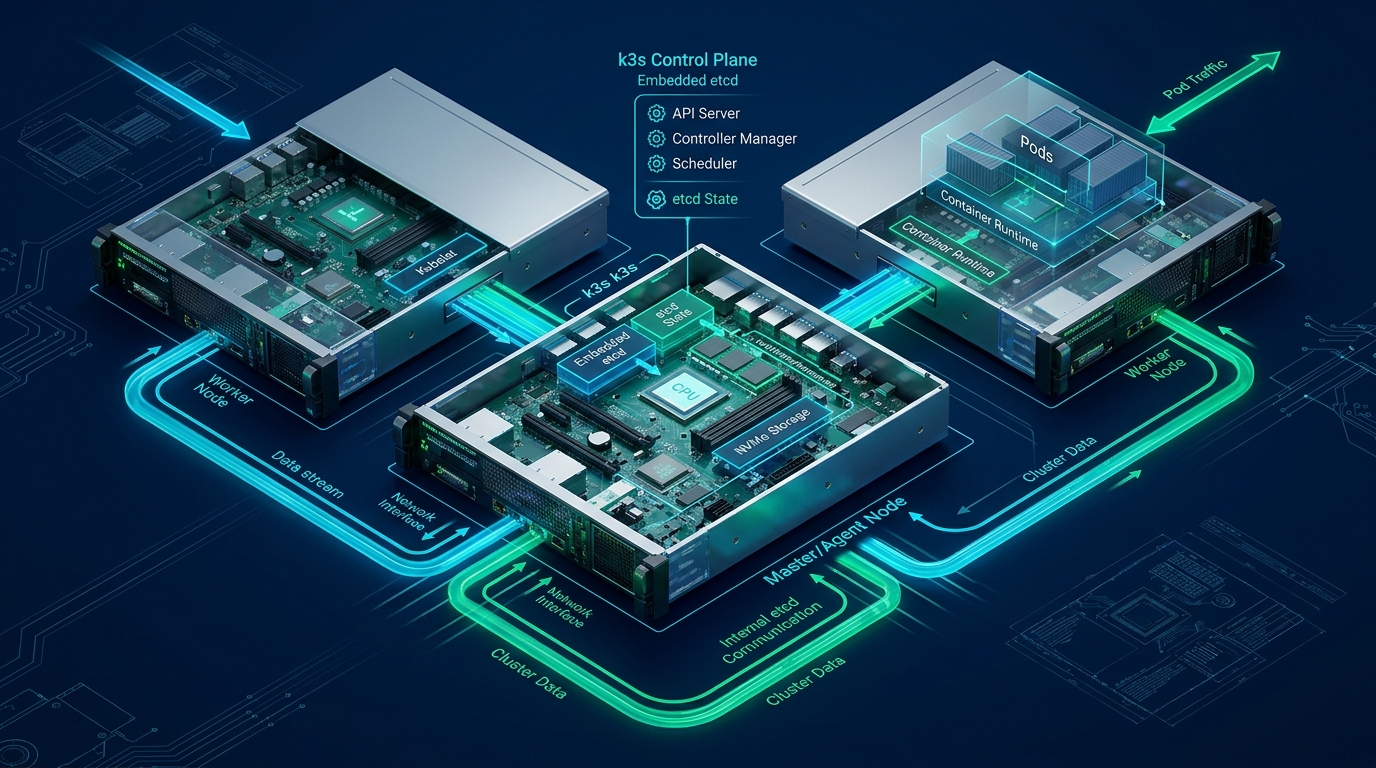
Operating multi-cloud Linux VPS environments across heterogeneous cloud vendors introduces acute operational friction, configuration drift, and networking divergence that cripple engineering velocity. By standardizing declarative infrastructure lifecycle management on CpanelFree high-performance cloud nodes alongside major hyperscalers, systems architects eliminate vendor lock-in while preserving deterministic state convergence. Establishing an immutable infrastructure-as-code pipeline combining Terraform for topology provisioning and Ansible for idempotent system configuration is the definitive blueprint for modern production environments.
Modern Multi-Cloud Architecture: Decoupling Provisioning from Configuration
Historically, system administrators relied on monolithic bash scripts or provider-specific cloud-init payloads to bootstrap virtual private servers. This anti-pattern suffers from catastrophic drawbacks in multi-cloud topologies: bootstrapping scripts fail silently, lack dependency graphing, offer zero rollback capability, and cannot reconcile configuration drift. When scaling across geographically distributed Linux nodes, managing disparate API targets manually introduces severe security vulnerabilities and inconsistent kernel profiles.
In 2026, enterprise systems architecture enforces a clear boundary between Day-0/Day-1 Infrastructure Orchestration (Terraform) and Day-2 Configuration Management (Ansible). Terraform treats servers as immutable infrastructure entities, tracking state in central locking backends. Once instances pass health checks, Ansible connects over encrypted SSH using ephemeral service keys to converge the operating system to the desired configuration state.
remote-exec provisioners. Doing so couples resource lifecycle to execution availability, causes state file corruption during transient network blips, and breaks Terraform’s dependency graph. Always emit structured JSON/YAML inventory outputs from Terraform to trigger native Ansible playbooks.
Architectural Comparison: Infrastructure Automation Paradigms
To understand the efficiency gains of decoupled multi-cloud orchestration, review the comparative matrix below detailing operational metrics across deployment methodologies:
Production Terraform HCL: Multi-Cloud VPS Provisioning
The following production-ready Terraform manifest demonstrates multi-region Linux VPS instance deployment, automated security firewall rules, and generation of a standardized Ansible dynamic inventory file. It leverages modern HCL constructs including for_each maps, local provider abstractions, and secure cloud-init baseline metadata.
# /etc/terraform/multicloud-vps/main.tf
terraform {
  required_version = ">= 1.9.0"
  required_providers {
    hcloud = {
      source  = "hetznercloud/hcloud"
      version = "~> 1.48.0"
    }
    vultr = {
      source  = "vultr/vultr"
      version = "~> 2.21.0"
    }
    local = {
      source  = "hashicorp/local"
      version = "~> 2.5.0"
    }
  }
  backend "s3" {
    bucket         = "corp-infra-tfstate-prod"
    key            = "multicloud/vps/terraform.tfstate"
    region         = "us-east-1"
    encrypt        = true
    dynamodb_table = "corp-infra-tfstate-lock"
  }
}

variable "ssh_public_key_path" {
  type        = string
  default     = "~/.ssh/id_ed25519_ops.pub"
  description = "Path to authorized operations SSH Ed25519 public key"
}

variable "cluster_nodes" {
  type = map(object({
    provider_type = string
    location      = string
    server_type   = string
    os_image      = string
    role          = string
  }))
  default = {
    "vps-node-alpha" = {
      provider_type = "hcloud"
      location      = "fsn1"
      server_type   = "cx22"
      os_image      = "ubuntu-24.04"
      role          = "edge_proxy"
    }
    "vps-node-beta" = {
      provider_type = "vultr"
      location      = "fra"
      server_type   = "vc2-2c-4gb"
      os_image      = "524" # Ubuntu 24.04 x64 LTS
      role          = "app_worker"
    }
  }
}

resource "hcloud_ssh_key" "admin" {
  name       = "ops-ed25519-key"
  public_key = file(pathexpand(var.ssh_public_key_path))
}

resource "hcloud_server" "nodes" {
  for_each    = { for k, v in var.cluster_nodes : k => v if v.provider_type == "hcloud" }
  name        = each.key
  server_type = each.value.server_type
  image       = each.value.os_image
  location    = each.value.location
  ssh_keys    = [hcloud_ssh_key.admin.id]
  keep_disk   = true

  labels = {
    environment = "production"
    managed_by  = "terraform"
    role        = each.value.role
  }
}

# Dynamic Ansible Inventory Generator
resource "local_file" "ansible_inventory" {
  filename = "${path.module}/../../ansible/inventory/hosts.ini"
  content  = <<-EOT
[all:vars]
ansible_user=root
ansible_ssh_common_args='-o StrictHostKeyChecking=no -o ControlMaster=auto -o ControlPersist=60s'
ansible_python_interpreter=/usr/bin/python3

[edge_proxies]
%{ for name, server in hcloud_server.nodes ~}
%{ if server.labels.role == "edge_proxy" ~}
${name} ansible_host=${server.ipv4_address} node_region=${server.location}
%{ endif ~}
%{ endfor ~}

[app_workers]
%{ for name, server in hcloud_server.nodes ~}
%{ if server.labels.role == "app_worker" ~}
${name} ansible_host=${server.ipv4_address} node_region=${server.location}
%{ endif ~}
%{ endfor ~}
EOT
  file_permission = "0644"
}
Production Ansible Playbook: Hardening & System Convergence
Once Terraform provisions the underlying compute and generates the inventory file, Ansible converges the newly instantiated Linux nodes into an enterprise-hardened production posture. The playbook below enforces SSH protocol isolation, firewall policies via UFW, essential telemetry agents, and installs tuned kernel configurations.
# /etc/ansible/playbooks/site.yml
---
- name: Multi-Cloud Linux VPS Enterprise Hardening & Convergence
  hosts: all
  gather_facts: true
  become: true

  vars:
    ssh_port: 22022
    allowed_ssh_subnets:
      - "198.51.100.0/24"
      - "203.0.113.0/24"
    sysctl_template: "files/99-vps-production.conf"

  tasks:
    - name: Update apt cache and upgrade system packages
      ansible.builtin.apt:
        update_cache: true
        cache_valid_time: 3600
        upgrade: dist
      when: ansible_os_family == "Debian"

    - name: Install mandatory system management and diagnostic packages
      ansible.builtin.package:
        name:
          - curl
          - htop
          - iotop
          - iftop
          - ufw
          - fail2ban
          - unattended-upgrades
          - ca-certificates
        state: present

    - name: Deploy optimized production sysctl kernel configurations
      ansible.builtin.copy:
        src: "{{ sysctl_template }}"
        dest: "/etc/sysctl.d/99-vps-production.conf"
        owner: root
        group: root
        mode: '0644'
      notify: Reload Sysctl

    - name: Enforce hardened OpenSSH daemon configuration
      ansible.builtin.blockinfile:
        path: /etc/ssh/sshd_config.d/99-hardened-ops.conf
        create: true
        owner: root
        group: root
        mode: '0600'
        block: |
          Port {{ ssh_port }}
          PermitRootLogin prohibit-password
          PasswordAuthentication no
          ChallengeResponseAuthentication no
          X11Forwarding no
          MaxAuthTries 3
          KexAlgorithms curve25519-sha256,[email protected]
          Ciphers [email protected],[email protected]
          MACs [email protected]
          ClientAliveInterval 300
          ClientAliveCountMax 2
      notify: Restart SSHD

    - name: Configure UFW default firewall policies
      community.general.ufw:
        direction: "{{ item.direction }}"
        policy: "{{ item.policy }}"
      loop:
        - { direction: 'incoming', policy: 'deny' }
        - { direction: 'outgoing', policy: 'allow' }

    - name: Allow administrative SSH access on custom port
      community.general.ufw:
        rule: allow
        port: "{{ ssh_port }}"
        proto: tcp
        src: "{{ item }}"
      loop: "{{ allowed_ssh_subnets }}"

    - name: Enable UFW firewall service
      community.general.ufw:
        state: enabled

  handlers:
    - name: Reload Sysctl
      ansible.builtin.command:
        cmd: sysctl --system
      changed_when: true

    - name: Restart SSHD
      ansible.builtin.service:
        name: ssh
        state: restarted
Linux Kernel & TCP Stack Optimization: /etc/sysctl.d/99-vps-production.conf
Default Linux kernel network parameters are calibrated for low-memory desktop workloads or conservative single-socket servers. When running high-throughput web traffic, microservices, or reverse proxy workloads across multi-cloud VPS instances, default socket buffer sizes and connection backlog queues become severe throughput bottlenecks. The following production sysctl configuration tunes TCP BBR congestion control, socket memory, file descriptors, and virtual memory pressure.
# /etc/sysctl.d/99-vps-production.conf
# Production Linux Kernel Tuning for High-Concurrency Multi-Cloud VPS

# Enable modern Fair Queueing and TCP BBR Congestion Control
net.core.default_qdisc = fq
net.ipv4.tcp_congestion_control = bbr

# Socket Listen Queue & Core Network Buffers
net.core.somaxconn = 65535
net.core.netdev_max_backlog = 16384
net.core.rmem_max = 16777216
net.core.wmem_max = 16777216
net.core.rmem_default = 1048576
net.core.wmem_default = 1048576
net.core.optmem_max = 2048576

# TCP Memory Buffers: min, default, max in pages (4096 bytes per page)
net.ipv4.tcp_rmem = 4096 87380 16777216
net.ipv4.tcp_wmem = 4096 65536 16777216

# TCP Connection Lifecycle & SYN Flood Mitigation
net.ipv4.tcp_syncookies = 1
net.ipv4.tcp_synack_retries = 2
net.ipv4.tcp_syn_retries = 2
net.ipv4.tcp_max_syn_backlog = 3240000
net.ipv4.tcp_max_tw_buckets = 1440000
net.ipv4.tcp_tw_reuse = 1
net.ipv4.tcp_fin_timeout = 15
net.ipv4.tcp_keepalive_time = 300
net.ipv4.tcp_keepalive_probes = 5
net.ipv4.tcp_keepalive_intvl = 15

# System File Descriptors and Inotify Watches
fs.file-max = 2097152
fs.inotify.max_user_watches = 524288
fs.inotify.max_user_instances = 1024

# Virtual Memory and Swappiness Behavior for Low-Overhead VPS
vm.swappiness = 10
vm.dirty_ratio = 15
vm.dirty_background_ratio = 5
vm.vfs_cache_pressure = 50
vm.overcommit_memory = 1fq packet scheduling significantly reduces tail latency and packet retransmission rates across cross-cloud WAN links, yielding up to 35% higher throughput under packet loss conditions compared to legacy CUBIC. Verify activation via sysctl net.ipv4.tcp_congestion_control.
Orchestrating the End-to-End Pipeline: Makefile Integration
To ensure flawless team execution and zero drift across engineers and CI runners, unify your Terraform and Ansible invocations inside a declarative Makefile or shell wrapper. This prevents manual syntax omissions, validates plan files prior to execution, and enforces dynamic inventory discovery before running playbooks.
# /etc/infra/Makefile
SHELL := /bin/bash
.PHONY: all init plan apply converge drift-check destroy

all: plan

init:
	cd terraform && terraform init -upgrade

plan:
	cd terraform && terraform plan -out=tfplan.binary

apply:
	cd terraform && terraform apply -auto-approve tfplan.binary
	@echo "Waiting for instances to pass cloud-init SSH readiness..."
	sleep 15
	$(MAKE) converge

converge:
	ansible-playbook -i ansible/inventory/hosts.ini ansible/playbooks/site.yml --diff

drift-check:
	cd terraform && terraform plan -detailed-exitcode
	ansible-playbook -i ansible/inventory/hosts.ini ansible/playbooks/site.yml --check --diff

destroy:
	cd terraform && terraform destroy -auto-approve
Frequently Asked Questions
Why use both Terraform and Ansible instead of just one tool?
Terraform excels at declarative infrastructure provisioning (managing cloud APIs, compute instances, VPCs, routing, and DNS) via state graph resolution. Ansible excels at OS-level configuration management (users, security configurations, package deployment, systemd units, and configuration files) via an agentless SSH model. Combining them leverages the strengths of each tool without forcing either beyond its architectural domain.
How do I manage multi-cloud secrets securely between Terraform and Ansible?
Store sensitive operational variables (SSH private keys, API credentials, database strings) in a centralized secrets engine such as HashiCorp Vault, AWS Secrets Manager, or Doppler. In Ansible, use ansible-vault with encrypted YAML files or native Vault lookups so that zero plaintext credentials ever enter version control or CI/CD logs.
How do you detect and remediate configuration drift automatically?
Configure a scheduled CI/CD pipeline (e.g., GitHub Actions, GitLab CI, or Jenkins running every 6 hours) that invokes terraform plan -detailed-exitcode and ansible-playbook --check --diff. If an exit code of 2 is detected in Terraform or tasks show ‘changed’ in Ansible, an automated alert triggers and an automated convergence run reconciles state back to the code repository baseline.
What is the advantage of using agentless Ansible over agents like Puppet or SaltStack?
Agentless configuration eliminates daemon memory overhead, CPU consumption, and certificate authority management on target VPS nodes. Ansible operates over standard, hardened OpenSSH connections using Python, reducing the attack surface and making it lightweight and compatible across any Linux distribution without needing agent bootstrap daemons.
Ready to Deploy High-Performance Infrastructure?
Experience blazing-fast NVMe storage, unmetered bandwidth, and enterprise LiteSpeed caching on CpanelFree.