Topic Knowledge Base · 135 Guides

Web Hosting & Guides

Free hosting guides, 000webhost alternatives, InfinityFree comparisons, hosting reviews, and industry insights.

Top 5 Terminal Monitoring Tools: htop, btop, glances, iotop & vmstat Compared
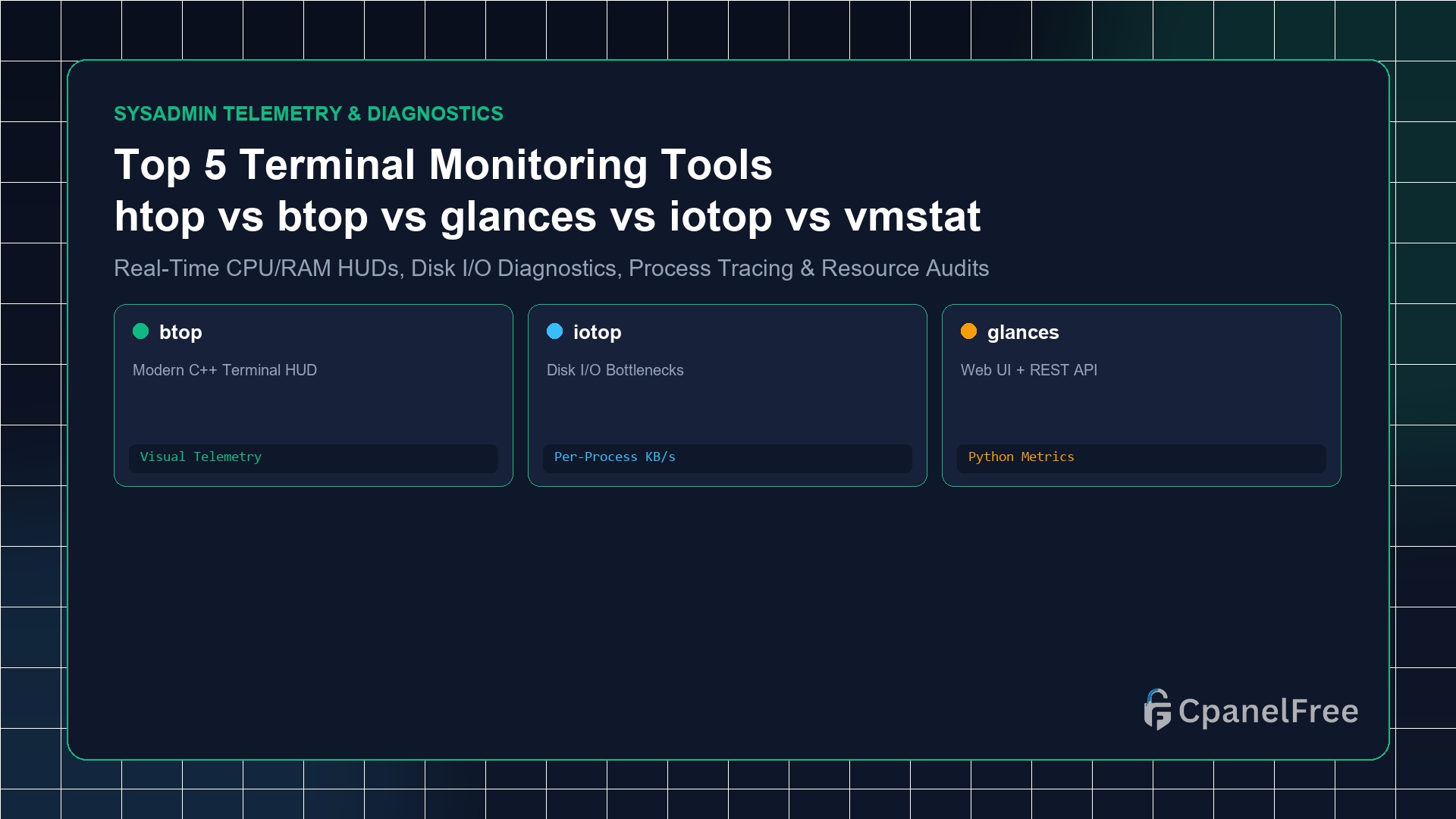
Quick Technical Answer: For daily interactive process management, htop is the essential baseline. For modern visual aesthetics with GPU, disk, and network graphs, use btop (sudo apt install btop). If you need per-process disk read/write bandwidth diagnosis, use iotop. To export metrics over a web interface or REST API, install glances. For lightweight zero-overhead kernel … Read more
How to Migrate Large WordPress Sites (Over 10GB) Without Server Timeouts

How to Migrate Large WordPress Sites (Over 10GB) Without Server Timeouts - CpanelFree Guide

Quick Answer: To migrate large WordPress websites (over 10GB) without HTTP 504 timeouts, bypass web plugins entirely and use terminal tools: 1) Perform an initial background file sync with rsync -avzP –exclude ‘wp-content/cache’ /var/www/html/ user@newserver:/var/www/html/, 2) Export the database using mysqldump –single-transaction –quick, 3) Stream the SQL dump directly over SSH, and 4) Run a … Read more

How to Change WordPress Domain Name Without Losing SEO Rankings (301 Redirects)

How to Change WordPress Domain Name Without Losing SEO Rankings (301 Redirects) - CpanelFree Guide

Quick Answer: To change your WordPress domain name without losing SEO rankings: 1) Clone your site to the new domain, 2) Update internal URLs with WP-CLI search-replace, 3) Implement a wildcard 301 Permanent Redirect on the old domain’s .htaccess file, 4) Submit the Change of Address request in Google Search Console, and 5) Submit updated … Read more

How to Move WordPress from Localhost (XAMPP / LocalWP) to Live Web Server

How to Move WordPress from Localhost (XAMPP / LocalWP) to Live Web Server - CpanelFree Guide

Quick Answer: To move WordPress from localhost (XAMPP/LocalWP) to a live web server: 1) Export your local database via phpMyAdmin (localhost/phpmyadmin), 2) Compress your local wp-content folder and WordPress core files into a ZIP archive, 3) Upload and extract the ZIP file into your live hosting public_html directory, 4) Create a MySQL database and user … Read more

Top 5 Free WordPress Migration Plugins in 2026 (Migrate in 1-Click)

Top 5 Free WordPress Migration Plugins in 2026 (Migrate in 1-Click) - CpanelFree Guide

Quick Answer: The best free WordPress migration plugin in 2026 for large sites is Migrate Guru, which executes multi-gigabyte transfers directly over external cloud servers with zero file size limits and zero hosting memory overhead. For standalone archive exports, Duplicator and WPvivid offer full database and media splitting at $0 cost. ⏱️ 5 min read … Read more