
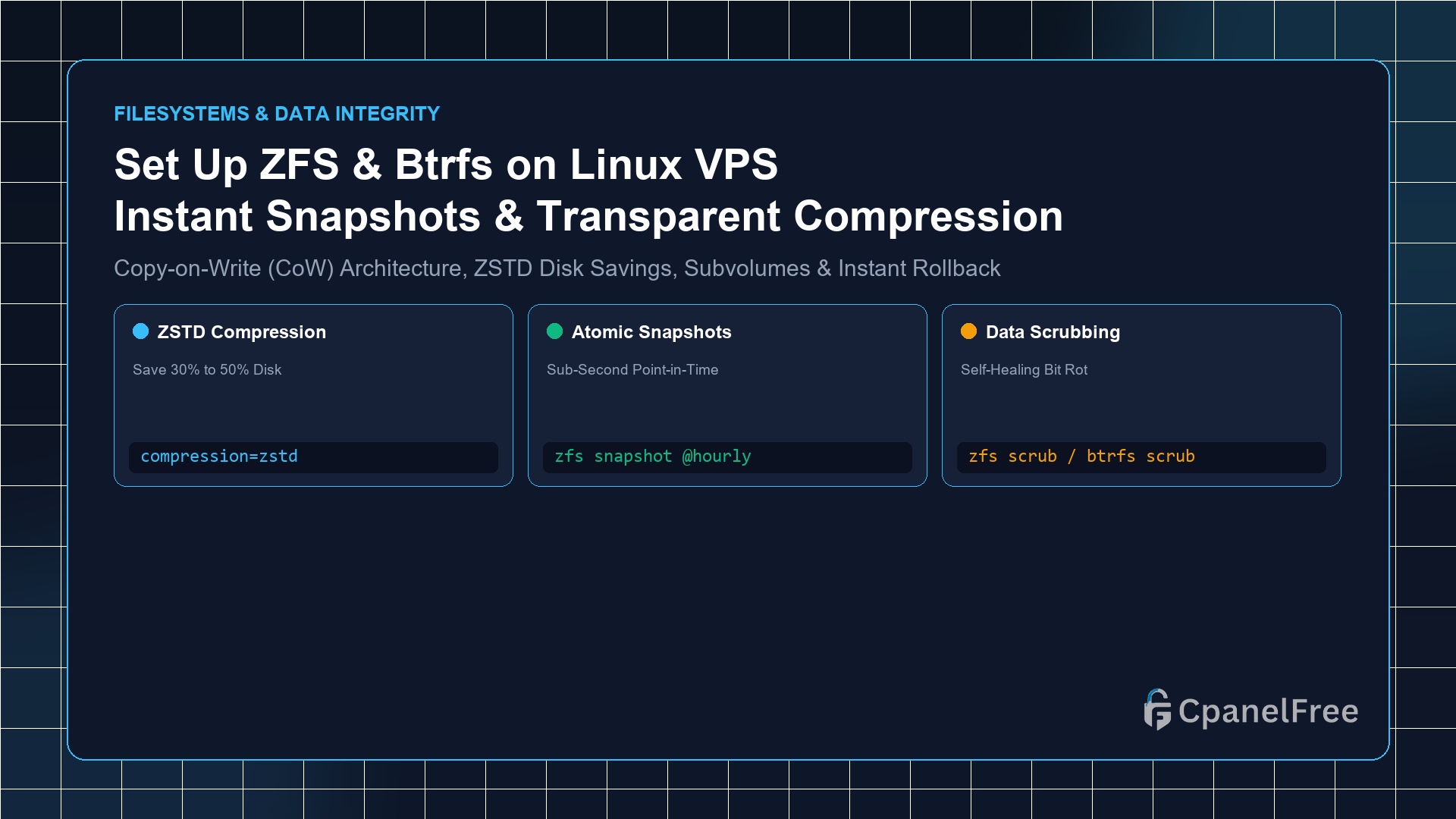
To deploy ZFS on an attached block volume on Ubuntu: Install tools with sudo apt install -y zfsutils-linux, create a pool using sudo zpool create mypool /dev/sdX, and enable transparent compression with sudo zfs set compression=zstd mypool. To take an instant sub-second snapshot before doing maintenance, run sudo zfs snapshot mypool/data@pre-update. If an update fails, rollback immediately with sudo zfs rollback mypool/data@pre-update.
Why Modern Web Infrastructure Demands Copy-on-Write (CoW) Filesystems
Traditional Linux filesystems such as ext4 and XFS were engineered for spinning hard drives. When an application writes data to an ext4 partition, it overwrites blocks in place. If power fails or an operating system crashes during a database write transaction, filesystem inconsistencies and corrupted sectors frequently occur.
Modern next-generation filesystems like ZFS and Btrfs utilize a Copy-on-Write (CoW) architecture. When modified data is written, new blocks are committed to unallocated space first; only after the data is verified and checksummed are parent metadata pointers atomically redirected. This architecture unlocks three transformative capabilities for cloud servers:
- Instantaneous Snapshots: Capture the exact state of a 100GB database or website in under 5 milliseconds without pausing active queries.
- Transparent Hardware Compression: Transparently compress files using algorithms like
zstdandlz4in RAM, reducing disk usage by 40% to 60% while actually speeding up disk I/O. - Continuous Bit-Rot Healing: Every single block has a cryptographic checksum, catching and repairing silent data corruption automatically.
Method 1: Setting Up OpenZFS on Ubuntu Linux VPS
ZFS combines filesystem management with volume pooling into a single unified CLI:
# Install official OpenZFS utilities
sudo apt update && sudo apt install -y zfsutils-linux

# Verify ZFS kernel module is loaded
lsmod | grep zfs

# Create a high-performance single-disk storage pool on an attached volume (/dev/sdb)
sudo zpool create -f -o ashift=12 webpool /dev/sdb

# Verify pool status and health
sudo zpool status webpool
Configuring Datasets & Transparent zstd Compression
Never store files directly on the pool root; create organized datasets with custom compression profiles:
# Create dedicated datasets for web assets and databases
sudo zfs create webpool/www
sudo zfs create webpool/mysql

# Enable high-speed modern zstd compression
sudo zfs set compression=zstd webpool/www
sudo zfs set compression=lz4 webpool/mysql

# Optimize database record size for MySQL (16KB)
sudo zfs set recordsize=16k webpool/mysql

# Verify compression ratios in real-time
zfs get compressratio webpool/www
Method 2: Setting Up Btrfs on Linux VPS
If you prefer an in-tree kernel solution that requires no external kernel modules, Btrfs is integrated directly into the mainline Linux kernel:
# Install Btrfs user tools
sudo apt install -y btrfs-progs

# Format target block device with Btrfs
sudo mkfs.btrfs -f -L webstorage /dev/sdb

# Mount with transparent zstd compression enabled in fstab
sudo mkdir -p /mnt/webstorage
echo "LABEL=webstorage /mnt/webstorage btrfs defaults,compress=zstd:3,noatime 0 0" | sudo tee -a /etc/fstab
sudo mount -a
Taking Instant Snapshots & Performing 1-Second Rollbacks
Before updating WordPress plugins, running database schema migrations, or modifying system configuration files, take an atomic snapshot:
ZFS Snapshot Workflow:
# 1. Create instantaneous snapshot
sudo zfs snapshot webpool/www@before-wp-upgrade

# 2. List active snapshots and storage consumption
zfs list -t snapshot

# 3. If an update breaks your website, rollback instantly:
sudo zfs rollback webpool/www@before-wp-upgrade
Btrfs Snapshot Workflow:
# Create read-only snapshot
sudo btrfs subvolume snapshot -r /mnt/webstorage/www /mnt/webstorage/snapshots/www-$(date +%F)
Architectural Comparison: ext4 vs ZFS vs Btrfs
| Feature | ZFS on Linux | Btrfs | Standard ext4 |
|---|---|---|---|
| Architecture | Copy-on-Write (CoW) | Copy-on-Write (CoW) | Journaled In-Place |
| Sub-Second Snapshots | Native & Atomic | Native Subvolumes | Requires LVM |
| Inline Compression | zstd, lz4, gzip | zstd, lzo, zlib | No |
| Bit-Rot Protection | fletcher4 / sha256 | CRC32C / xxhash | No checksumming |
Frequently Asked Questions (FAQ)
Does ZFS require huge amounts of RAM (e.g. 1GB RAM per 1TB storage)?
That rule of thumb applies strictly to ZFS Deduplication, which should almost never be enabled on web servers. Standard ZFS with zstd compression and snapshots runs smoothly on budget VPS instances with as little as 2GB of RAM.
How do snapshots consume disk space?
When first created, a CoW snapshot consumes 0 bytes of additional disk space because it simply references existing data blocks. It only begins consuming disk space as files are modified or deleted from the active dataset.
🔗 Recommended Related Technical Guides
Automating Periodic Snapshots with sanoid on Linux VPS
Manually running zfs snapshot is great before executing system maintenance, but production disaster recovery requires an automated, rolling snapshot lifecycle. Sanoid is an enterprise-grade snapshot management tool that automates hourly, daily, weekly, and monthly snapshots with automatic pruning:
# Install sanoid on Ubuntu
sudo apt install -y sanoid

# Configure retention policy in /etc/sanoid/sanoid.conf
sudo nano /etc/sanoid/sanoid.conf
Insert a production retention policy:
[webpool/www]
use_template = production

[template_production]
frequently = 0
hourly = 24
daily = 14
weekly = 4
monthly = 6
yearly = 0
autosnap = yes
autoprune = yes
Replicating Incremental Snapshots Over SSH (zfs send & receive)
Because ZFS snapshots are native block differences, you can stream incremental delta backups directly to a secondary offsite cloud server using standard SSH pipes:
# Send full initial snapshot to remote backup VPS
sudo zfs send webpool/www@snap1 | ssh backupuser@remote_vps "sudo zfs receive backuppool/www"

# Send subsequent daily incremental delta (only changed data is transmitted!)
sudo zfs send -i webpool/www@snap1 webpool/www@snap2 | ssh backupuser@remote_vps "sudo zfs receive backuppool/www"
This provides lightning-fast offsite disaster recovery that runs in seconds, even across multi-gigabyte production websites.
Deploy Next-Gen Storage Systems on CpanelFree
Leverage pure NVMe cloud block storage with instantaneous hardware snapshots, high I/O throughput, and unmetered transfers on CpanelFree.