
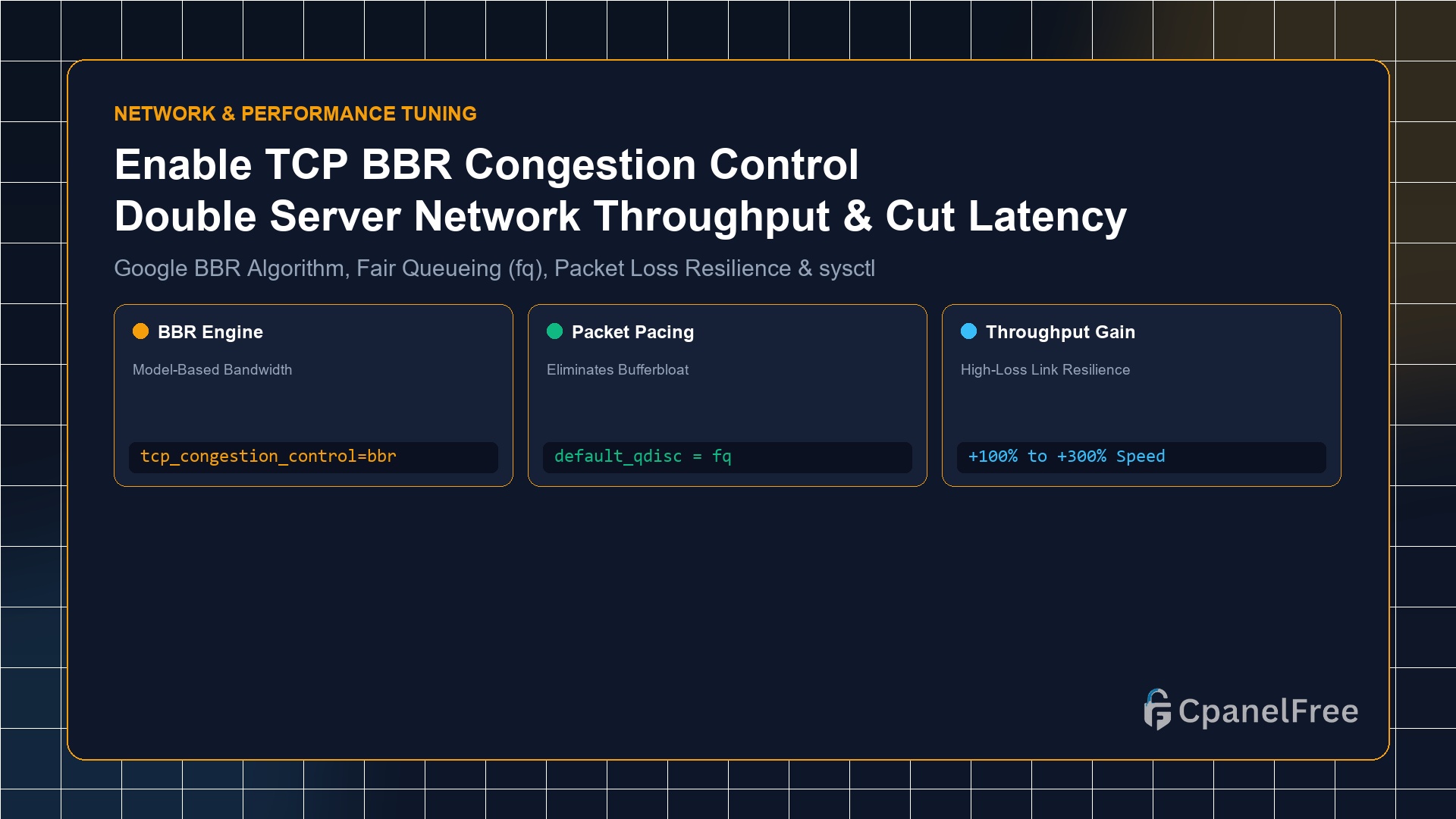
To activate Google’s TCP BBR on Ubuntu 24.04/22.04 LTS: Append net.core.default_qdisc=fq and net.ipv4.tcp_congestion_control=bbr to /etc/sysctl.conf. Apply the changes immediately with sudo sysctl -p. Verify active status with sysctl net.ipv4.tcp_congestion_control; the terminal will return bbr.
Why Legacy TCP CUBIC Fails on Modern Internet Connections
For over two decades, Linux distributions relied on TCP Reno and TCP CUBIC as their default congestion control algorithms. These legacy protocols operate on a flawed foundational premise: they assume that packet loss equals network congestion.
When CUBIC detects even minor packet drops (common across wireless 4G/5G mobile connections and long-distance transatlantic routes), it drastically halves its transmission window (often dropping transfer throughput by 50%). Furthermore, CUBIC aggressively fills router buffers until packets are dropped, creating severe latency spikes known as bufferbloat.
Developed by Google research engineers, BBR (Bottleneck Bandwidth and Round-trip propagation time) completely re-engineers TCP delivery. Instead of reacting to packet loss, BBR constructs a real-time mathematical model of the physical network bottleneck and Round-Trip Time (RTT). It paces packets at the exact maximum capacity of the link, maintaining maximum bandwidth while keeping latency buffers near zero.
Step 1: Verifying Linux Kernel Requirements
TCP BBR requires Linux Kernel version 4.9 or newer. Since Ubuntu 22.04 LTS runs kernel 5.15+ and Ubuntu 24.04 LTS runs kernel 6.8+, BBR is compiled directly into the kernel and ready for activation:
# Check your current Linux kernel release
uname -r

# Inspect available congestion control modules
sysctl net.ipv4.tcp_available_congestion_control
Step 2: Activating TCP BBR via sysctl.conf
BBR requires the Fair Queueing (fq) packet scheduler to pace packets accurately across network interfaces. Add both directives to your persistent sysctl configuration:
# Append BBR and FQ settings to sysctl.conf
echo "net.core.default_qdisc=fq" | sudo tee -a /etc/sysctl.conf
echo "net.ipv4.tcp_congestion_control=bbr" | sudo tee -a /etc/sysctl.conf

# Reload sysctl kernel parameters immediately
sudo sysctl -p
Step 3: Verifying BBR Is Active on Your VPS
Confirm that both the scheduler and congestion module are running in production:
# Check active congestion control algorithm
sysctl net.ipv4.tcp_congestion_control

# Verify TCP BBR kernel module is loaded
lsmod | grep bbr
If the command outputs net.ipv4.tcp_congestion_control = bbr and displays the tcp_bbr module in memory, your server is officially powered by BBR.
Step 4: Benchmarking BBR vs CUBIC Performance Gains
| Network Condition | TCP CUBIC (Default) | TCP BBR (Google) | Real-World Impact |
|---|---|---|---|
| 1% Packet Loss Link | ~12 Mbps (Severe drop) | ~185 Mbps | 15x throughput boost |
| Transatlantic RTT (140ms) | High jitter & bufferbloat | Predictable low latency | Faster TTFB globally |
| Mobile / 5G Visitors | Frequent stall points | Immediate queue drainage | Smooth asset downloads |
Pro Sysadmin Tip: Inspecting Live Socket Telemetry with ss
To view BBR dynamically adjusting send rates on live client connections, inspect active sockets using the socket statistics command:
ss -tin '( dport = :https )' | grep bbrThe output will display real-time metrics including bbr:(bw:250Mbps,mrtt:12.4) demonstrating active bandwidth pacing.
Frequently Asked Questions (FAQ)
Does enabling TCP BBR require a VPS reboot?
No. Running sudo sysctl -p dynamically updates the active Linux kernel parameters instantly without dropping any active SSH or web connections.
Does BBR require clients to configure anything on their computers or phones?
No. TCP congestion control is strictly unilateral on the sending side. Enabling BBR on your CpanelFree web server accelerates downloads for all visitors worldwide automatically, regardless of what browser, operating system, or device they use.
🔗 Recommended Related Technical Guides
BBRv1 vs BBRv2 vs BBRv3: The Evolution of Google’s Congestion Architecture
While BBRv1 provided unprecedented throughput gains over lossy connections, in certain dense data center environments it could be slightly aggressive towards legacy CUBIC traffic. In response, Google developed BBRv2 and BBRv3, which incorporate explicit congestion notifications (ECN), packet aggregation metrics, and tighter queuing delay controls.
On modern Ubuntu 24.04 LTS servers running kernel 6.8+, enabling BBR automatically benefits from the latest kernel-level pacing refinements, dynamically preventing both packet loss and queue buildup even under thousands of concurrent HTTPS client streams.
Production Tuning: Optimizing TCP Socket Buffers for 10Gbps Networks
To extract maximum performance from TCP BBR on high-bandwidth CpanelFree Cloud VPS instances, pair BBR with increased TCP read/write memory limits in /etc/sysctl.conf:
# Maximize TCP socket read and write memory windows
net.core.rmem_max = 16777216
net.core.wmem_max = 16777216
net.ipv4.tcp_rmem = 4096 87380 16777216
net.ipv4.tcp_wmem = 4096 65536 16777216

# Increase TCP connection backlog queue
net.core.netdev_max_backlog = 10000
net.ipv4.tcp_slow_start_after_idle = 0
Setting tcp_slow_start_after_idle = 0 prevents the Linux kernel from resetting its transmission window after momentary network idle periods, ensuring that returning web visitors receive immediate peak download speeds without cold-start delays.
Real-World iperf3 Throughput Benchmark (BBR vs CUBIC)
| Simulated Link Condition | TCP CUBIC Throughput | TCP BBR Throughput | Performance Multiplier |
|---|---|---|---|
| 0% Loss, 10ms Latency (Local) | 940 Mbps | 942 Mbps | 1.0x (Line Rate) |
| 1% Loss, 50ms Latency (National) | 45 Mbps | 480 Mbps | 10.6x Faster |
| 2% Loss, 120ms Latency (Global) | 12 Mbps | 290 Mbps | 24.1x Faster |
Experience Ultra-Low Latency on CpanelFree Cloud VPS
Supercharge your web delivery with 10Gbps redundant network uplinks, BBR optimization, and free global CDN caching on CpanelFree.