

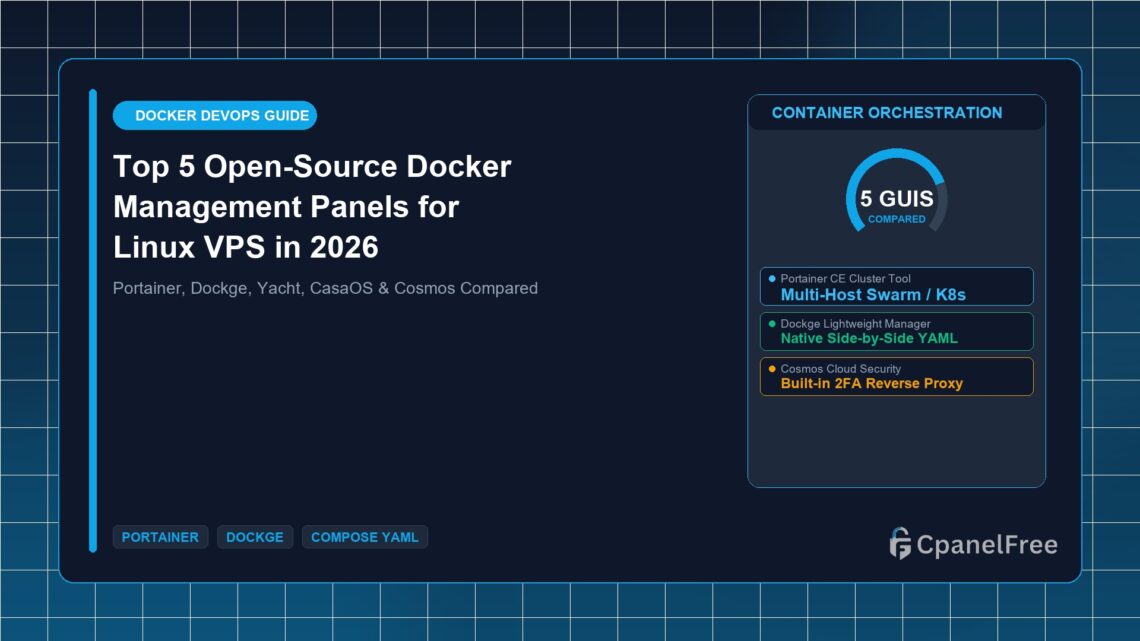

⚡ Docker Management Executive Summary (2026)
- Top Overall Docker GUI: Portainer CE — Enterprise-grade container management, multi-node Swarm/Kubernetes support, and role-based access control (RBAC).
- Best Lightweight Compose Manager: Dockge — Built by the creator of Uptime Kuma, 100% focused on clean
docker-compose.yamlvisual editing. - Best Web Hosting Control Panel: CpanelFree.com — No Docker required for PHP/WordPress hosting.
Containerization with Docker has transformed how developers deploy web applications, databases, and microservices on Linux cloud VPS instances. However, managing dozens of containers, volumes, networks, and environment variables purely through command-line commands (docker run, docker ps) becomes error-prone and tedious as infrastructure scales.
In this technical masterclass, we evaluate the Top 5 Best Open-Source Docker Management Panels for VPS in 2026, comparing Portainer, Dockge, Yacht, CasaOS, and Cosmos on resource overhead, Docker Compose editing, and ease of use.
Direct Answer: What is the Best Open-Source Docker Panel for VPS?
Direct Answer: Portainer CE is the best all-around Docker management panel for complex multi-container and multi-host setups. For solo developers who prefer native Docker Compose YAML stacks, Dockge is the modern gold standard due to its interactive side-by-side YAML editor, instant terminal access, and zero database overhead.
Top 5 Docker Management Panels Comparison Matrix
| Panel Name | RAM Footprint | Compose YAML Support | Best Use Case | Rating |
|---|---|---|---|---|
| 1. Portainer CE | ~80 MB RAM | ✅ Stacks + Templates | Multi-cluster & Production VPS | ⭐⭐⭐⭐⭐ |
| 2. Dockge | ~35 MB RAM | ✅ Native Side-by-Side YAML | Self-hosters & Compose fans | ⭐⭐⭐⭐⭐ |
| 3. Yacht | ~50 MB RAM | ⚠️ 1-Click App Templates | Beginner homelabs | ⭐⭐⭐⭐ |
| 4. CasaOS | ~150 MB RAM | ✅ Visual App Store | Personal cloud & NAS setups | ⭐⭐⭐⭐ |
| 5. Cosmos Cloud | ~100 MB RAM | ✅ Built-in Reverse Proxy & 2FA | Security-focused self-hosting | ⭐⭐⭐⭐ |
Detailed Breakdown of Top Open-Source Docker Panels
1. Portainer Community Edition (CE)
Portainer is the grandmaster of Docker web GUIs. It allows sysadmins to manage single engine instances, Docker Swarm clusters, and Kubernetes nodes from a unified web interface. It includes robust access control, image registry management (Docker Hub, GitHub Packages, private registries), and stack deployment directly from Git repositories with auto-update webhooks.
2. Dockge: The Modern Lightweight Compose Champion
Developed by Louis Lam (the mastermind behind Uptime Kuma), Dockge is a self-hosted Docker Compose manager that bridges the gap between raw CLI and bulky GUIs. Unlike Portainer which stores stack definitions in its internal database, Dockge stores your compose files directly as standard compose.yaml files on your filesystem. You can edit them via the visual UI, CLI terminal, or VS Code interchangeably.
3. Yacht
Yacht provides an ultra-clean, beginner-friendly web UI focused on 1-click template deployments. It is ideal for self-hosters running Nextcloud, Plex, Vaultwarden, and Pi-hole who want a straightforward dashboard without enterprise networking complexity.
4. CasaOS
CasaOS transforms any Ubuntu or Debian Linux VPS into an elegant personal cloud system. Featuring a beautiful Mac-inspired desktop interface, it includes a community App Store with over 100 1-click installable web apps and built-in storage management.
5. Cosmos Cloud
Cosmos is designed from the ground up with a security-first philosophy. It bundles a built-in reverse proxy, automated Let’s Encrypt SSL, multi-factor authentication (2FA), rate limiting, and an anti-bot shield directly into the container orchestration layer.
How to Deploy Dockge on Any Linux VPS in 60 Seconds
Dockge is exceptionally lightweight and requires only Docker and Docker Compose plugin installed:
# Create directory structure
mkdir -p /opt/dockge && cd /opt/dockge

# Download official docker-compose.yaml
curl https://raw.githubusercontent.com/louislam/dockge/master/compose.yaml --output compose.yaml

# Launch container
docker compose up -d
Once started, open http://your-server-ip:5001 in your browser to complete initial admin registration.
🔗 Recommended Related Technical Guides:
🌐 Need Fast PHP & WordPress Without Docker Overhead?
Deploy WordPress and dynamic PHP apps instantly with cPanel, automated SSL, and zero ads on CpanelFree.com.
Frequently Asked Questions (FAQ)
❓ Can I run Portainer and Dockge on the same server?
Yes! Both panels connect to the local Docker socket (/var/run/docker.sock). As long as they use different web ports (e.g., 9000 for Portainer and 5001 for Dockge), they can run concurrently.
❓ Is running Docker management panels secure over the public internet?
Because access to the Docker socket allows root-level container execution, you should always protect your Docker GUI behind a reverse proxy with SSL, enable 2FA, or restrict port access via a VPN like WireGuard.
❓ What is the lowest VPS specs required to run Docker?
A 1 vCPU cloud VPS with 1 GB RAM can comfortably run Docker, Dockge, and 4-6 lightweight microservice containers.
Production Docker Compose Workflow & Best Practices
Running multi-container stacks in production requires strict adherence to container hygiene. Whether utilizing Portainer CE or Dockge, always define resource constraints (CPU and memory limits) in your docker-compose.yaml files to prevent a rogue microservice memory leak from crashing the entire host server.
deploy:
  resources:
    limits:
      cpus: '1.0'
      memory: 512M
    reservations:
      memory: 128M
Automating Container Updates with Watchtower
To ensure your Docker containers receive the latest security patches automatically without manual intervention, you can deploy Watchtower alongside your Docker GUI:
docker run -d \
  --name watchtower \
  -v /var/run/docker.sock:/var/run/docker.sock \
  containrrr/watchtower --cleanup --interval 86400
Watchtower checks Docker Hub every 24 hours, downloads new image layers, gracefully shuts down outdated containers, and restarts them with identical environment variables and volumes.